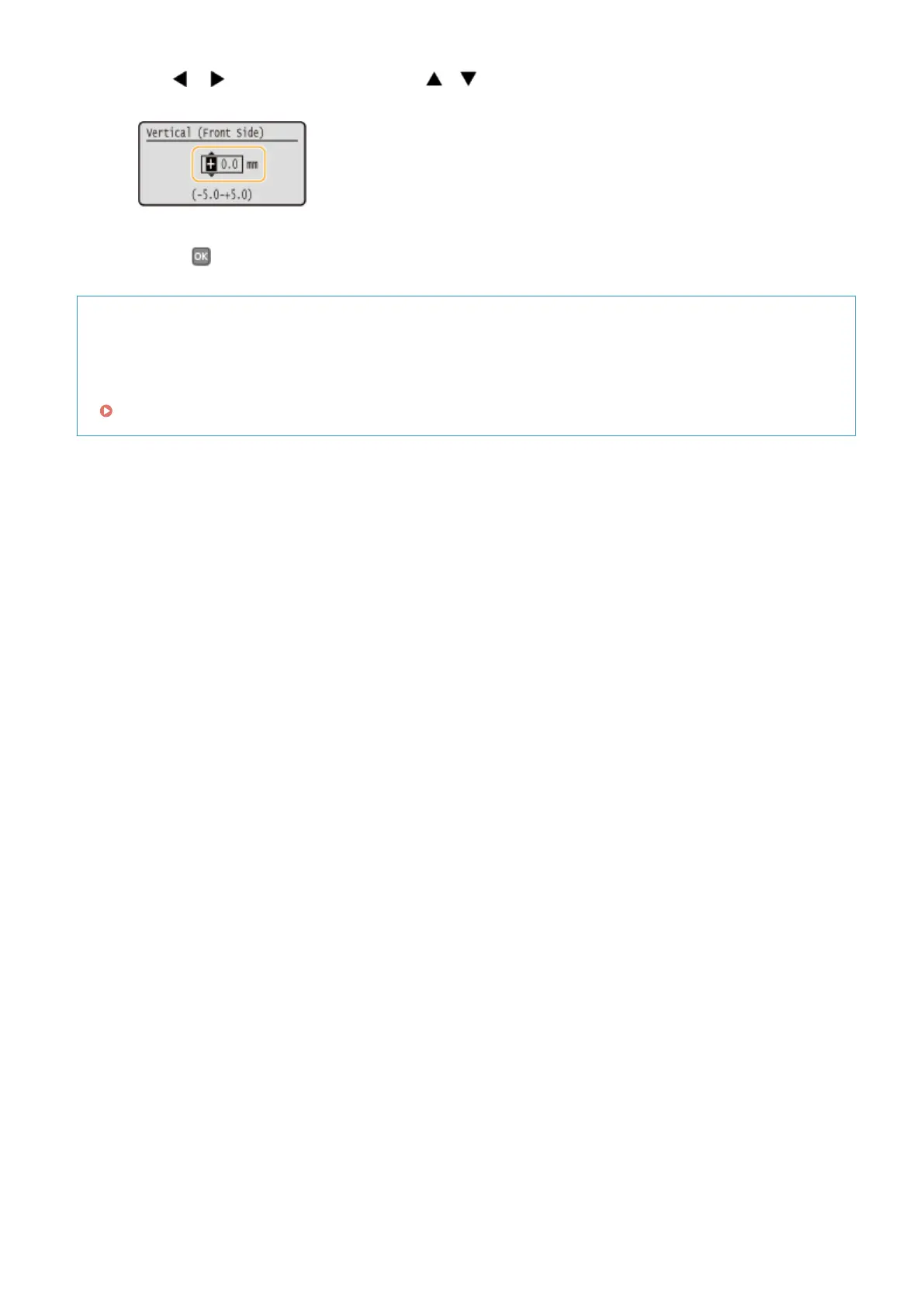
● Use / to move the cursor, and use / to switch between "+" and "-" and to increase or
decrease the value.
7
Press .
Adjusting Print Position for All Print Jobs
You can use <Printer Settings> in the setting menu of the operation panel to adjust the print position for all
print jobs regardless of the paper source. You can adjust the print position in the range of -50.0 to +50.0 mm in
0.5 mm increments in vertical/horizontal direction.
Offset Short Edge/Offset Long Edge(P. 318)
Maintenance
408










 To Next Page