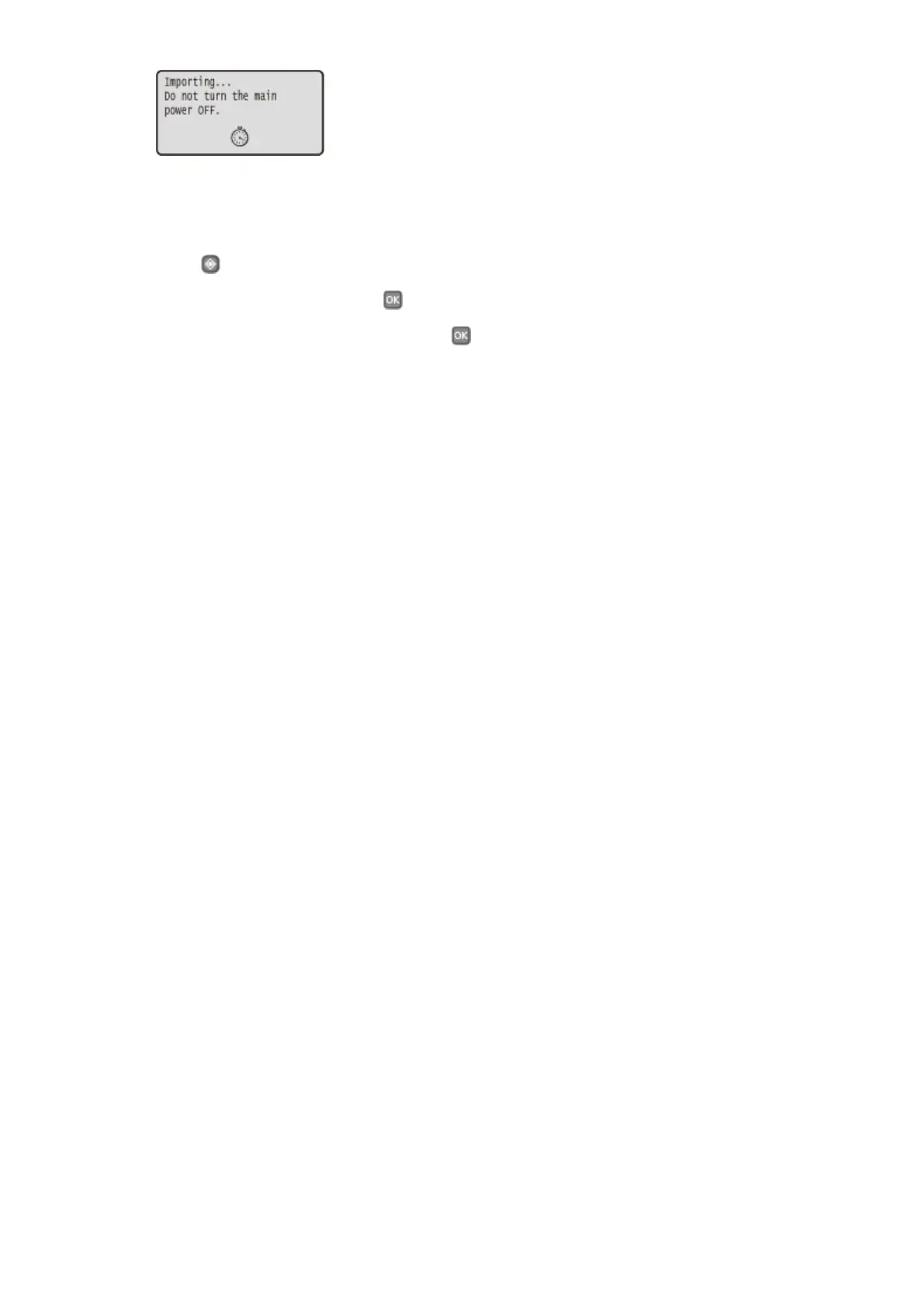
7
Disconnect the USB memory device from the USB port.
1
Press .
2
Select <Device Status>, and press .
3
Select <Remove Memory Media>, and press .
● Wait until the <Memory media can be safely removed.> message is displayed.
4
Disconnect the USB memory device.
Maintenance
421










 To Next Page