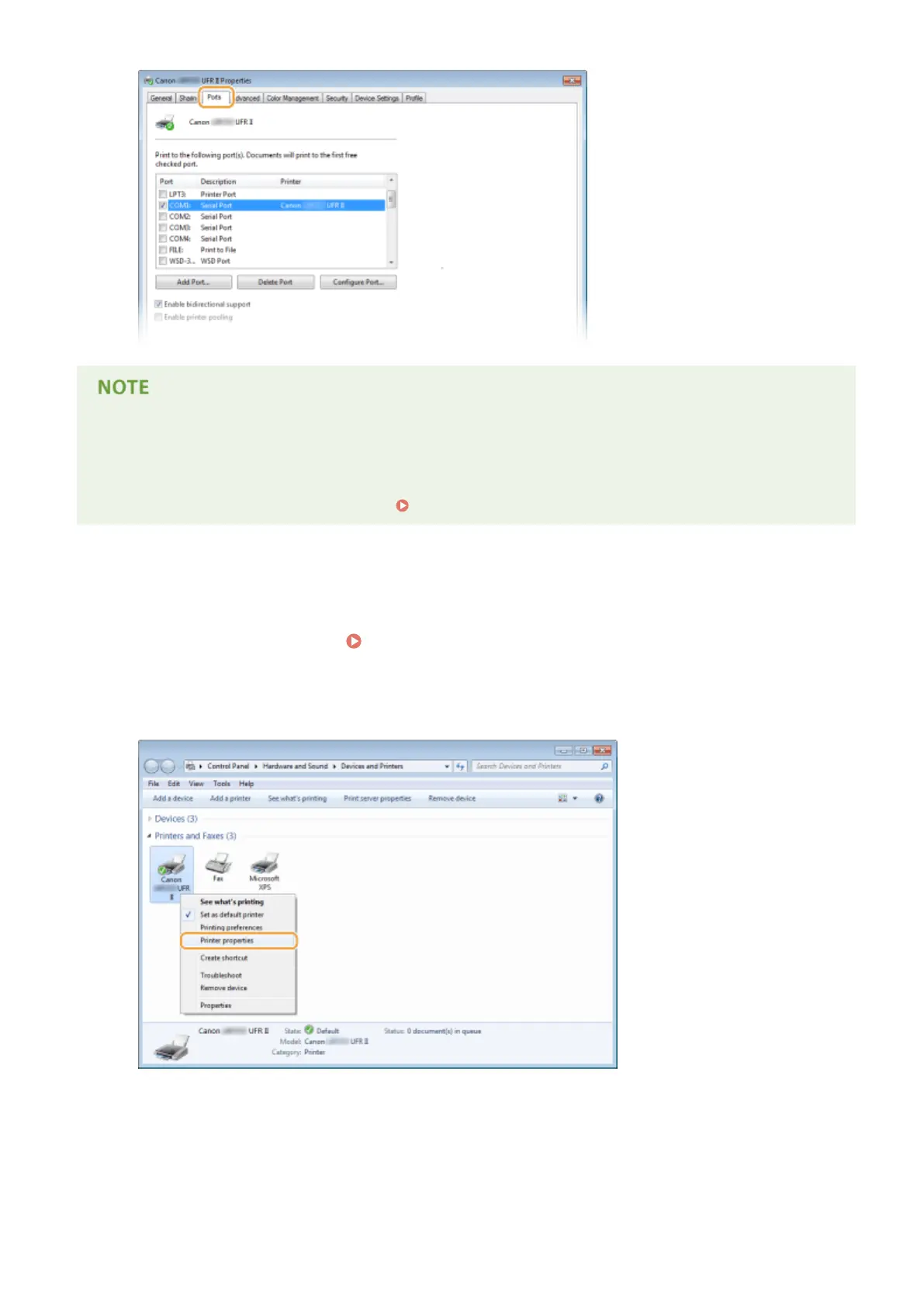
If you are using a network connection and have changed the machine's IP address
● If [Description] for the selected port is [Canon MFNP Port], and the machine and the computer are on the
same subnet, then the connection will be maintained. You do not need to add a new port. If it is [Standard
TCP/IP Port], you need to add a new port. Conguring Printer Ports(P. 168)
◼
Checking Bidirectional Communication
1
Open the printer folder. Displaying the Printer Folder(P. 474)
2
Right-click your printer icon and click [Printer properties] or [Properties].
3
In the [Ports] tab, make sure that the [Enable bidirectional support] check box is
selected.
Appendix
479










 To Next Page