4
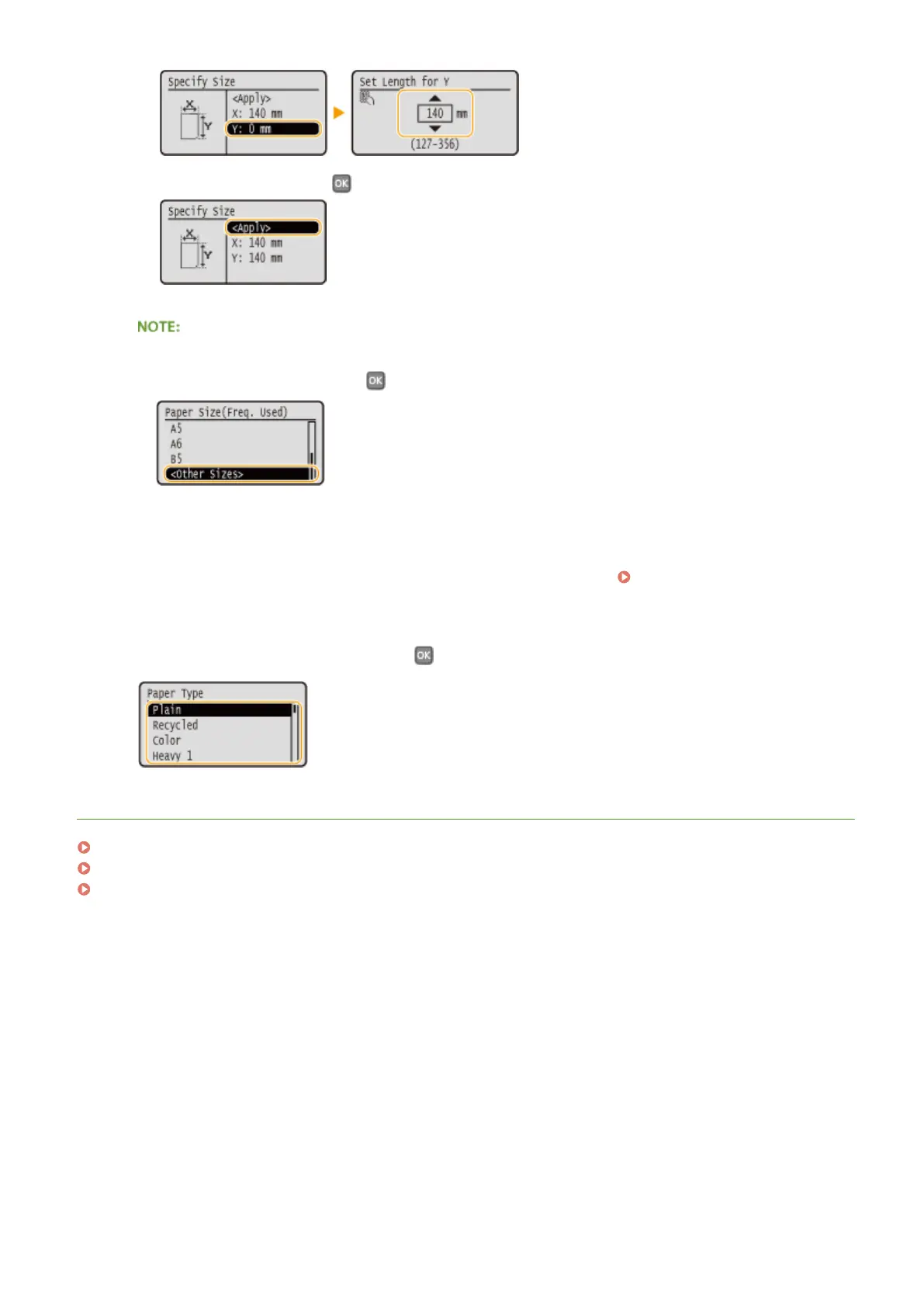
Select <Apply>, and press .
If the loaded paper size is not displayed
● Select <Other Sizes>, and press .
About <Free Size>
● If you specify <Free Size>, you can save the trouble of changing the paper size setting each time you print.
You can make a setting so that an error message will be displayed when the paper size set in the printer
driver is rather different from the size of the loaded paper. Action When Free Paper Size
Mismatch(P. 313)
2
Select the paper type, and press .
LINKS
Loading Paper in the Multi-Purpose Tray(P. 41)
Limiting the Paper Sizes Displayed(P. 60)
Paper(P. 440)
Basic Operations
54










 To Next Page