Connecting to a Mobile Device
15A8-02Y
When connecting the machine to a mobile de
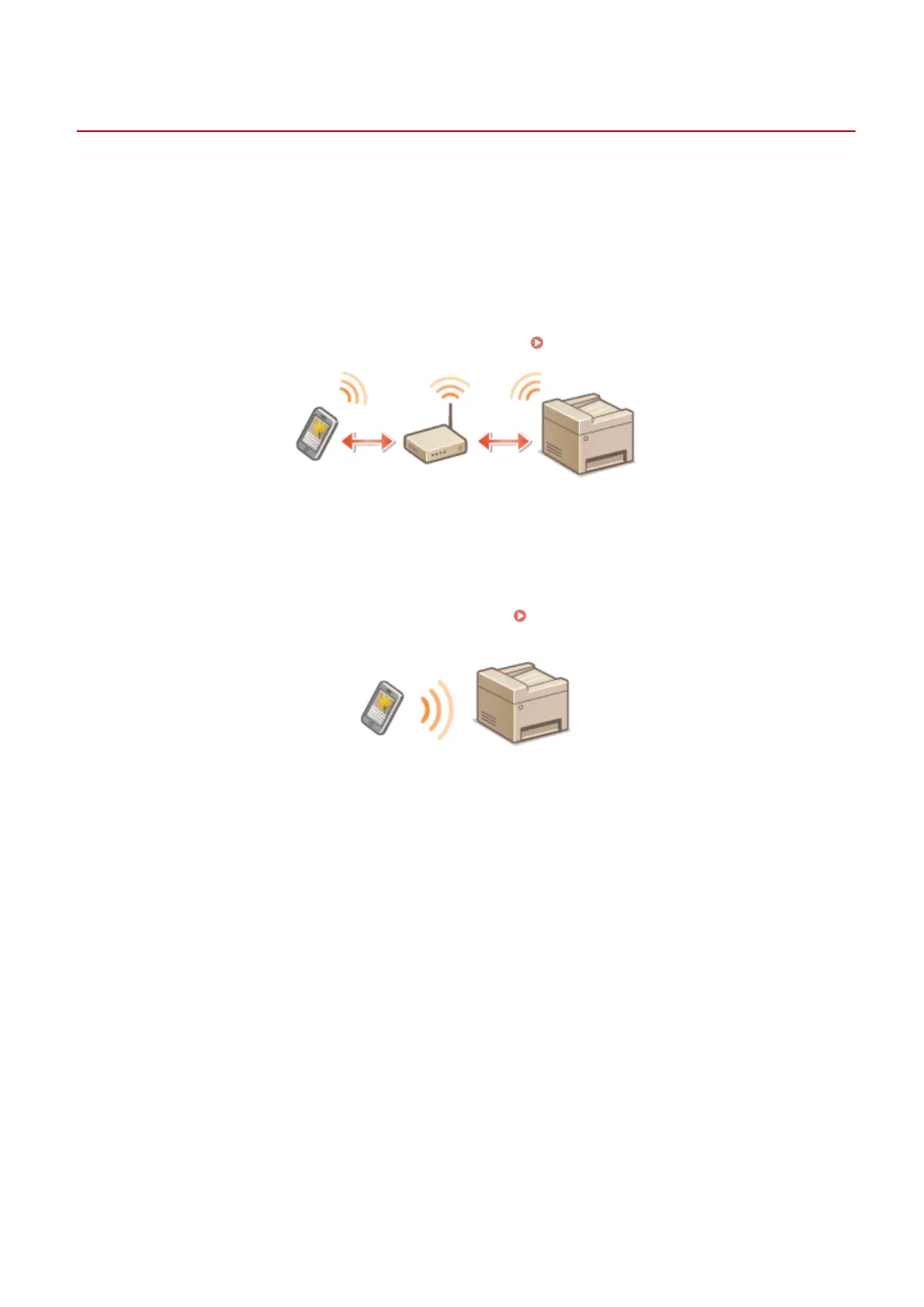
vice, you can select whether to connect via a wireless LAN router or
Direct Connection. Select the connection method that best suits your environment and devices.
◼ Connecting via a Wireless LAN Router
Like when connecting a computer and the machine, connect a mobile device and the machine via a wireless LAN
router. For how to connect your mobile device and wireless LAN, see the instruction manual for the device or contact
your manufacturer.
Connect the machine to the router with a wired LAN or wireless LAN.
Connecting to a Network(P. 166)
◼ Making Dir
ect Connection
Connect the mobile device and the machine directly without using a wireless LAN router. Even where no wireless LAN
environment is available, you can quickly connect the machine and a mobile device. You can also congure the
machine to exit Direct Connection mode automatically once a certain period of time elapses after the machine enters
Direct Connection mode and switch to a wireless LAN connection.
Make Direct Connection (Access Point Mode)
(P
. 144)
Can Be Used Conveniently with a Mobile Device (MF244dw / MF232w)
143











 To Next Page