Platen Glass
15A8-06F
Regularly wipe off the dust fr
om the platen glass and the underside of the feeder or the platen glass cover to prevent
smudges to be printed on documents or printouts.
Feeder scan area cleaning notication (MF244dw)
To display a message for soiling on the platen glass, set <Notify to Clean> to
<On>.
1
Turn OFF the machine, and unplug the power cord from the AC power outlet.
● When you turn OFF the machine, data that is waiting to be printed is deleted.
2
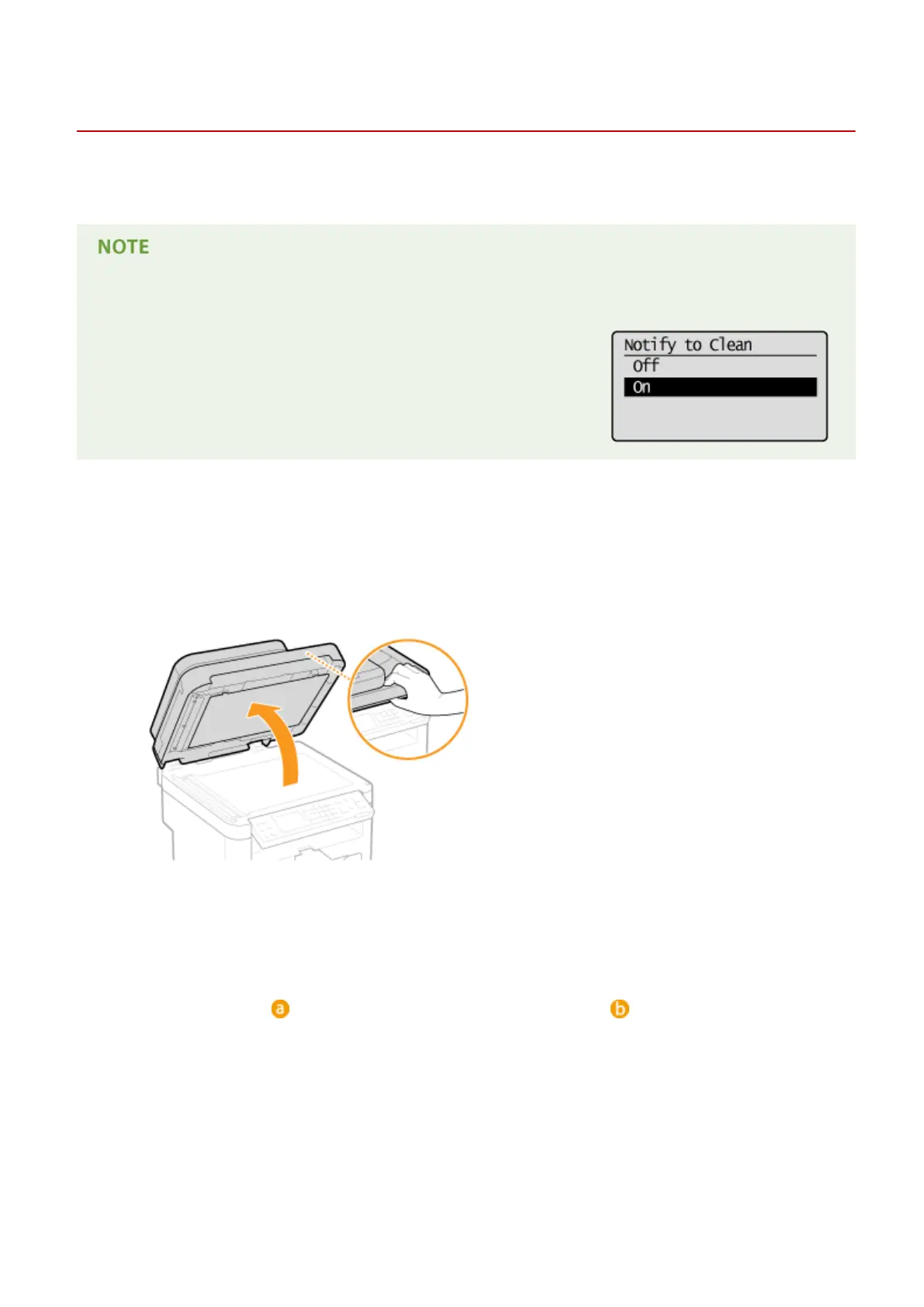
Open the feeder or the platen glass cover.
3
Clean the platen glass and the underside of the feeder or the platen glass cover.
● Clean the ar
eas with a cloth dampened with water. Then, wipe the area with a soft, dry cloth.
● For MF244dw, in addition to the platen glass and underside of the feeder, make sure to clean and wipe the
white strip of plate (
) and the surface of the transparent plastic part ( ), too.
Maintenance
379











 To Next Page