MM/DD/YYYY
DD/MM YYYY
<Timer Settings> <Date/Time Settings> <Date
Format> Select the date format
Time Format
Select the 12- or 24-hour clock display setting.
12 Hour (AM/PM)
24 Hour
<Timer Settings> <Date/Time Settings> <Time
Format> Select the display setting
Current Date/Time Settings
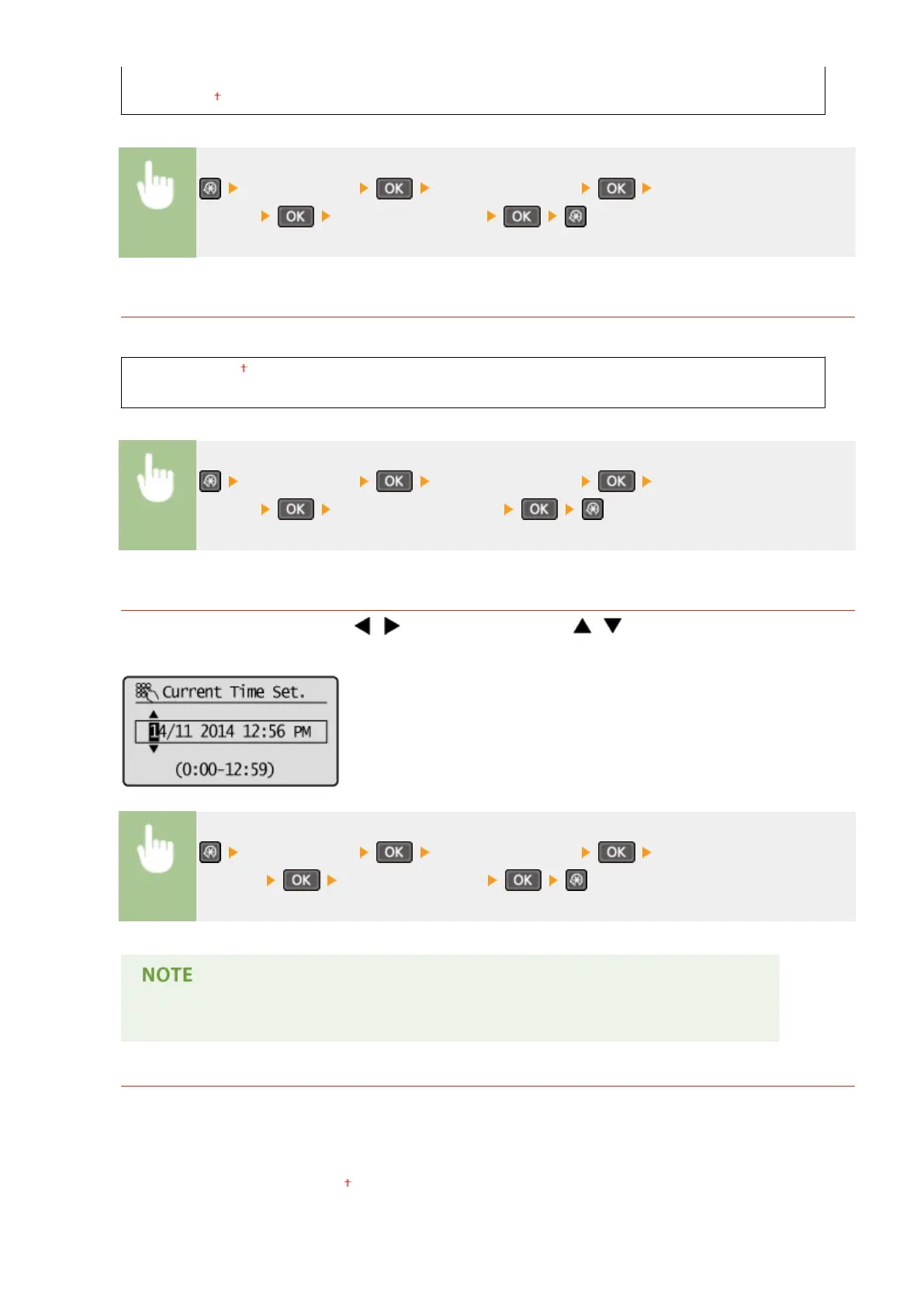
Set the current date and time. Use / to move the cursor, and / to specify the date and time or
switch between <AM>/<PM>.
<Timer Settings> <Date/Time Settings> <Current Date/Time
Settings> Set the date and time
The current date and time cannot be changed for 1 hour after daylight saving time is in effect.
Time Zone
Select the time zone. If the time zone setting is changed, the values set in <Current Date/Time Settings> are also
changed accor
dingly.
(UTC-12:00) International Date Line West
to
(UTC) Coordinated Universal Time
to
Setting Menu List
304











 To Next Page