Clearing Jams
15A8-060
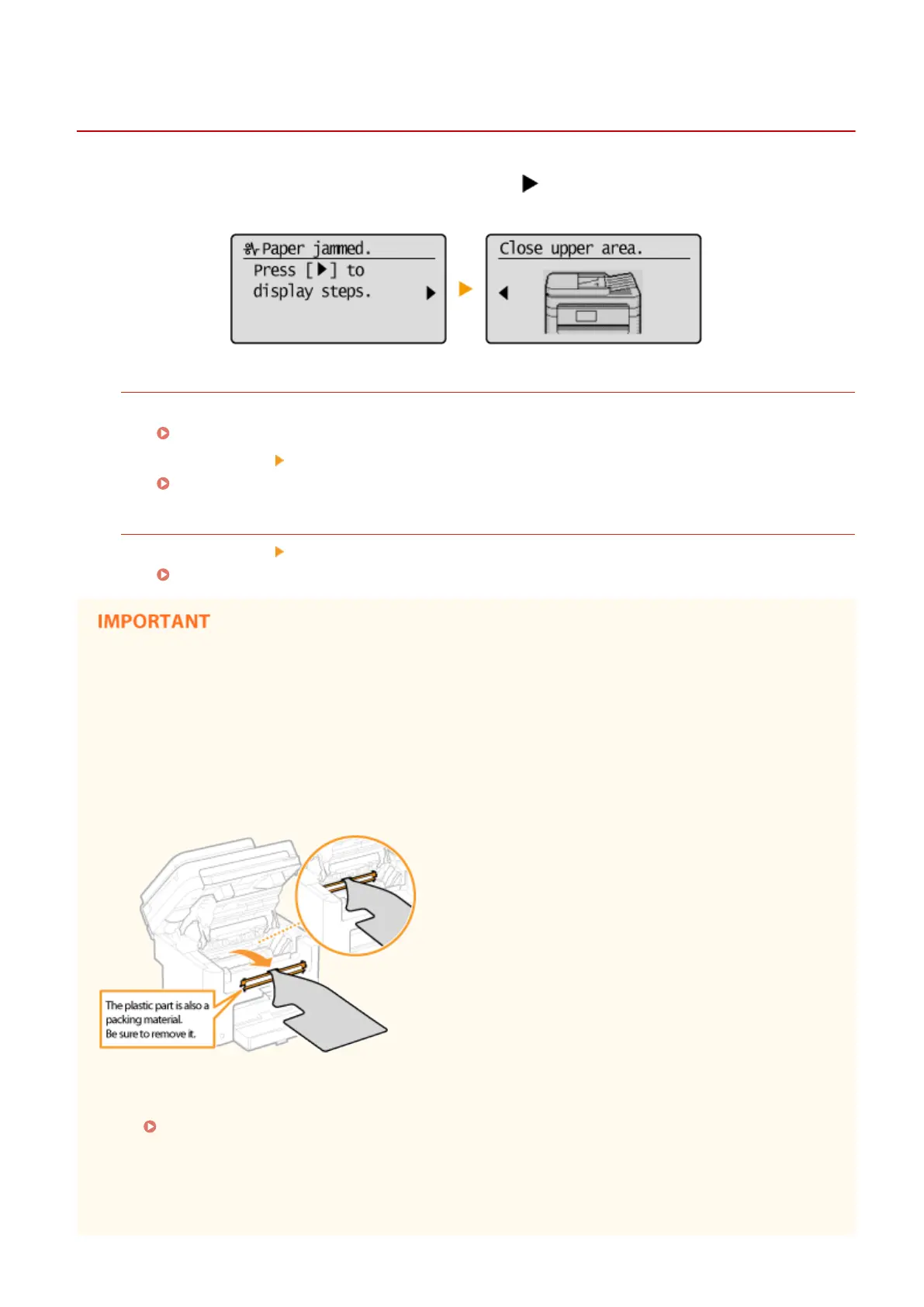
If a paper jams, <Paper jammed.> is displayed on the scr
een. Press
to display simple solutions. If it is dicult to
understand the pr
ocedures on the display, see the following sections to clear jams.
MF244dw
● <Open feeder co
ver.>
Document Jams in the Feeder (MF244dw)(P. 342)
● <Close upper ar
ea.>
<Lift control panel.>
Paper Jams inside the Machine(P. 342)
MF232w / MF231
● <Close upper ar
ea.>
<Lift control panel.>
Paper Jams inside the Machine(P. 342)
When removing the jammed paper, do not turn OFF the machine
T
urning OFF the machine deletes the data that is being printed.
If paper tears
Remove all the paper fragments to prevent them from becoming jammed.
If paper jams repeatedly
● Make sure that the paper and the packing material are completely removed.
● T
ap the paper stack on a at surface to even the edges of the paper before loading it into the machine.
● Check that the paper is appropriate for the machine.
Paper(P. 419)
● Check that no jammed paper fr
agments remain in the machine.
Do not forcibly remove the jammed document or paper from the machine
Forcibly removing the paper may damage parts. If you are not able to remove the paper, contact your local
authorized Canon dealer or the Canon help line.
Troubleshooting
341











 To Next Page