Adjusting Sharpness
15A8-01C
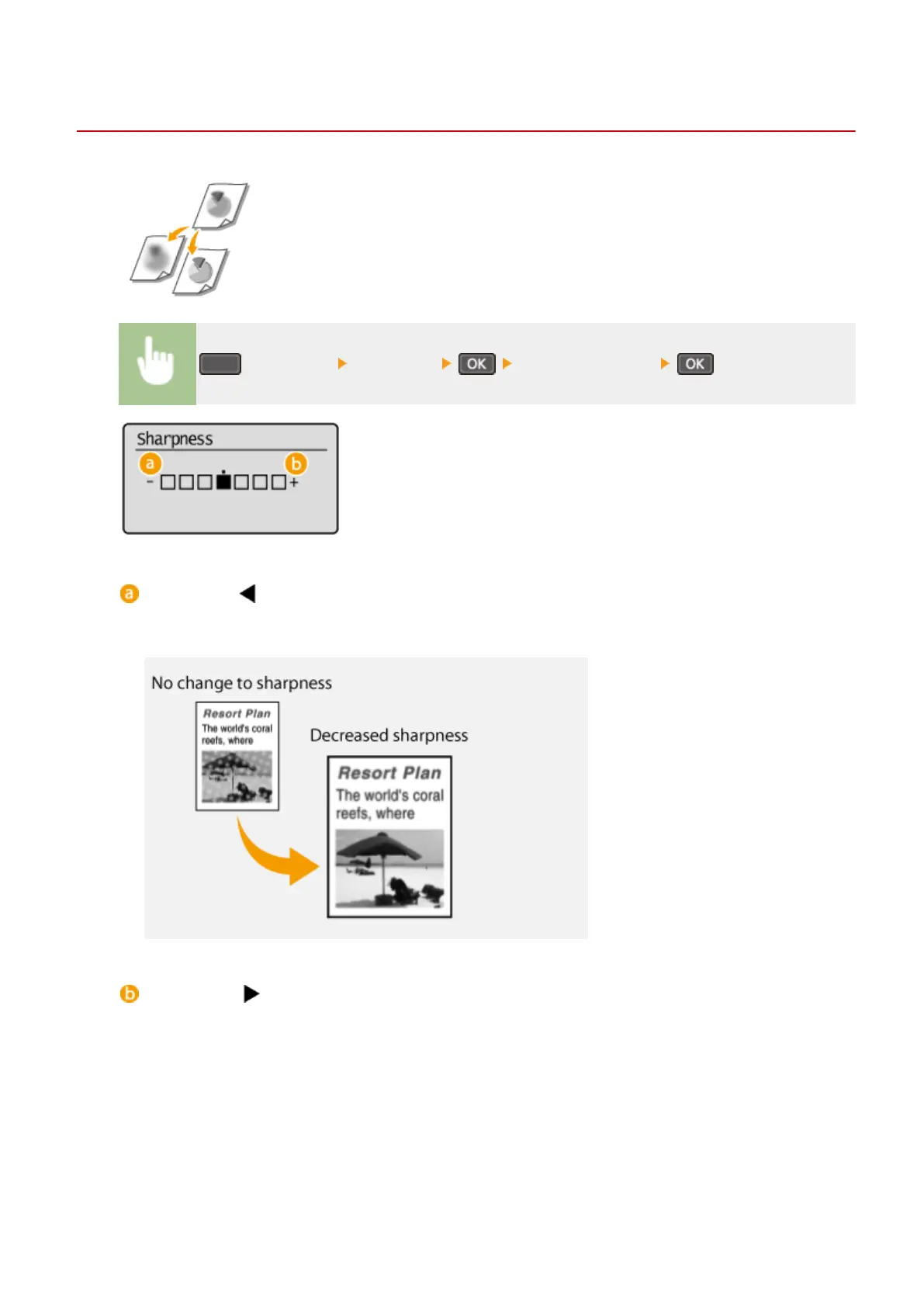
You can adjust sharpness of the copied image. Increase the sharpness to sharpen
blurr
ed text and lines, or decrease the sharpness to improve the appearance of
magazine photos.
(COPY/SCAN) <Sharpness> Adjust the sharpness
<->: Press
Decreases the sharpness, resulting in a softer image.
Example:
If you want to improve the appearance of magazine photos
<+>: Press
Increases the image sharpness.
Example:
If you want to sharpen text and lines written in pencil
Copying
73











 To Next Page