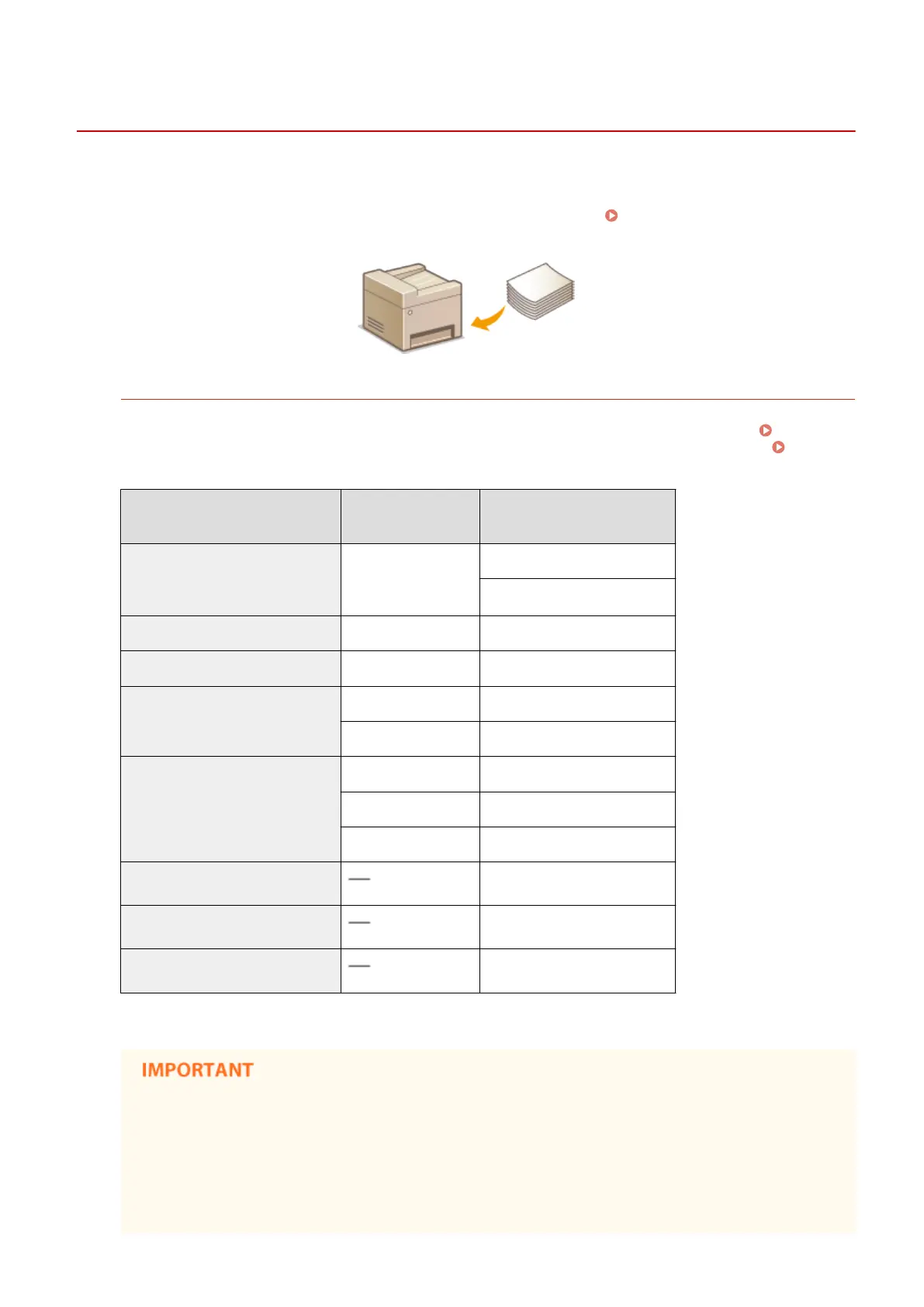
Loading Paper
15A8-00R
Y
ou can load the paper into the paper drawer or manual feed slot. Load the paper you usually use into the paper
drawer. The paper drawer is convenient when using large amounts of paper. Use the manual feed slot when you
temporarily use size or type of paper that is not loaded in the paper drawer. See
Paper(P. 419) for available paper
sizes.
Paper Type and Setting for the Machine
See the table below to specify the paper settings according to the type and weight of the paper to load into the
paper sour
ce. For more information about how to specify the paper settings on the machine, see
Specifying
Paper Size and T
ype(P. 53) . For the amount of paper that can be loaded in each paper source, see
Paper(P. 419) .
Paper Type Paper Weight
Paper Setting
on the Machine
Plain paper 60 to 89 g/m²
<Plain (60-89 g/m²)>
<Plain L (60-89 g/m²)>
*
Recycled paper 60 to 89 g/m² <Recycled (60-89 g/m²)>
Color paper 60 to 89 g/m² <Color (60-89 g/m²)>
Heavy paper
90 to 120 g/m² <Heavy 1 (90-120 g/m²)>
121 to 163 g/m² <Heavy 2 (121-163 g/m²)>
Bond paper
60 to 90 g/m² <Bond 1 (60-90 g/m²)>
91 to 120 g/m² <Bond 2 (91-120 g/m²)>
121 to 163 g/m² <Bond 3 (121-163 g/m²)>
Envelope <Envelope>
Label <Labels>
Index card <Index Card>
*
If set to <Plain (60-89 g/m²)> and that printout is curled, specify <Plain L (60-89 g/m²)> and print again.
Do not use the following types of paper:
● W
rinkled or creased paper
● Curled or rolled paper
● Torn paper
● Damp paper
Basic Operations
42











 To Next Page