2-Sided Copying
15A8-01E
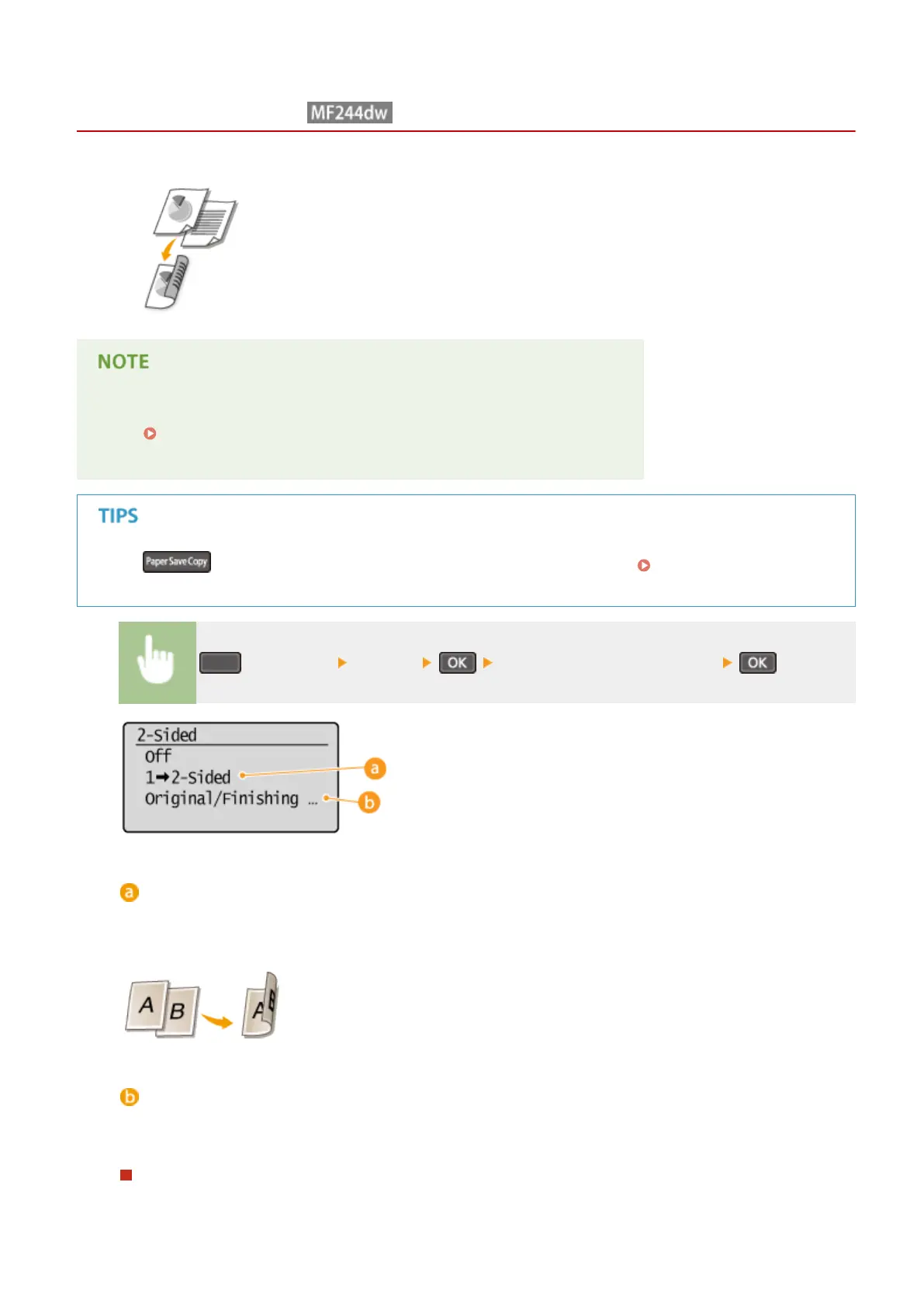
You can copy two pages of a document on both sides of the paper.
● <2-Sided> may not be available with some sizes and types of paper.
Paper(P. 419)
● <2-Sided> is not available when using <Paper Save Cop
y> or <ID Card Copy>.
Using enables you to combine 2-sided copying and <2 on 1>/<4 on 1>: Using the [Paper Save
Cop
y] Key (MF244dw / MF231)(P. 79)
(COPY/SCAN) <2-Sided> Select the type of 2-sided copying
Types of 2-sided copying
The illustr
ation below shows the types of 2-sided copying.
1-Sided->2-Sided
<Original/Finishing Type>
Specify if you want to change the binding, such as when cop
ying book-type documents in calendar-type
format.
1-Sided->2-Sided
● If you want to cop
y portrait-oriented documents in calendar-type format (short-edge binding)
Copying
75











 To Next Page