Conguring SNTP
15A8-047
Simple Network Time Protocol (SNTP) enables you to adjust the system clock by
using the time server on the network. The pr
otocol is typically used for synchronizing
the machine and a server. The time is adjusted based on Coordinated Universal Time
(UTC), so specify the time zone setting before conguring SNTP (
Date/Time
Settings(P
. 303) ). SNTP settings can be specied via the Remote UI.
● The SNTP of the machine supports both NTP (version 3) and SNTP (versions 3 and 4) servers.
1
Start the Remote UI and log on in System Manager Mode.
Starting Remote
UI(P
. 273)
2
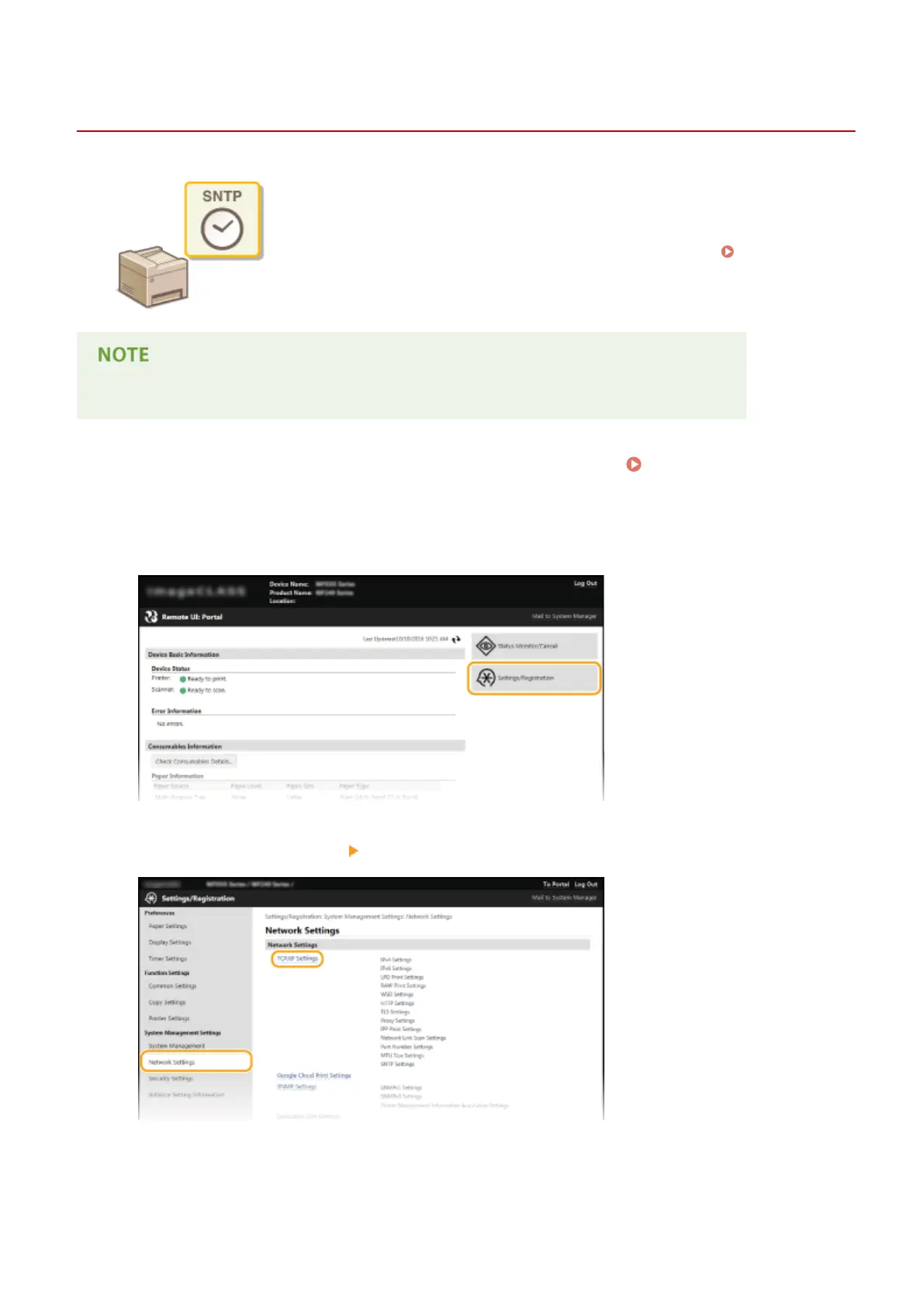
Click [Settings/Registration].
3
Click [Network Settings] [TCP/IP Settings].
4
Click [Edit] in [SNTP Settings].
Network (MF244dw / MF232w)
216











 To Next Page