Maintenance
15A8-06A
This chapter describes upk
eep of the machine, including how to clean the machine and initialize settings.
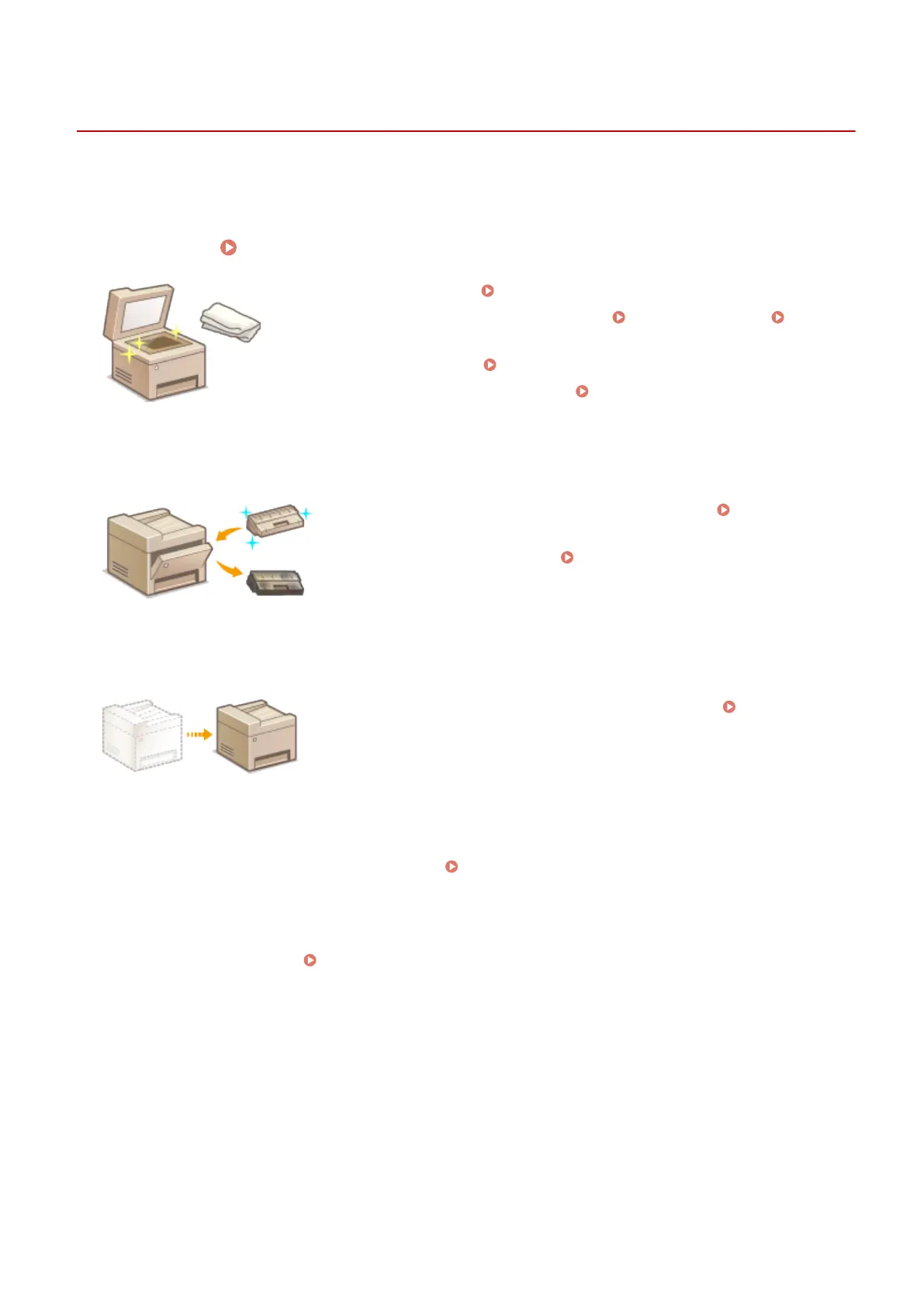
◼ Basic Cleaning
Cleaning the Machine(P. 377)
● The machine becomes dirty Exterior(P. 378)
● Smudge marks appear on originals or printouts Platen Glass(P. 379)
Feeder
(MF244dw)
(P. 382)
● Streaks appear on printouts
Fixing Assembly(P. 383)
● The interior of the machine becomes dirty Machine Interior(P. 384)
◼ Replacing T
oner Cartridges
● If you want to check the r
emaining toner cartridge level
Replacing Toner
Cartridges(P
. 386)
● How to replace toner cartridges
How to Replace Toner Cartridges(P. 390)
◼ Relocating the Machine
● Relocating the machine for maintenance or an oce mo
ve
Relocating the
Machine(P
. 393)
◼ Checking the T
otal Pages Printed by the Machine
If you want to check the total page number of printouts
Viewing the Counter Value(P. 395)
◼ Initializing Settings
If you want to restore the settings Initializing Settings(P. 396)
Maintenance
376



 To Next Page