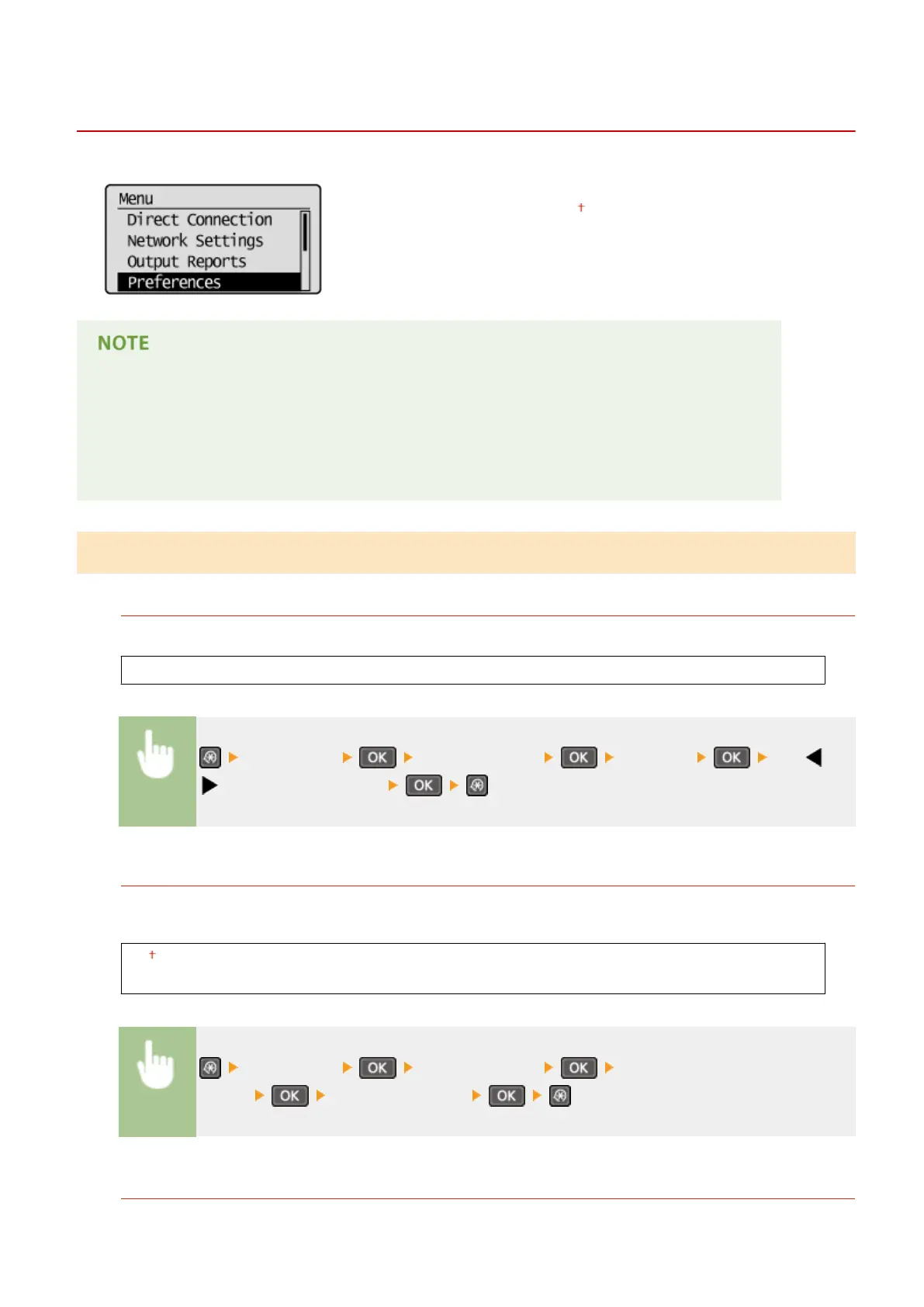
Preferences
15A8-05J
All the settings about the display are listed with short descriptions. Default
settings ar
e marked with a dagger (
).
Asterisks (
*
)
● Settings mark
ed with "
*1
" are only available for the MF244dw.
● Settings marked with "
*2
" have different defaults depending on the country or region of purchase.
● Settings marked with "
*3
" are only available for the MF244dw / MF232w.
Display Settings
Contr
ast
Adjust the brightness of the display to suit the installation location of the machine.
Five Levels
<Preferences> <Display Settings> <Contrast> Use /
to adjust the brightness
Invert Screen Colors
Select <On> to invert the display colors. Select <On> if the display is hard to view even after the brightness was
adjusted in <Contr
ast>.
Off
On
<Preferences> <Display Settings> <Invert Screen
Colors> Select <On> or <Off>
Millimeter/Inch Entry Switch
Select the unit of measurement.
Setting Menu List
300











 To Next Page