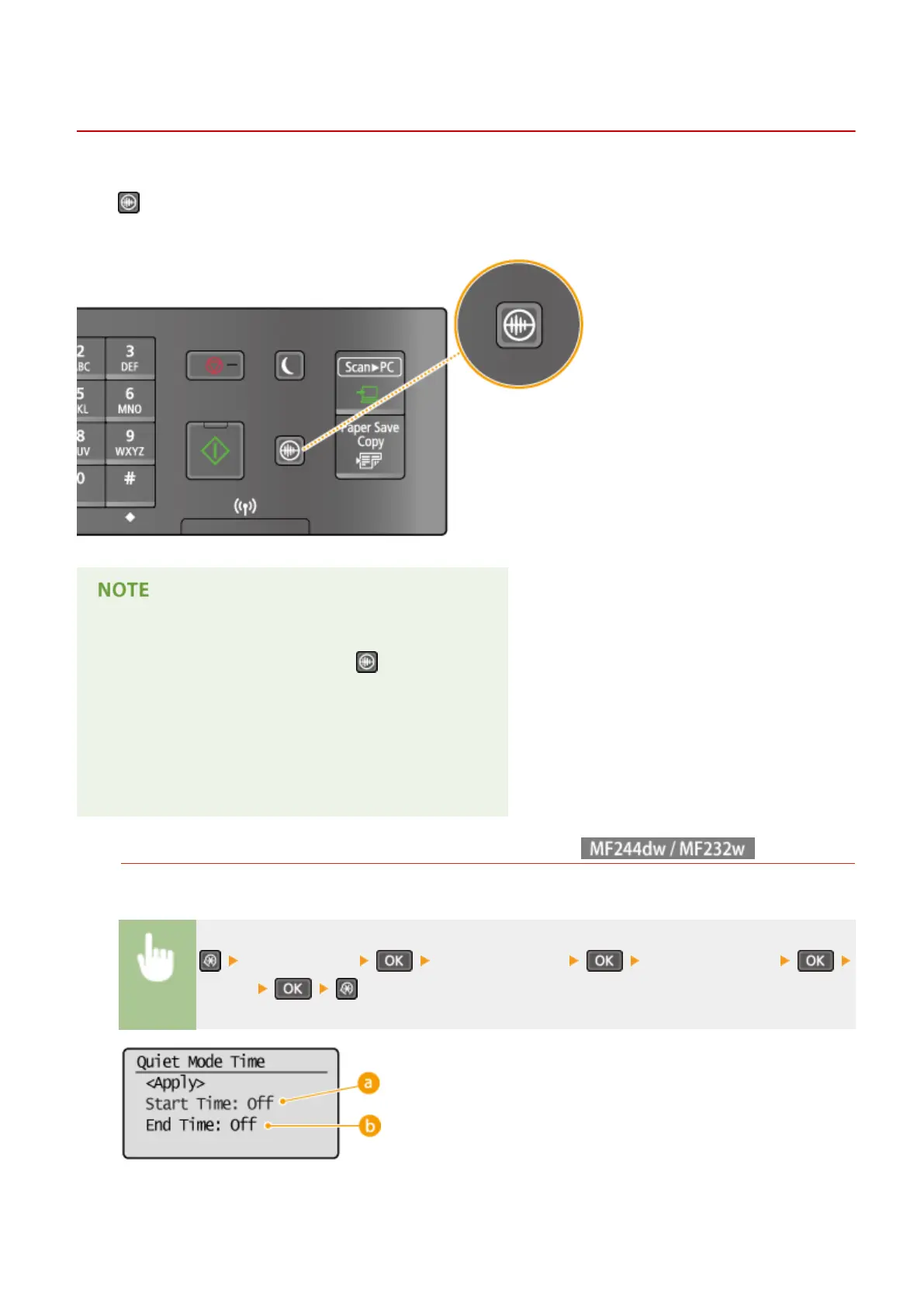
Entering Quiet Mode
15A8-011
The quiet mode function r
educes the operation sound of the machine. For example, when using the machine at night,
press
on the operation panel. With only this operation, you can easily minimize operation sound. You can also
specify a time for the machine to automatically enter quiet mode.
When in quiet mode
When the machine enters quiet mode, lights up green.
When quiet mode is enabled
The oper
ation of functions becomes slower.
When the machine cannot enter quiet mode
● The machine is in Special Printing Mode
● A particular paper size or paper type is specied
Specifying a time for the machine to enter quiet mode
You can specify a time for the machine to enter or exit quiet mode automatically. For example, this is useful
when wanting to r
educe operation noise only for late-night operation.
<Timer Settings> <Quiet Mode Time> Specify each setting
<Apply>
Basic Operations
57











 To Next Page