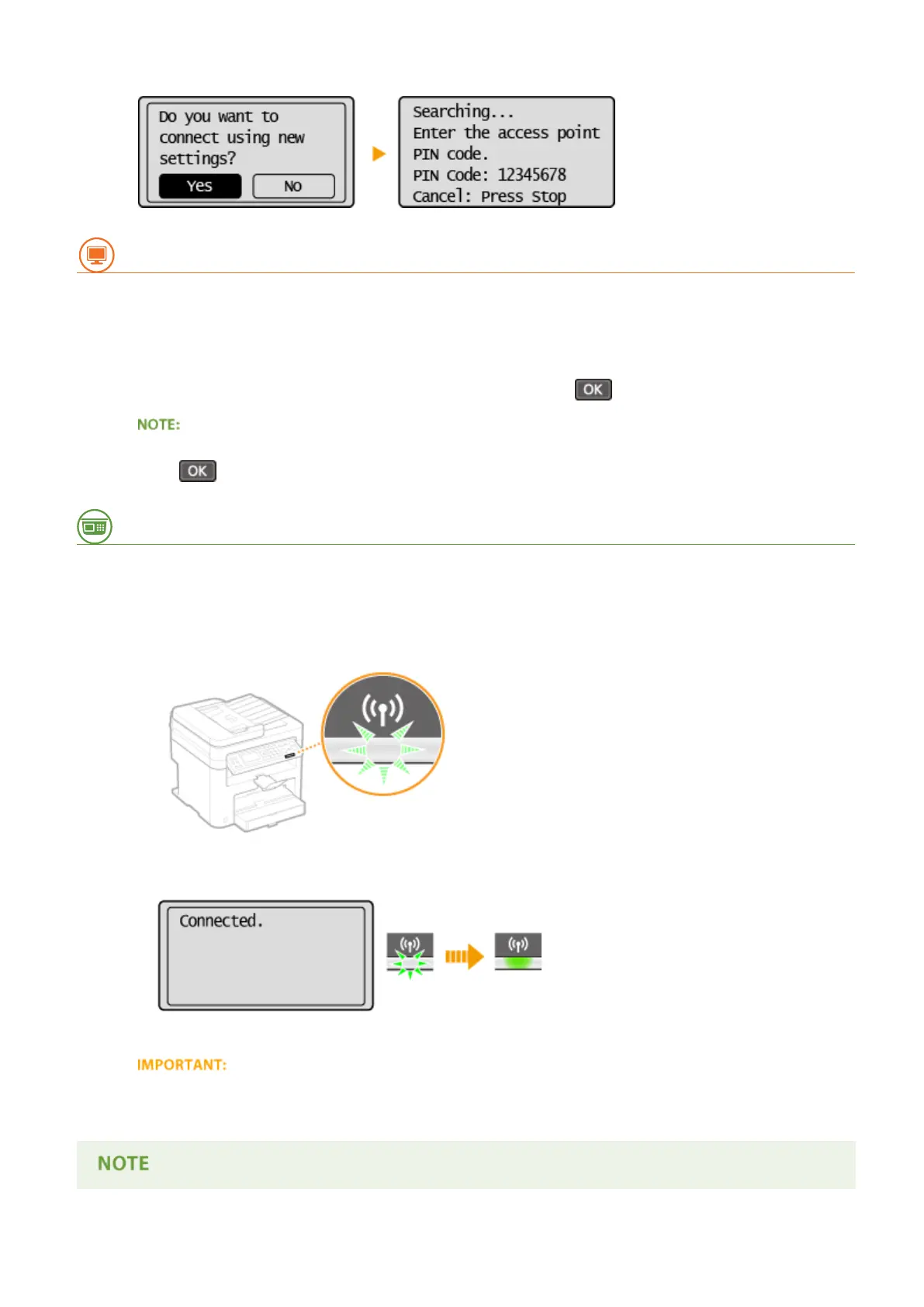
● A PIN code is gener
ated.
From a Computer
8
Register the generated PIN code to the wireless router.
● Register the PIN code on the setup scr
een displayed in step 1.
● The PIN code must be registered within 10 minutes after pressing
in step 7.
If an error message is displayed during setup
Pr
ess
and return to step 6.
From the Operation Panel
9
Check that the Wi-Fi indicator is blinking on the operation panel.
● The Wi-Fi indicator blinks when a wir
eless router is detected.
● When the setup is completed, the scr
een below is displayed, and approximately 2 seconds later, the Wi-Fi
indicator lights up.
● W
ait approximately 2 minutes until the IP address settings of the machine are completed.
Signal strength
When mor
e than one wireless router is available for connection, the machine connects to the device with the
strongest signal. Signal strength is measured using RSSI (Received Signal Strength Indication).
Network (MF244dw / MF232w)
175











 To Next Page