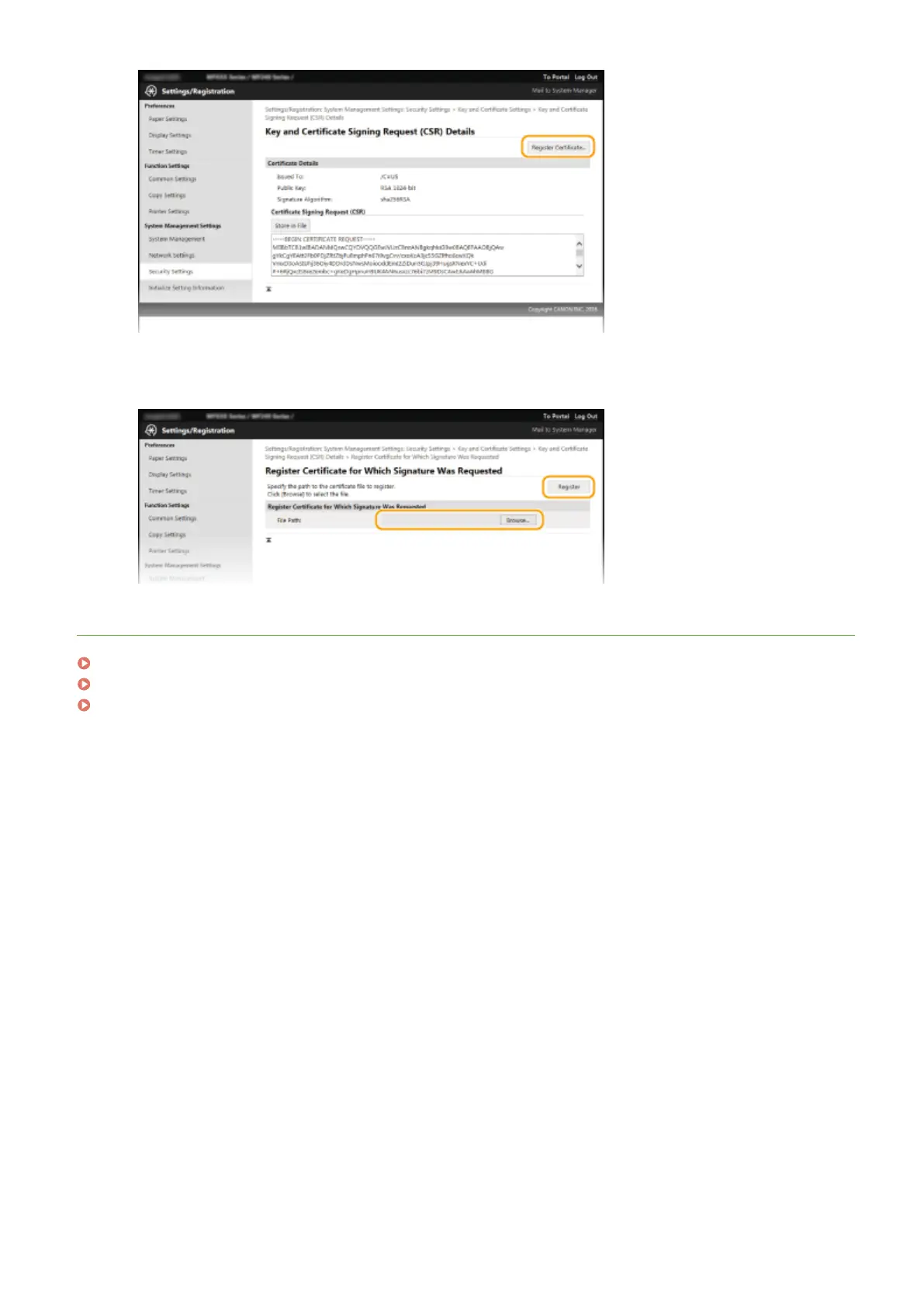
6
Click [Browse], specify the le for the certicate signing r
equest, and click [Register].
LINKS
Using CA-issued Key Pairs and Digital Certicates(P
. 266)
Verifying Key Pairs and Digital Certicates(P
. 269)
Enabling TLS Encrypted Communication for the Remote UI(P. 249)
Security
265











 To Next Page