Registering a key pair
1
Click [Register] on the right of the key pair you want to register.
2
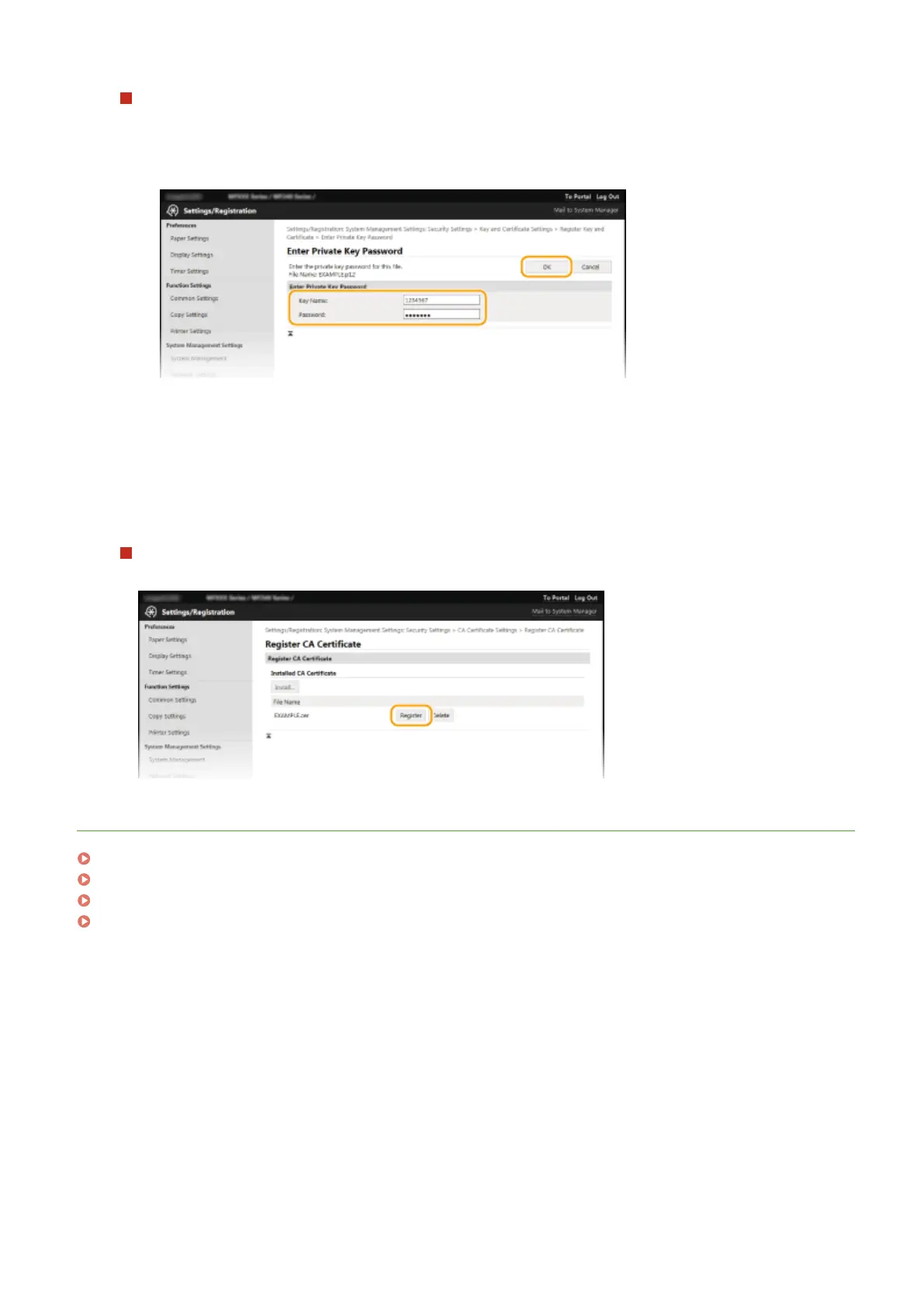
Enter the name of the key pair and password, and then click [OK].
[Key Name]
Enter up to 24 alphanumeric char
acters for the name of the key pair to be registered.
[Password]
Enter up to 24 alphanumeric characters for the password of the private key set for the le to be
registered.
Registering a CA certicate
Click [Register] on the right of the CA certicate you want to r
egister.
LINKS
Generating Key Pairs(P. 259)
Verifying Key Pairs and Digital Certicates(P
. 269)
Enabling TLS Encrypted Communication for the Remote UI(P. 249)
Conguring IEEE 802.1X Authentication(P
. 252)
Security
268











 To Next Page