name is automatically set to print documents based on information such as your computer name or
computer logon name.
[Remote UI Access PIN]
If [Remote UI Access PIN] is set, enter the PIN. Setting a Remote UI PIN (MF244dw / MF232w)(P. 231)
When a System Manager PIN is set
Enter the r
egistered [System Manager PIN].
Setting the System Manager PIN(P. 229)
4
Click [Log In].
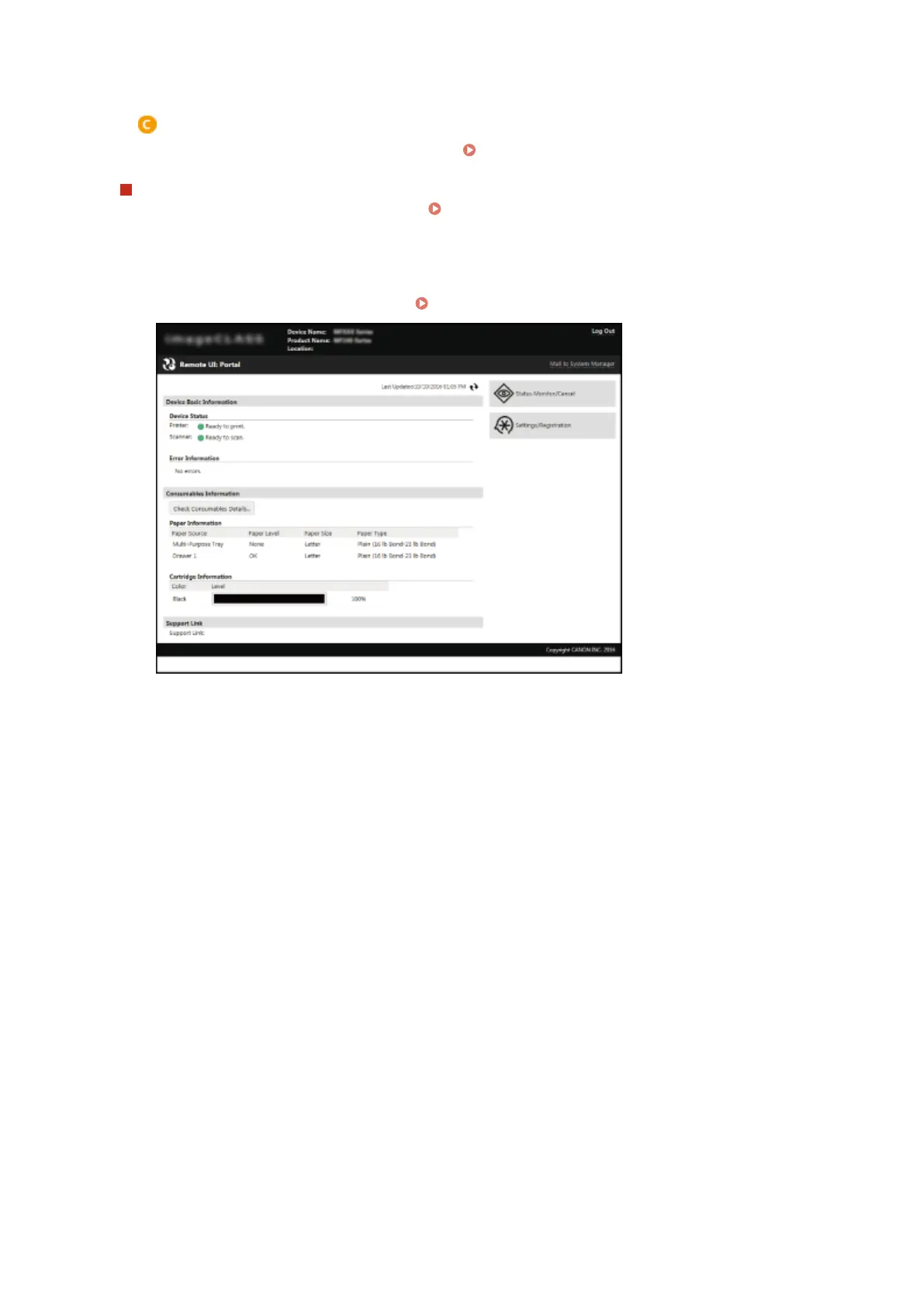
● Portal Page (main page) will be displayed.
Remote UI Screens(P. 275)
Using Remote UI (MF244dw / MF232w)
274











 To Next Page