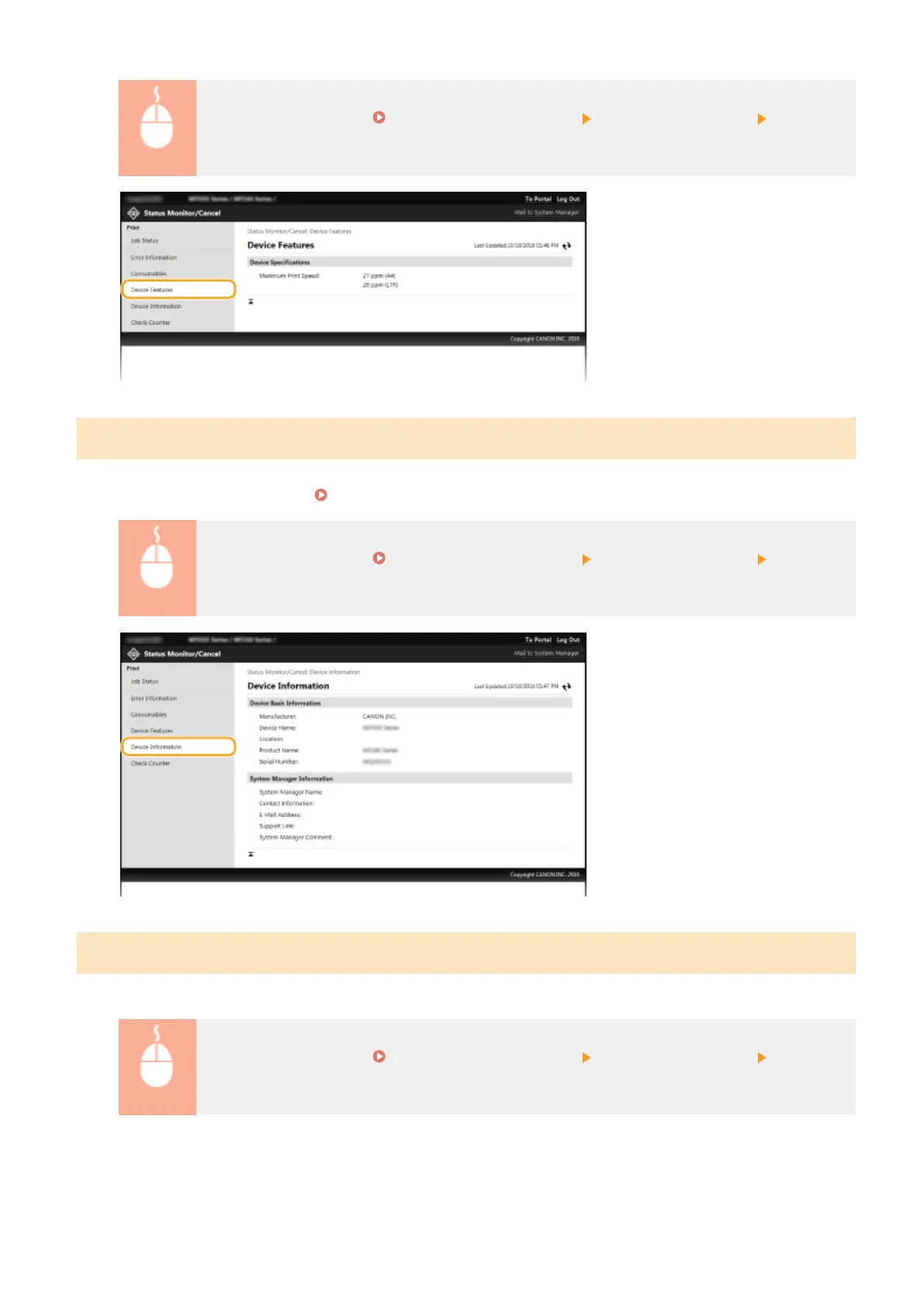
Log on to the Remote UI ( Starting Remote UI(P. 273) ) [Status Monitor/Cancel] [Device
Featur
es]
Checking System Manager Information
Information about the machine and the system manager is displayed. This information is set in [System Management]
on the [Settings/Registr
ation] page.
System Management Settings(P. 330)
Log on to the Remote UI ( Starting Remote UI(P. 273) ) [Status Monitor/Cancel] [Device
Information]
Checking Print Total Counter
The total number of pages that have been printed b
y the copy and print functions is displayed.
Log on to the Remote UI ( Starting Remote UI(P. 273) ) [Status Monitor/Cancel] [Check
Counter]
Using Remote UI (MF244dw / MF232w)
280











 To Next Page