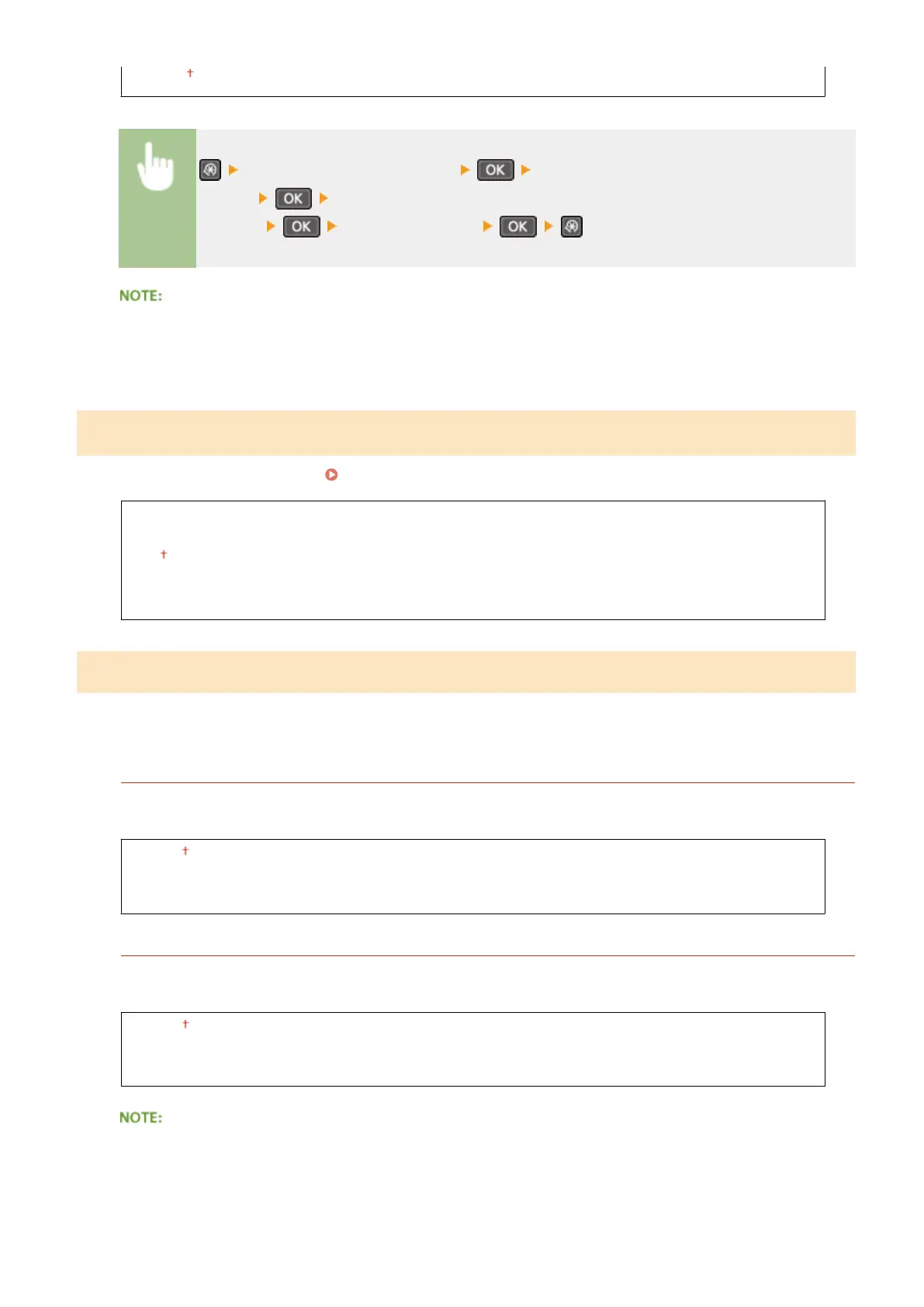
On
<System Management Settings> <Displ. Consmbls. Info (RUI/Toner
Status)>
Select <Displ. Consumables Purchase Button (RUI)>
*1
or <T
oner Status
Settings>
Select <Off> or <On>
If you selected <On> for <Toner Status Settings>, continue by selecting <On> or <Off> for <Displ. Purchase
Button>.
Google Cloud Print Settings
*1
Enable or disable Google Cloud Print. Using Google Cloud Print(P. 159)
Enable Google Cloud Print
Off
On
Google Cloud Print Registr
ation Status
PDL Selection (Plug and Play)
Select a page description language so that the machine is detected as a printer that is compatible with that language
when it is connected to a computer by using Plug and Play. For more information, see "MF Driver Installation Guide."
Network
*1
Select a page description language so that the machine is detected as a printer that is compatible with that
language when it is detected o
ver the network.
UFRII LT
UFRII LT (V4)
PCL6
*3
USB
Select a page description language so that the machine is detected as a printer that is compatible with that
language when it is connected to a computer via USB
.
UFRII LT
UFRII LT (V4)
PCL6
*3
Any setting change is enabled the next time the main power is turned ON.
Setting Menu List
335











 To Next Page