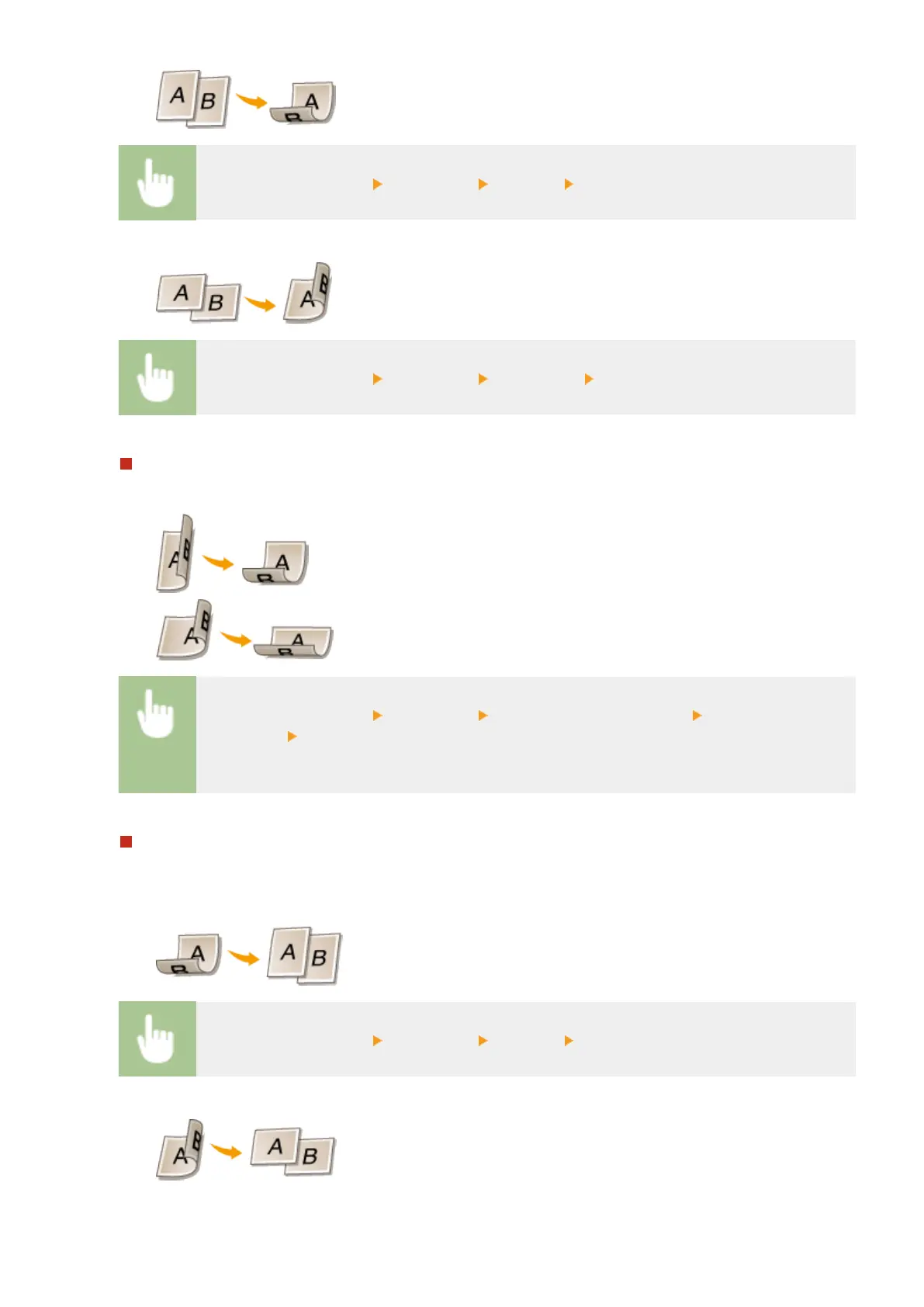
<Original/Finishing Type> <1->2-Sided> <Portrait> <Calendar Type>
● If you want to copy landscape-oriented documents in book-type format (short-edge binding)
<Original/Finishing Type> <1->2-Sided> <Landscape> <Book Type>
2-Sided->2-Sided (MF249dw)
● If you want to create copies with a different binding type than the original
<Original/Finishing Type> <2->2-Sided> Select the original orientation Select the original
binding type Select the binding type for the nished copy, which is different from that of the
original document
2-Sided->1-Sided (MF249dw)
This setting enables you to align the direction of the output paper.
● When a 2-sided document is in portrait-oriented calendar-type format (short-edge binding)
<Original/Finishing Type> <2->1-Sided> <Portrait> <Calendar Type>
● When a 2-sided document is in landscape-oriented book-type format (short-edge binding)
Copying
92









 To Next Page