Registering Destinations for One-Touch Dial
1469-014
You can conveniently register frequently used destinations for One-Touch Dial. Destinations can be quickly displayed
by tapping One-Touch buttons in the <Home> Screen. You can edit or delete destinations that you have registered. You
can register up to 4 destinations for One-Touch Dial.
● E-mail addresses can be registered as destinations on the MF249dw / MF247dw only.
1
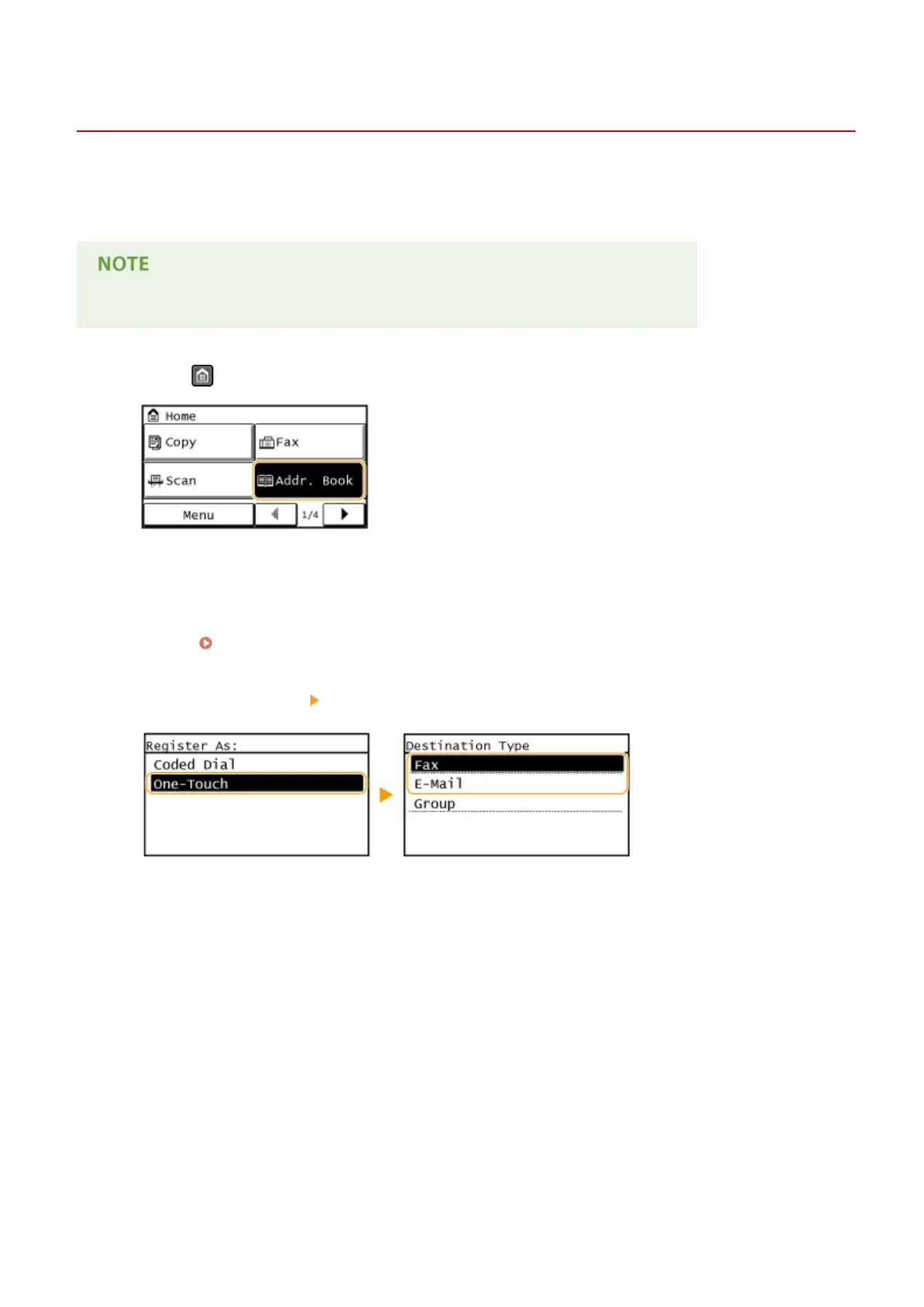
Press and tap <Addr. Book>.
2
Tap <Regist Dest.>.
● If a screen appears prompting you to enter a PIN, enter the correct PIN using the numeric keys, and tap
<Apply>. Setting a PIN for Address Book(P. 415)
3
Select <One-Touch> Select type of address to register.
● According to the address being registered, tap <Fax>/<E-Mail>.
4
Tap the number to register.
● You can change this number to another number later.
5
Tap <Name>.
● Registering <Name> is optional. If you register <Name>, the destination can be searched alphabetically.
6
Enter the name using the numeric keys and tap <Apply>.
7
Tap <Fax Number> or <E-Mail Address>.
Basic Operations
65









 To Next Page