Selecting Document Type
1469-01H
You can select the optical image quality for the copy depending on the document
type, such as text-only documents, documents with charts and graphs, or magazine
photos.
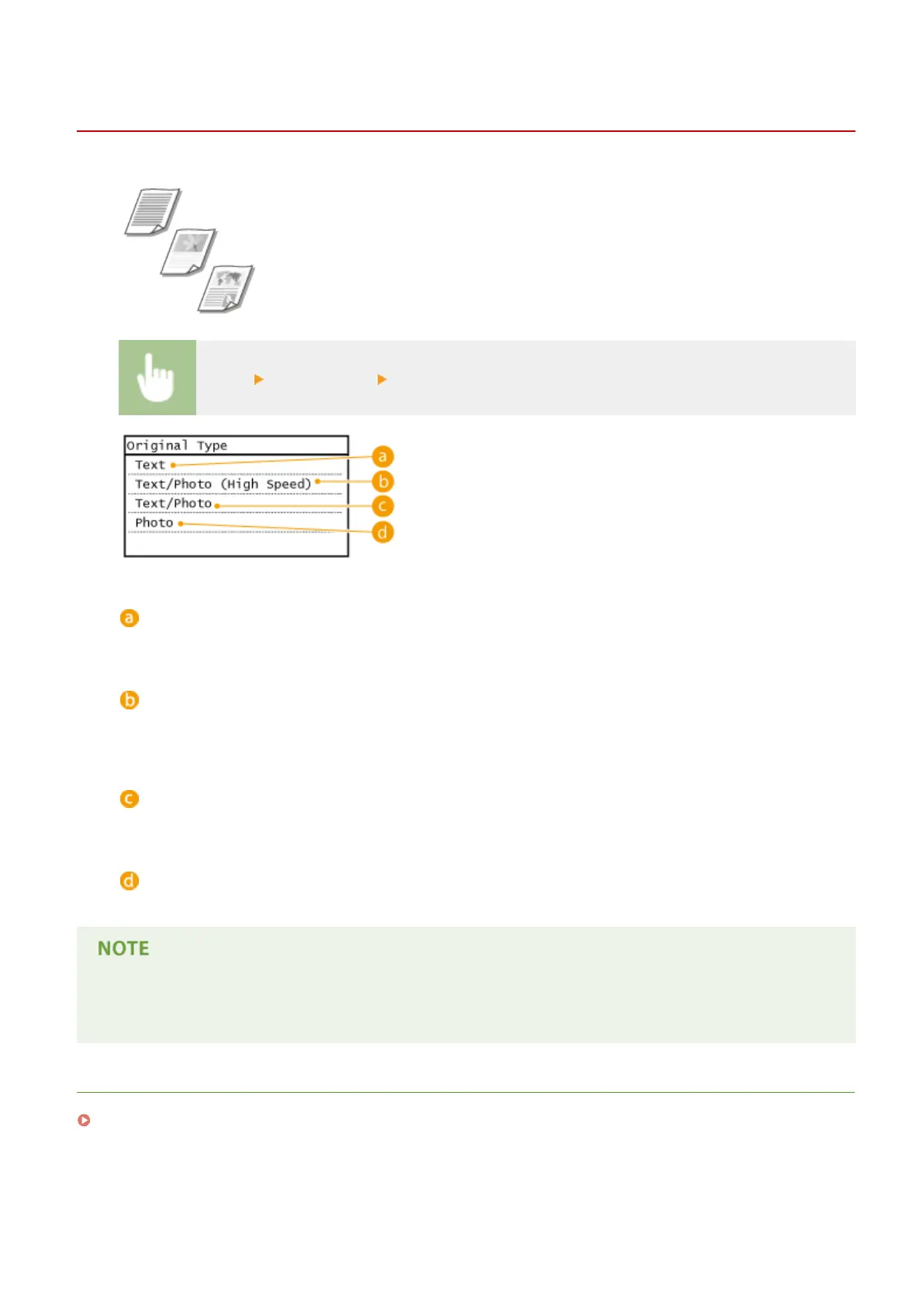
<Copy> <Original Type> Select the document type
<Text>
Suitable when copying documents that only contain text.
<Text/Photo (High Speed)>
Suitable when copying documents that contain both text and photos. Priority is given to speed over image
quality.
<Text/Photo>
Suitable when copying documents that contain both text and photos.
<Photo>
Suitable when copying documents that contain printed photos, such as magazines or pamphlets.
If <Text/Photo (High Speed)>, <Text/Photo>, or <Photo> is selected and <Density> is set to <Auto Density>, it
changes to Manual Density.
LINKS
Basic Copy Operations(P. 81)
Copying
87









 To Next Page