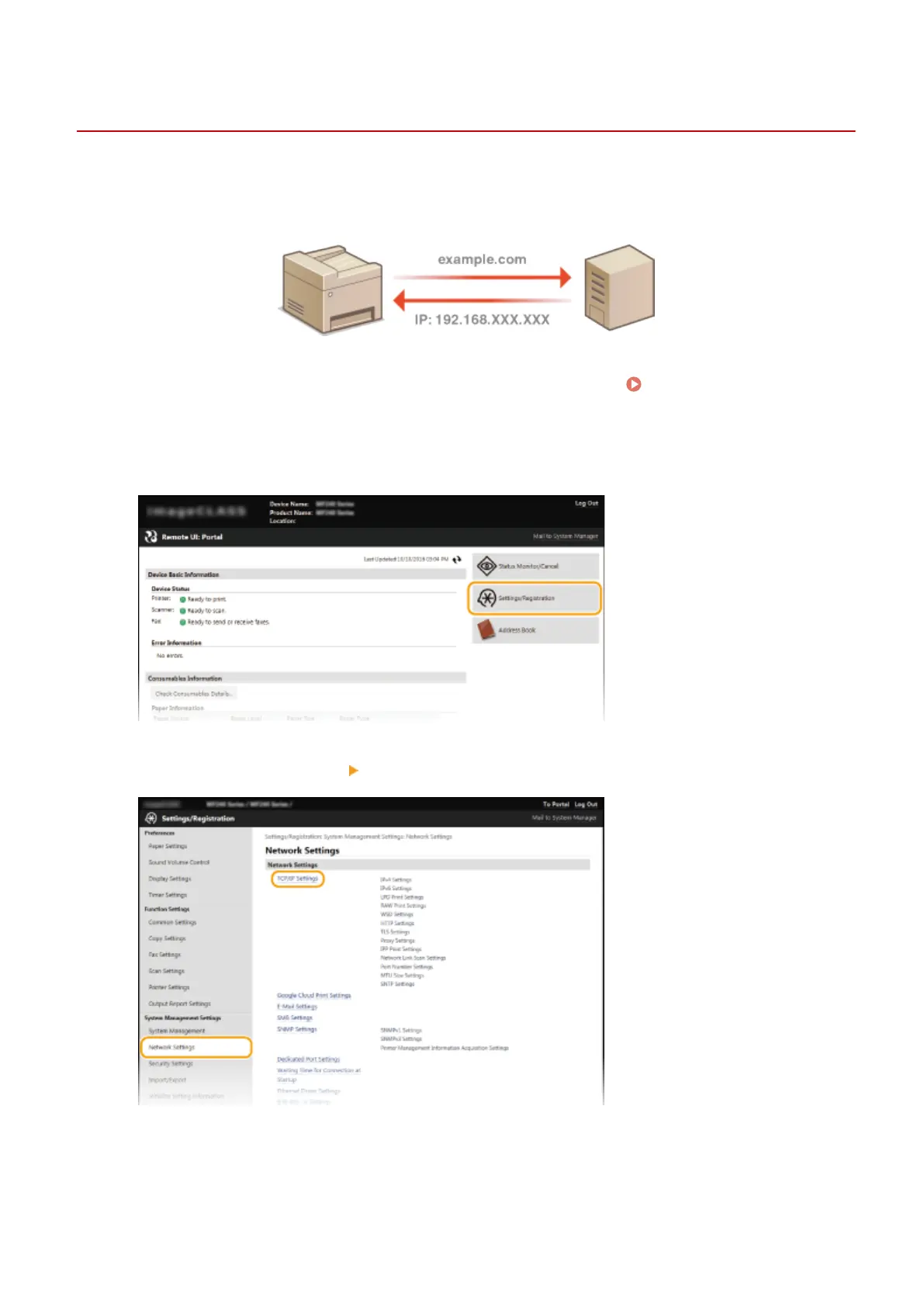
Conguring DNS
1469-075
DNS (Domain Name System) provides a service for name resolution that associates a host (or domain) name with an IP
address. Congure the DNS, mDNS, or DHCP option settings as necessary. Note that the procedures for conguring
DNS are different for IPv4 and IPv6.
1
Start the Remote UI and log on in System Manager Mode. Starting Remote
UI(P. 450)
2
Click [Settings/Registration].
3
Click [Network Settings] [TCP/IP Settings].
4
Congure DNS settings.
Network
377





 To Next Page