Setting a Wait Time for Connecting to a Network
1469-074
When a network is designed to enjoy redundant connectivity with multiple switching hubs or bridges, it must have a
mechanism to prevent packets from looping. One effective solution is to dene the role of each switch port. However,
communication may still be disrupted for several tens of seconds immediately after you change the way that network
devices are connected, or if you add a new device. If this type of problem occurs, set a wait time for connecting to the
network.
1
Tap <Menu> in the <Home> Screen.
2
Tap <Network Settings>.
● If a screen for entering a PIN is displayed, enter the PIN with the numeric keys and tap <Apply>. Setting
the System Manager PIN(P. 397)
3
Tap <Waiting Time for Connection at Startup>.
4
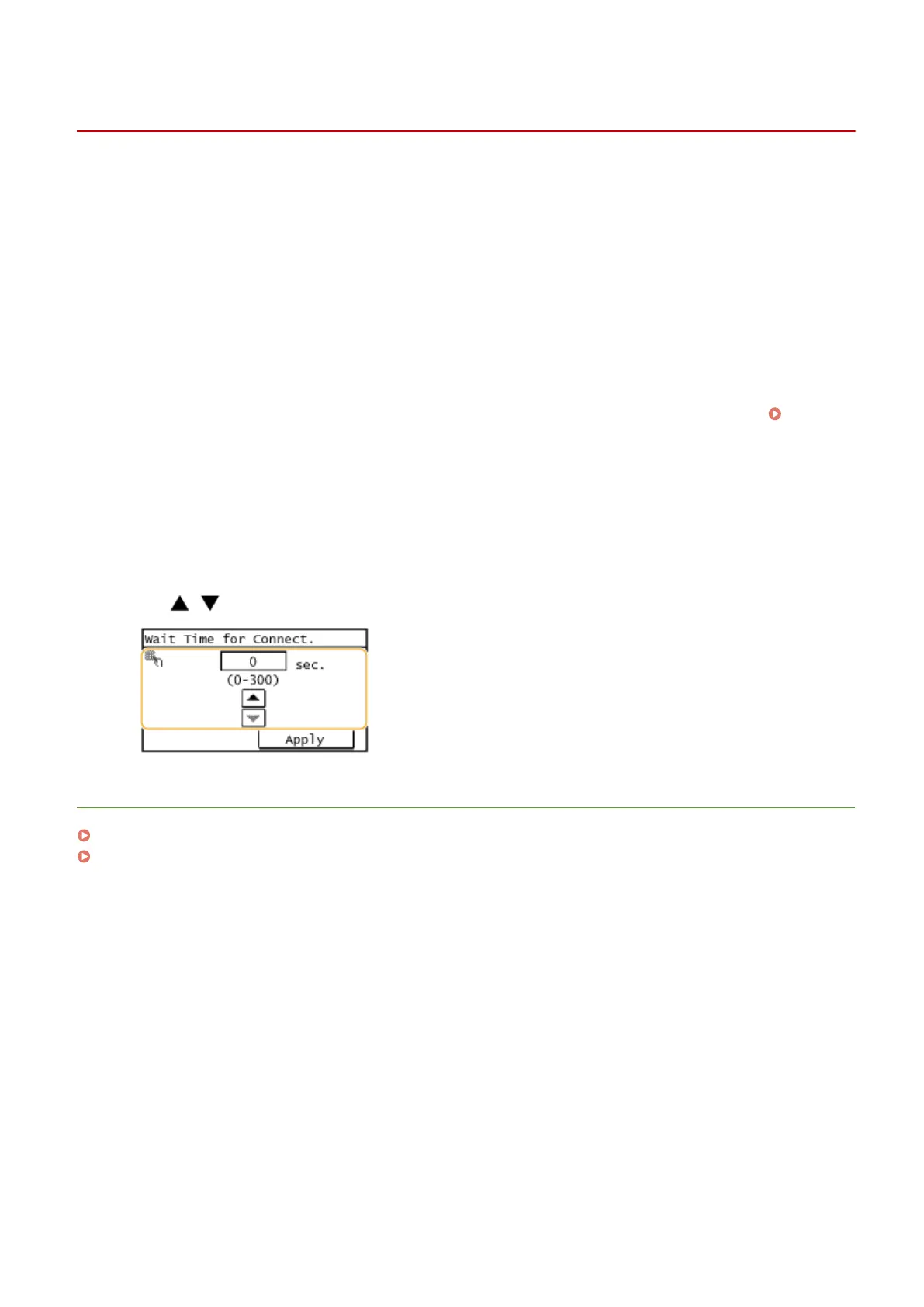
Enter the wait time in seconds, and tap <Apply>.
● Use / or the numeric keys to enter the time.
LINKS
Conguring Ethernet Settings(P. 373)
Changing the Maximum Transmission Unit(P. 375)
Network
376









 To Next Page