Changing Port Numbers
1469-07R
Ports serve as endpoints for communicating with other devices. Typically, conventional port numbers are used for
major protocols, but devices that use these port numbers are vulnerable to attacks because these port numbers are
well-known. To enhance security, your Network Administrator may change the port numbers. When a port number has
been changed, the new number must be shared with the communicating devices, such as computers and servers.
Specify the port number settings depending on the network environment.
To change the port number for proxy server, see Setting a Proxy (P. 411) .
1
Tap <Menu> in the <Home> Screen.
2
Tap <Network Settings>.
● If a screen for entering a PIN is displayed, enter the PIN with the numeric keys and tap <Apply>. Setting
the System Manager PIN(P. 397)
3
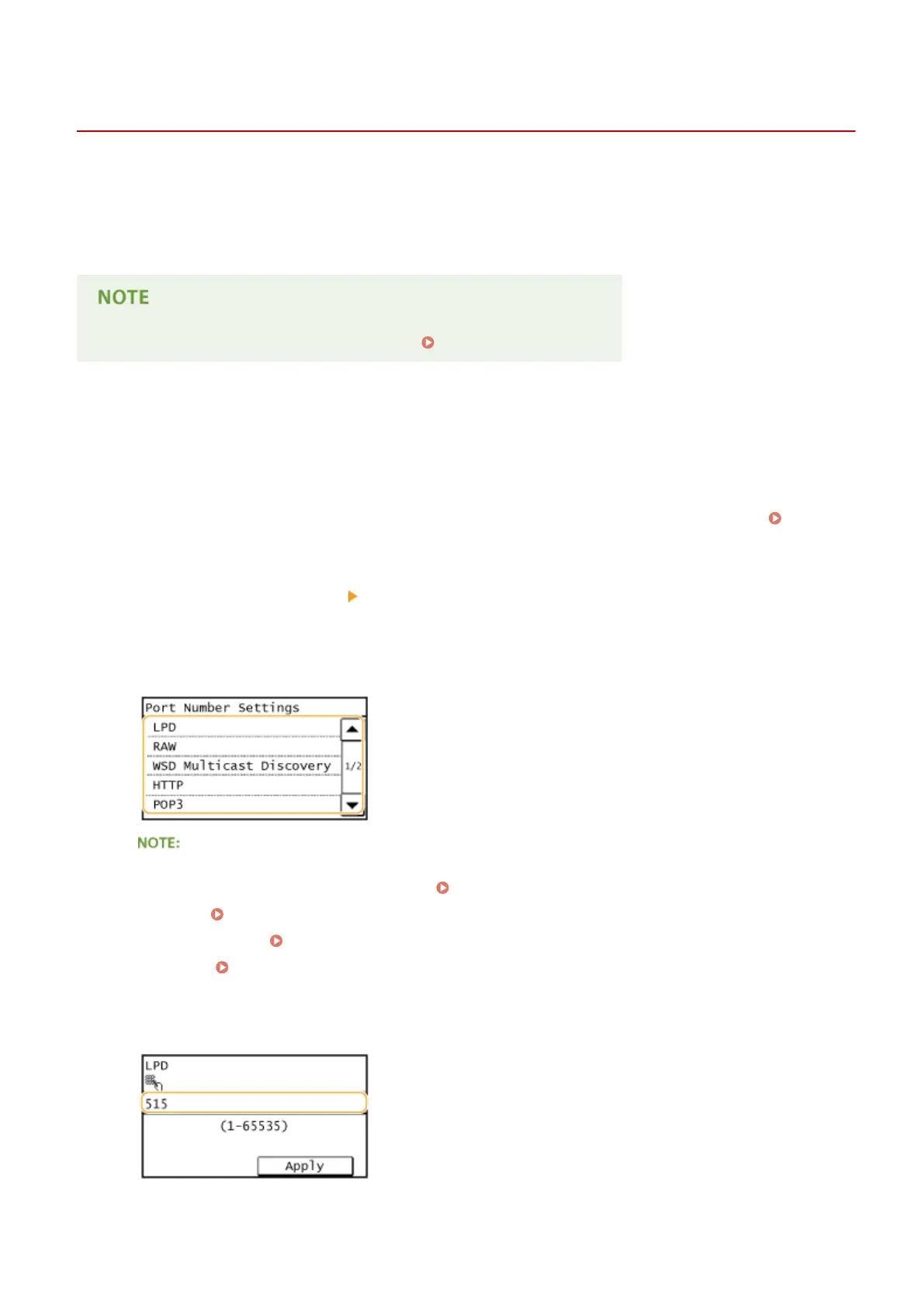
Select <TCP/IP Settings> <Port Number Settings>.
4
Tap the port to change.
Learning more about the ports
● <LPD>/<RAW>/<WSD Multicast Discovery> Conguring Printing Protocols and WSD Functions(P. 348)
● <HTTP> Disabling HTTP Communication (P. 423)
● <POP3>/<SMTP> Conguring E-Mail Communication Settings(P. 363)
● <SNMP>
Monitoring and Controlling the Machine with SNMP(P. 386)
5
Enter the port number using the numeric keys, and tap <Apply>.
Security
409









 To Next Page