Conguring the Machine for Scanning to Shared
Folders
1469-06Y
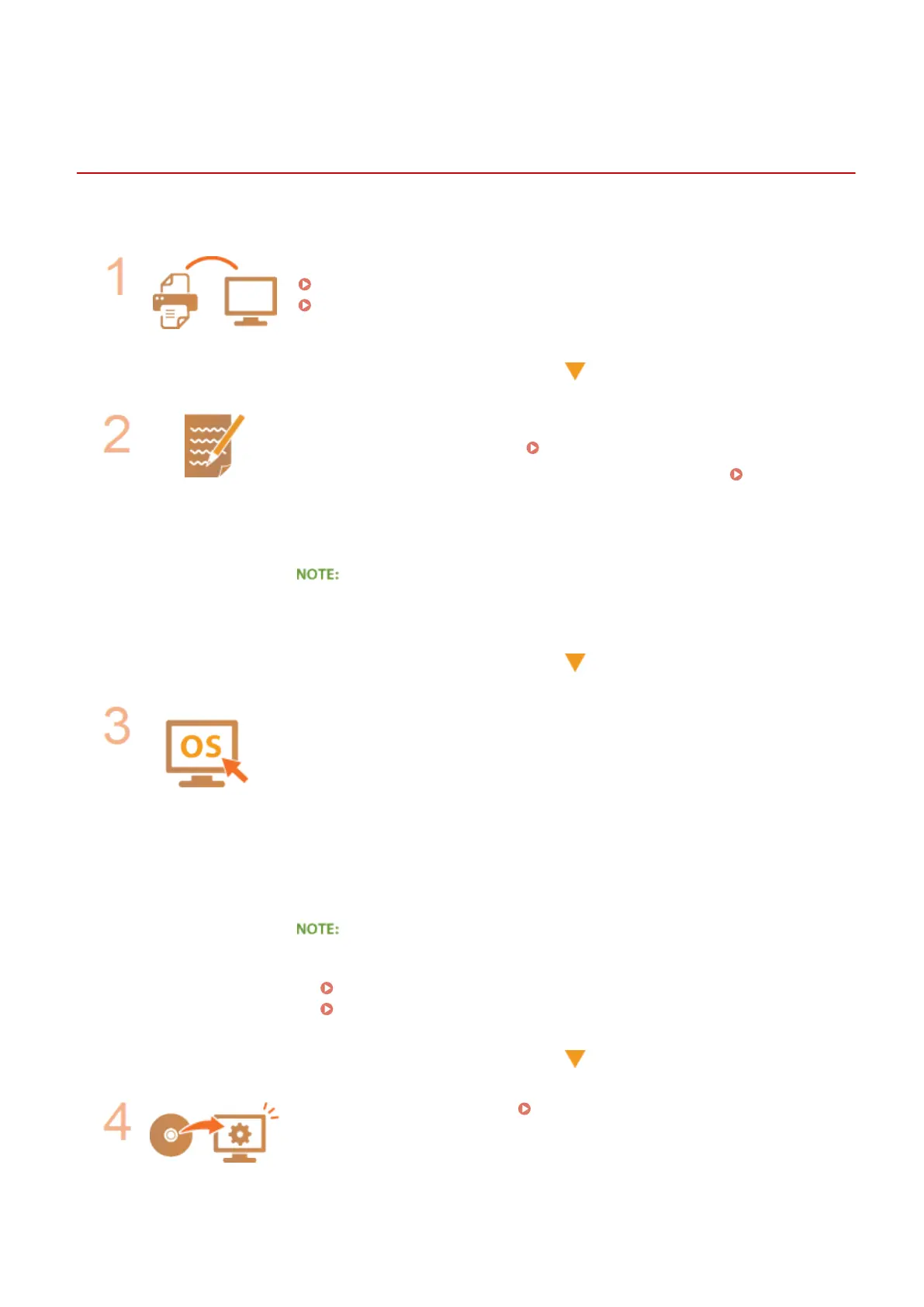
Before conguring the machine for scanning to shared folders, check the setup ow shown below.
Make sure that the machine and the computer are correctly connected.
Connecting to a Wireless LAN (MF249dw / MF247dw)(P. 319)
Connecting to a Wired LAN(P. 318)
Make sure that you have the following information:
● The IP address of the machine. Viewing Network Settings(P. 344)
● The name of the computer where the shared folder is located. Checking the
Computer Name(P. 673)
● Path to and the name of the shared folder (If access restrictions are set to the
folder, the user name and password information is also needed).
● For instructions on how to create a new shared folder, see "Send Setting Guide."
Make sure that the computer meets the following system requirements for the
Send Function Setting Tool:
● Operating system
Windows Vista/7/8/10/Server 2008/Server 2012
● Web browser
Microsoft Internet Explorer 7.0 or later
● Display
SVGA monitor (with at least 800 x 600 pixel screen resolution) that supports at
least 256 colors
● Also make sure that <Use HTTP> and <Use Remote UI> are set to <On>.
Disabling HTTP Communication (P. 423)
Disabling Remote UI (P. 424)
Set the machine conguration. Setting a Shared Folder as a Save
Location(P. 368)
Network
367









 To Next Page