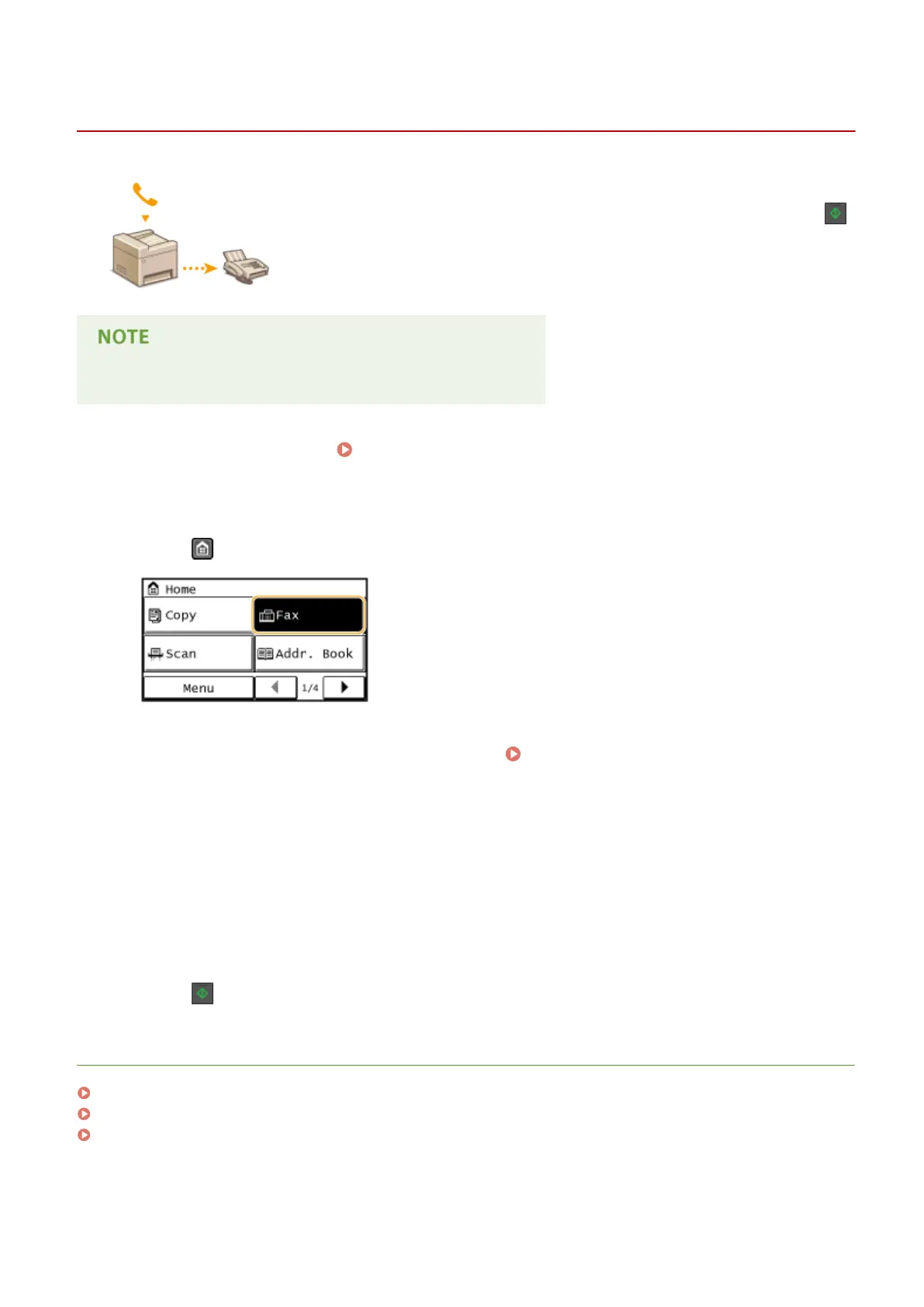
Making a Call before Sending Faxes (Manual Sending)
1469-02U
You can send faxes manually at the end of a phone conversation. When you hear a
beep over the phone, it means the recipient is trying to receive your faxes. Press
to send your faxes.
You need to connect your telephone to the machine beforehand.
1
Place the document(s). Placing Documents(P. 41)
● The machine cannot automatically scan both sides of the documents in Manual Sending.
2
Press and tap <Fax>.
3
Specify the scanning settings as necessary. Various Fax Settings(P. 133)
4
Dial the recipient's fax number.
5
Ask the recipient to set their fax machine to receive your faxes.
● If you hear a beep, proceed to step 6.
6
Press , and hang up the handset.
LINKS
Sending Faxes(P. 114)
Canceling Sending Faxes(P. 140)
Checking Status and Log for Sent and Received Documents(P. 163)
Faxing
147





 To Next Page