Sending Using Registered Destinations (E-Mail/Shared
Folder)
1469-057
You can specify destinations by selecting from the Address Book as well as by using the numeric keys. To use the
Address Book, you need to register destinations in the Address Book beforehand. You can also specify previously used
destinations.
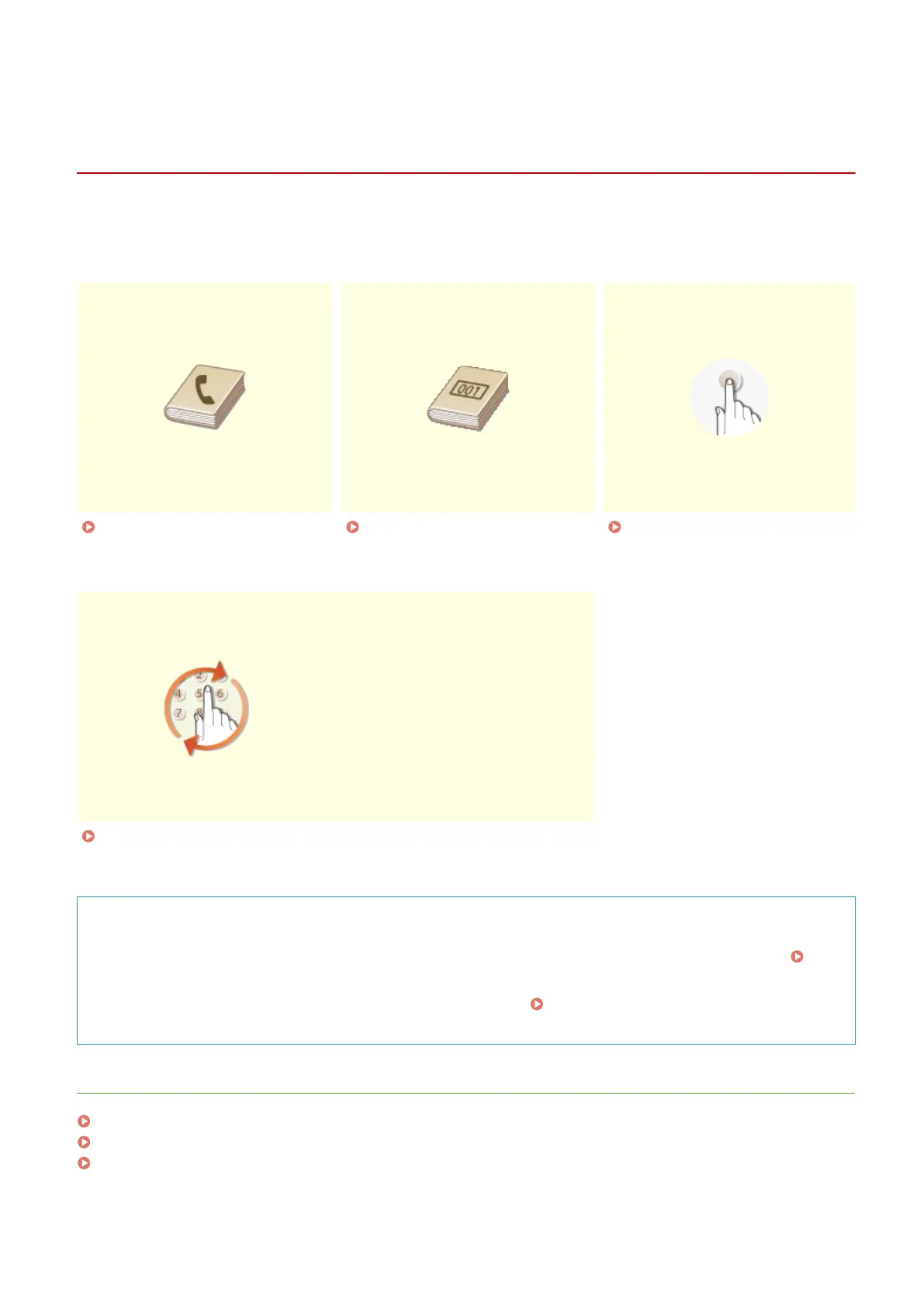
Specifying from Address
Book(P. 273)
Selecting Destinations Directly
by Entering Coded Dial
Numbers(P. 276)
Specifying Destinations with the
One-Touch Buttons(P. 279)
Specifying Previously Used
Destinations(P. 281)
TIPS for Enhancing Security
● If you want to limit available destinations to ones from the Address Book or previously specied ones:
Limiting Available Destinations(P. 417)
● If you want to disable specifying previously used destinations:
Disabling Use of Previously Used
Destinations(P. 419)
LINKS
Sending Documents as E-Mails Directly from the Machine(P. 246)
Saving Documents Directly in Shared Folder(P. 253)
Registering in the Address Book(P. 60)
Using the Machine as a Scanner
272









 To Next Page