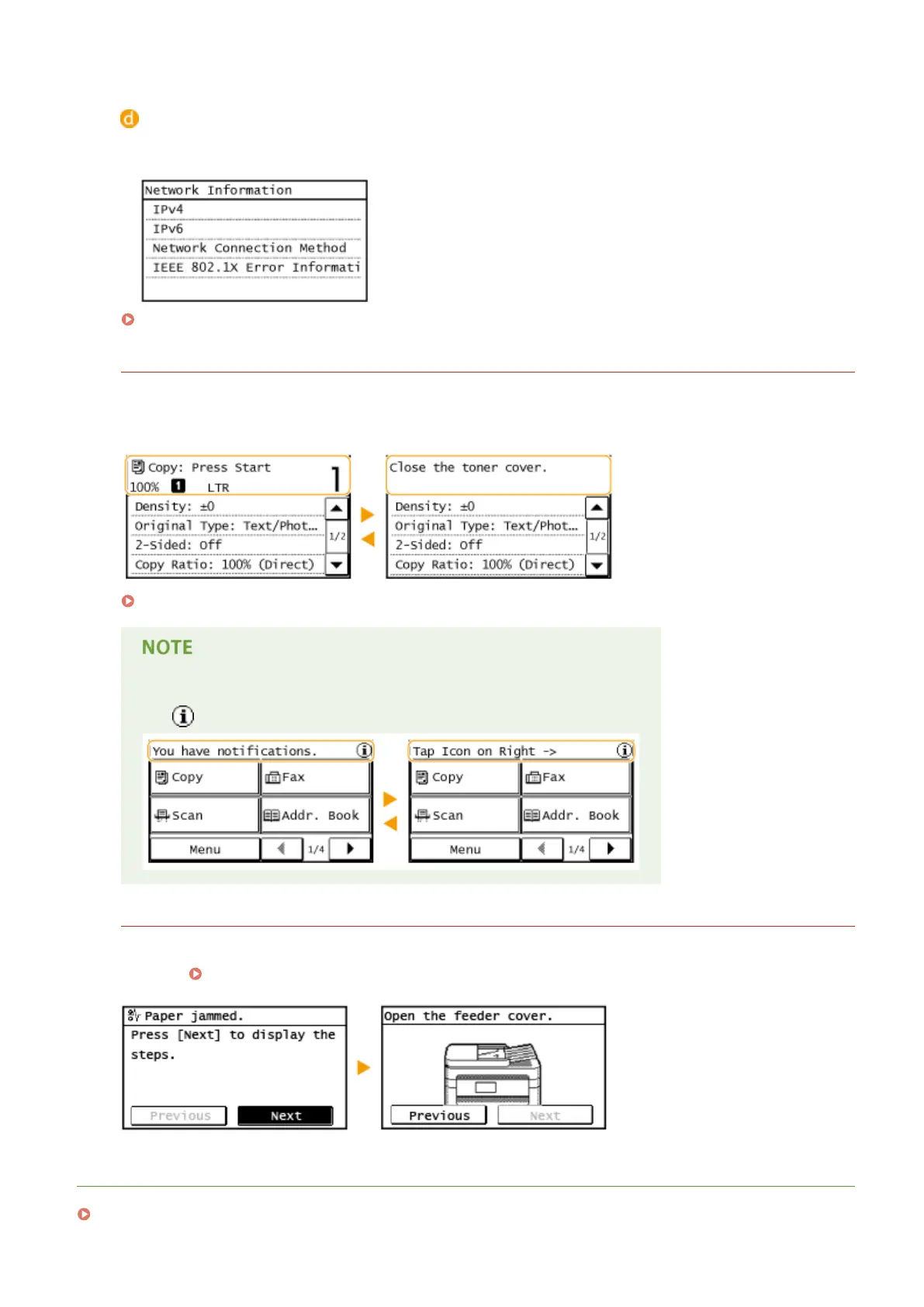
<Network Information>
Displays the network settings such as the IP address of the machine and status such as the condition of
wireless LAN communications.
Viewing Network Settings(P. 344)
When a Message Is Displayed
Messages are displayed at the top of the screen in situations such as when end of toner cartridge lifetime is
reached or when a cover is left open. The display alternates between showing the normal screen and the
message.
When an Error Message Appears(P. 550)
When <You have notications.> or <Tap Icon on Right ->> Is Displayed
Tap to view the notication.
When an Error Occurs
In some cases when an error occurs, instructions on how to respond to the error are displayed. Follow the on-
screen instructions to solve the problem. The screen displayed when a paper jam occurs is shown below as an
example ( When an Error Message Appears(P. 550) ).
LINKS
Customizing the <Home> Screen(P. 33)
Basic Operations
31









 To Next Page