Convenient Scanning with a Machine-Based Operation
1469-04K
The machine can convert original documents into electronic le formats such as PDF without using a computer. There
are many advantages to digitizing documents. A variety of useful settings are available to suit your needs.
Sending Documents as E-Mails Directly from the Machine
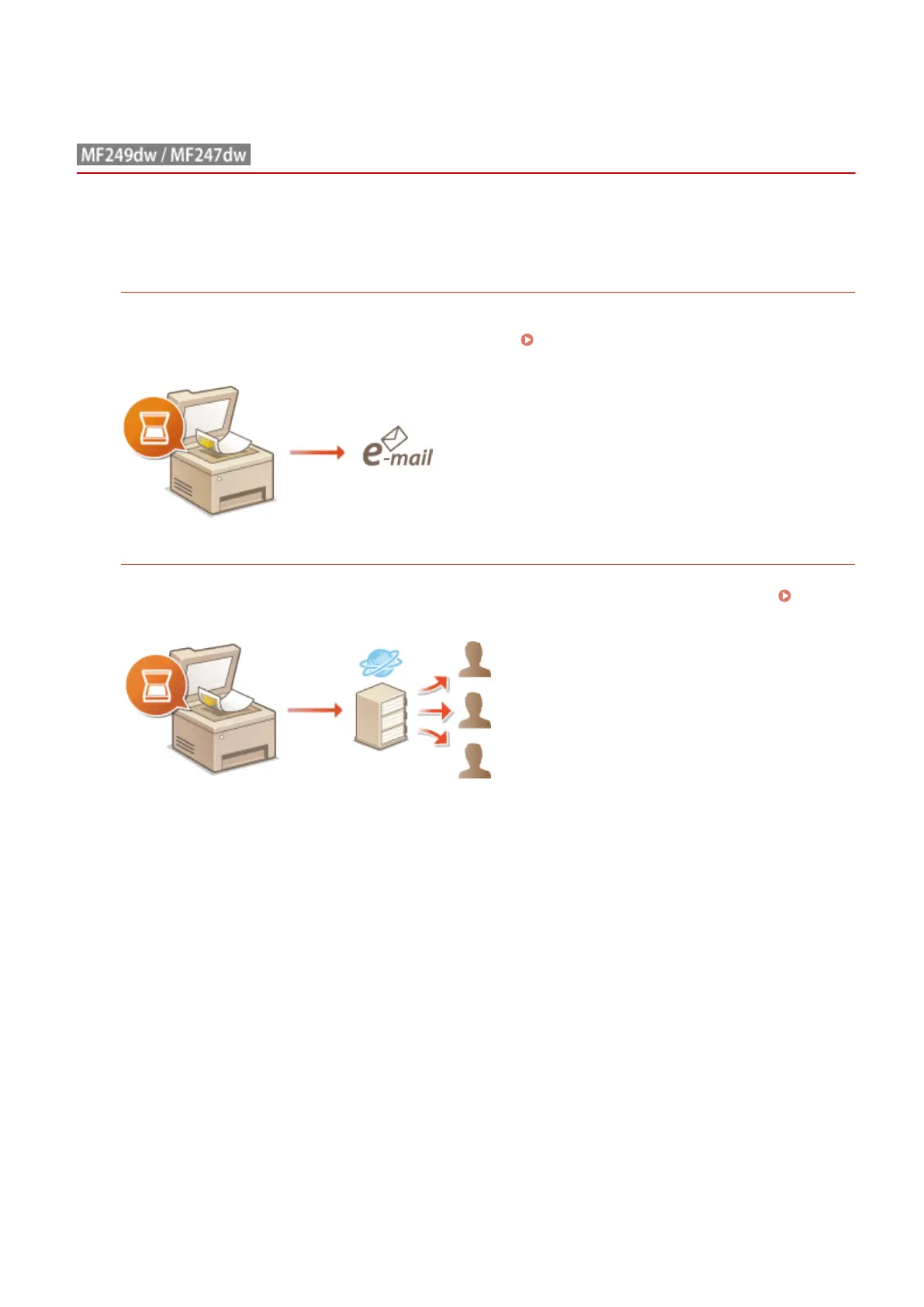
You can save scanned documents as JPEG images, PDF les or in other digital le formats and send them
directly from the machine as e-mail attachments. You can work more eciently because this feature eliminates
the need to use your computer to send scanned documents. Sending Documents as E-Mails Directly from
the Machine(P. 246)
Saving Documents Directly in Shared Folder
You can save scanned documents as JPEG images, PDF les or in other digital le formats and store them in
shared folders on computers. This feature is helpful when digitalizing paper documents for sharing. Saving
Documents Directly in Shared Folder(P. 253)
Using the Machine as a Scanner
245









 To Next Page