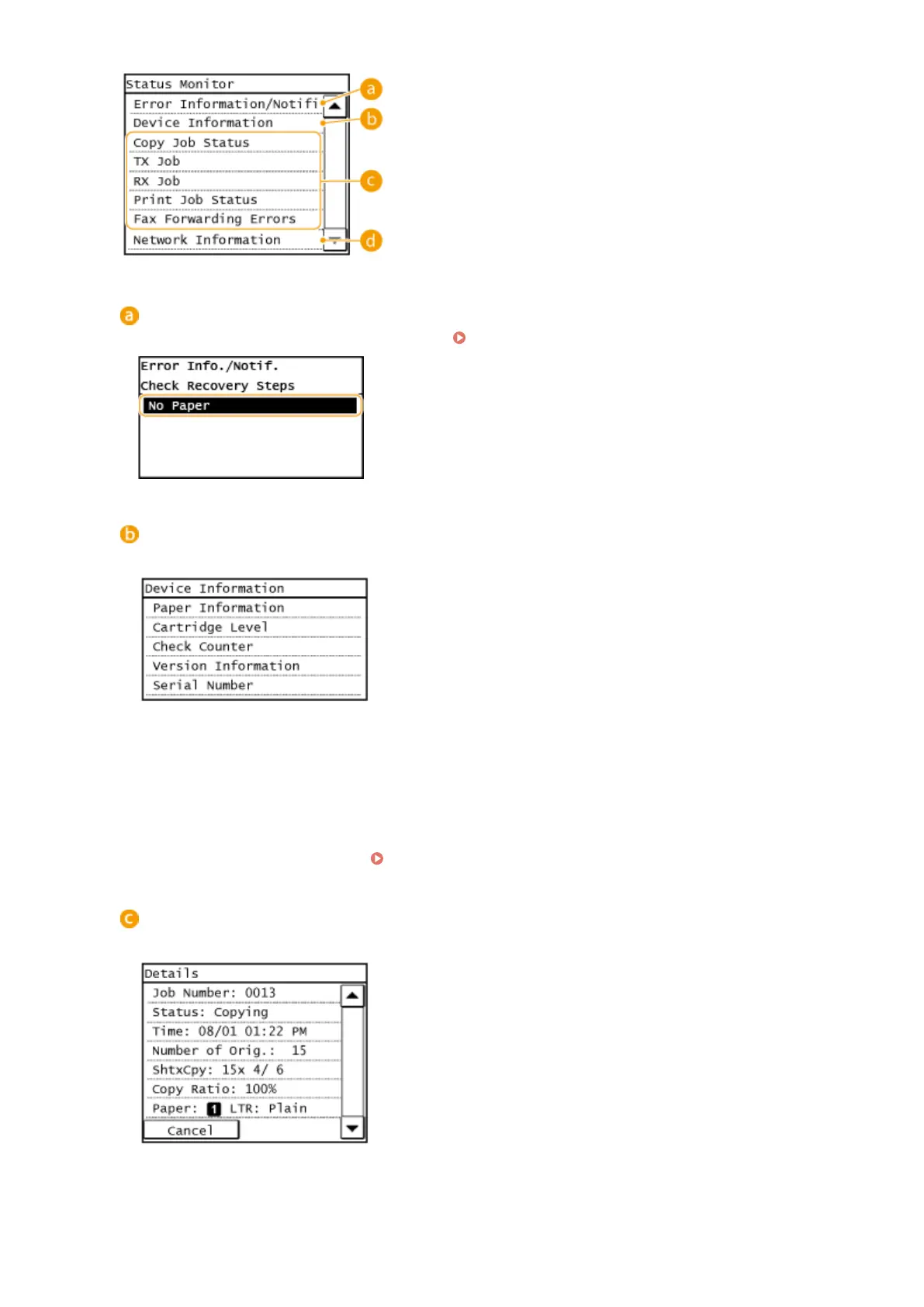
<Error Information/Notication>
Displays the details of any errors that occurred.
When an Error Message Appears(P. 550)
<Device Information>
Displays the status of the machine, such as the paper size or the amount remaining in the toner cartridges.
<Paper Information>
Displays the paper size specied in each paper source.
<Cartridge Level>
Displays the amount remaining in the toner cartridges. Other internal parts may reach the end of their
lifetime before the toner runs out.
<Check Counter>
Displays the totals for printouts.
Viewing the Counter Value(P. 622)
Status of copy/print/send/receive jobs
Displays the current status of the selected item. The <Copy Job Status> screen is shown below as an example.
Basic Operations
30









 To Next Page