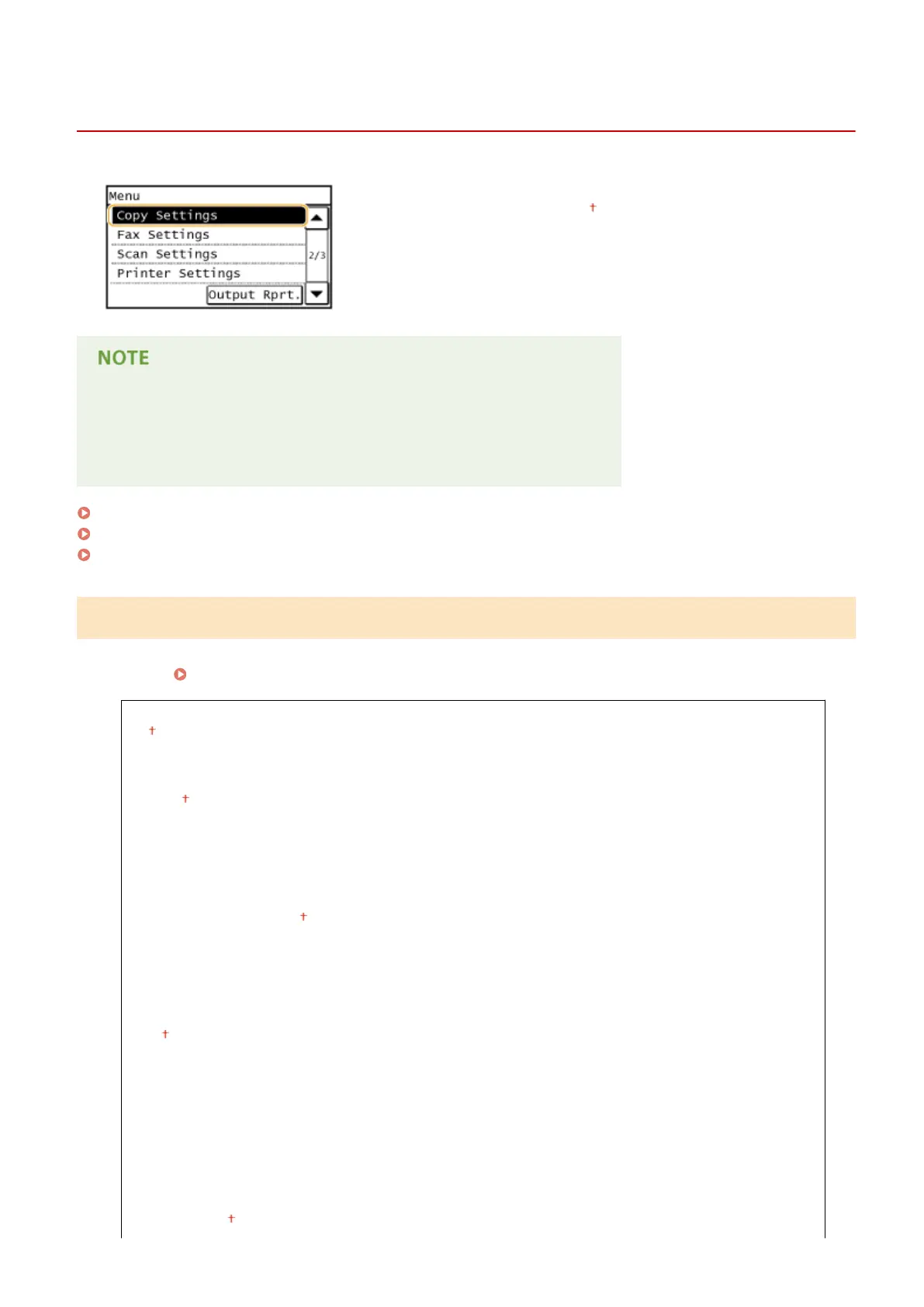
Copy Settings
1469-091
All the settings about the copy are listed with short descriptions. Default
settings are marked with a dagger ( ).
Asterisks (
*
)
● Settings marked with "
*1
" are only available for the MF249dw / MF247dw.
● Settings marked with "
*2
" are only available for the MF249dw.
Change Default Settings (P. 496)
Correct Density(P. 497)
Initialize Default Settings(P. 497)
Change Default Settings
You can change the factory default settings about copy. The selected settings are used as the default settings of the
copy function.
Changing Default Settings(P. 100)
Number of Copies
1
to 999
Density
-4 to 0 to +4
Auto Density
Original Type
Text
Text/Photo (High Speed)
Text/Photo
Photo
2-Sided
*1
Off
1->2-Sided
2->2-Sided
*2
2->1-Sided
*2
Original/Finishing Type
Copy Ratio
Custom Ratio
100% (Direct)
Setting Menu List
496





 To Next Page