Make Direct Connection (Access Point
Mode)
1469-05K
Even in an environment without wireless LAN router, you can connect your mobile device and the machine without
going through dicult settings when you use "Access Point Mode," which allows you to wirelessly and directly connect
your mobile device to the machine.
Using the Machine in Direct Connection (in Access Point Mode)
Follow these steps to establish a connection using Access Point Mode.
Put the machine into Access Point Mode.
● Set <Use Direct Connection> to <On>.
Use Direct Connection(P. 475)
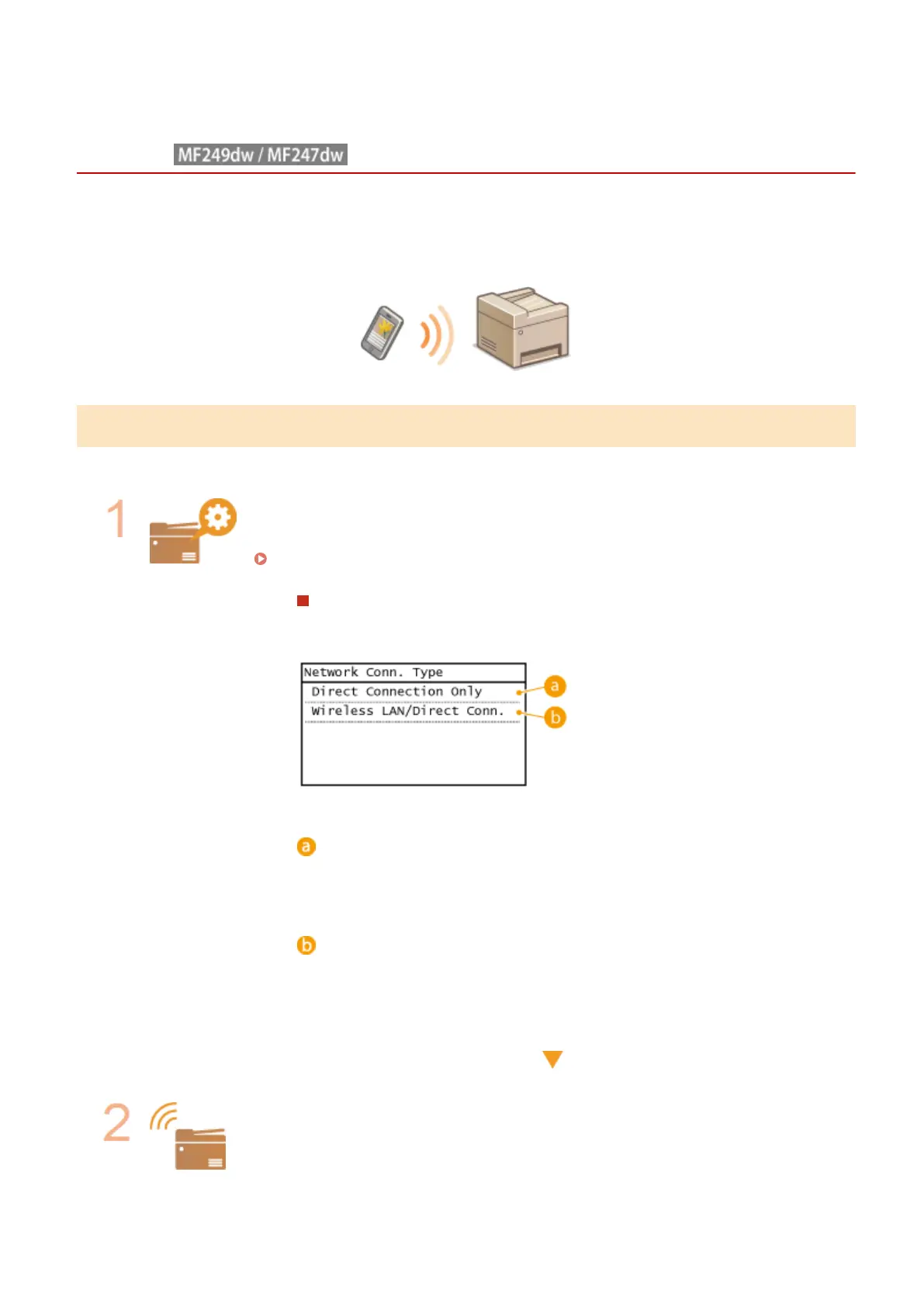
If connected to the network by wireless LAN
A screen for selecting the Direct Connection method is displayed.
<Direct Connection Only>
Connection by wireless LAN becomes unavailable. Set when only using Direct
Connection.
<Wireless LAN/Direct Conn. (Auto Switch)>
A wireless LAN connection is disconnected only when using Direct Connection. Set
when wishing to switch between Direct Connection and connection by wireless
LAN.
Put the machine into a connection waiting state.
● In the <Home> screen, tap <Direct Conn>. The machine enters the state in which you
can connect your mobile device to the machine.
Can Be Used Conveniently with a Mobile Device
291









 To Next Page