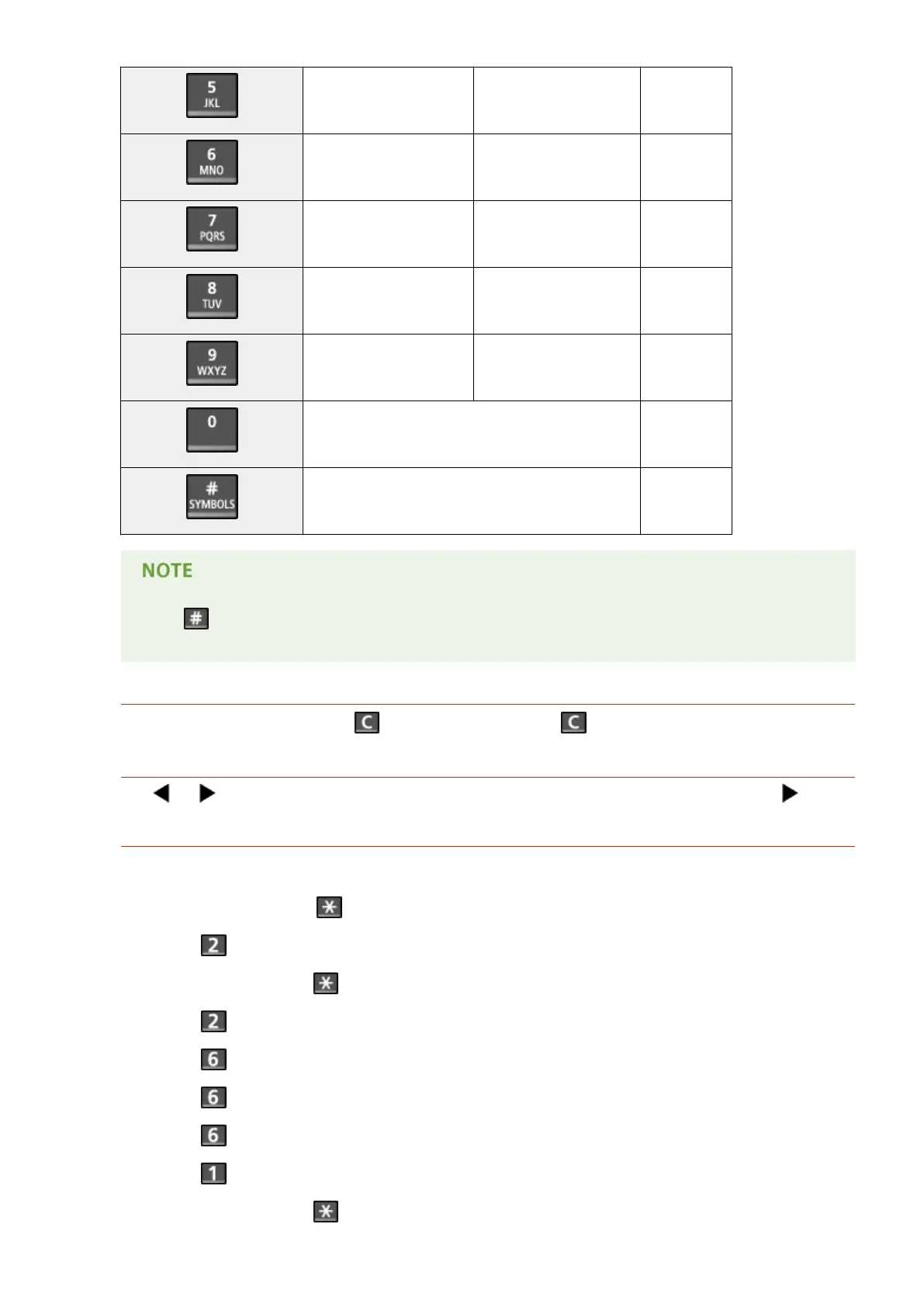
JKL jkl 5
MNO mno 6
PQRS pqrs 7
TUV tuv 8
WXYZ wxyz 9
(Not available) 0
(space) - . * # ! " , ; : ^ ` _ = / | ' ? $ @ % & + \ ~ ( ) [ ] { } < > (Not available)
Press or tap <#> when the type of text that is entered is <A> or <a> to display enterable symbols in
the screen. Tap symbols to enter.
Deleting Text
One character is deleted each time is pressed. Press and hold to delete all of the entered text.
Moving the Cursor (Entering a Space)
Tap or to move the cursor. To enter a space, move the cursor to the end of the text, and tap .
Example of Entering Text and Numbers
Example: "Canon-1"
1
Tap <A/a/12> (or press ) repeatedly until <A> is selected.
2
Press repeatedly until the letter "C" is selected.
3
Tap <A/a/12> (or press ) repeatedly until <a> is selected.
4
Press repeatedly until the letter "a" is selected.
5
Press repeatedly until the letter "n" is selected.
6
Press repeatedly until the letter "o" is selected.
7
Press repeatedly until the letter "n" is selected.
8
Press repeatedly until the symbol "-" is selected.
9
Tap <A/a/12> (or press ) repeatedly until <12> is selected.
Basic Operations
39









 To Next Page