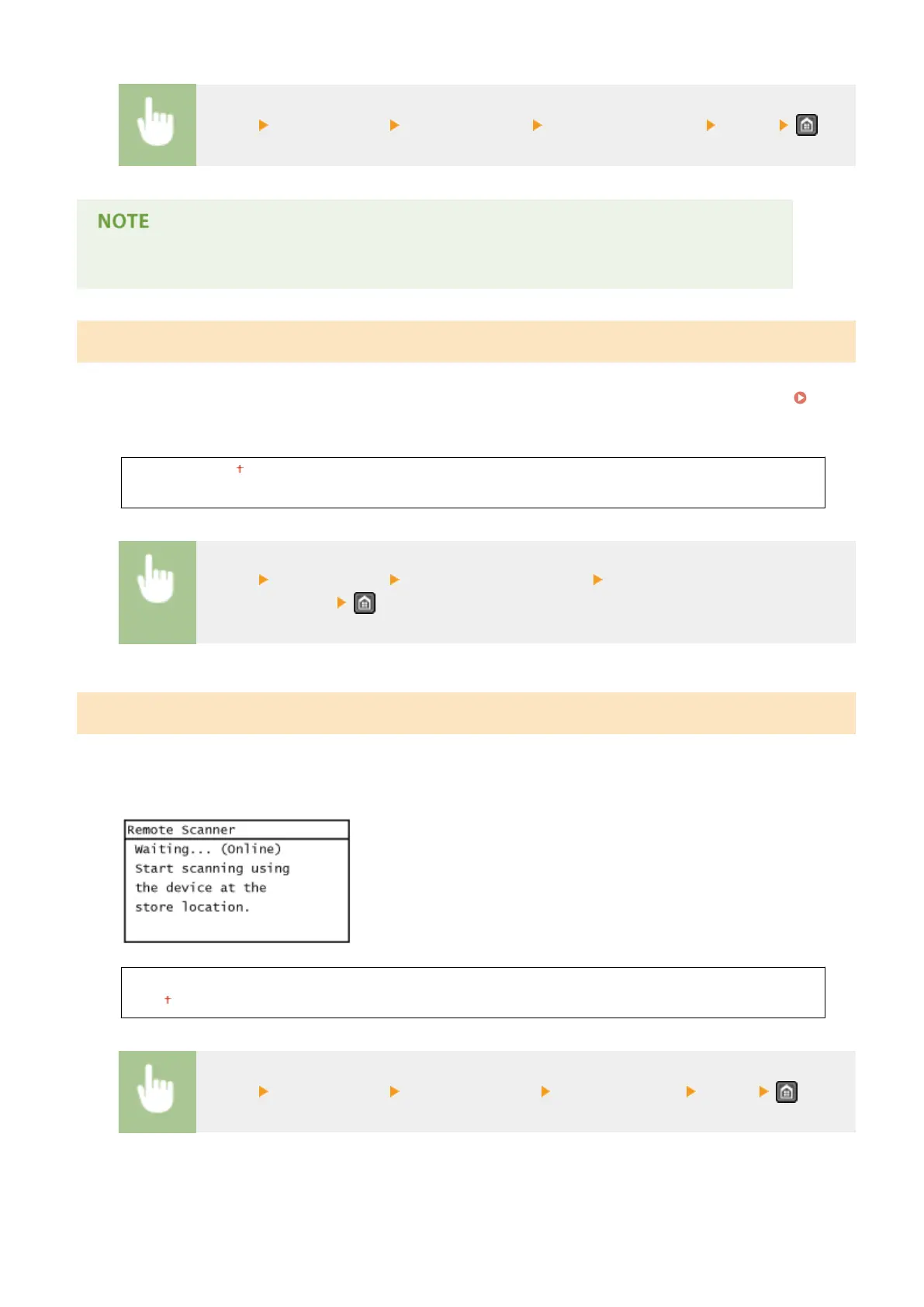
<Menu> <Timer Settings> <Auto Reset Time> Set the Auto Reset time <Apply>
The screen displayed after the Auto Reset is performed can be selected in <Function After Auto Reset>.
Function After Auto Reset
Select whether to return the display to the default screen after the Auto Reset is performed. If <Default Function> is
selected, the main screen of the function selected in <Default Screen after Startup/Restoration> is displayed (
Default Screen after Startup/Restoration(P. 486) ). If <Selected Function> is selected, the display returns to the main
screen of the function that was selected.
Default Function
Selected Function
<Menu> <Timer Settings> <Function After Auto Reset> Select <Default Function> or
<Selected Function>
Auto Oine Time
If a key has not been pressed for a specied period of time after the screen below is displayed (the machine is set
online for scanning), the machine automatically becomes oine. Specify the time period at which the machine
becomes oine. You can also set the machine to remain online.
0 (The machine remains online.)
1 to 5 to 60 (min.)
<Menu> <Timer Settings> <Auto Oine Time> Set the time period <Apply>
Setting Menu List
493




 To Next Page