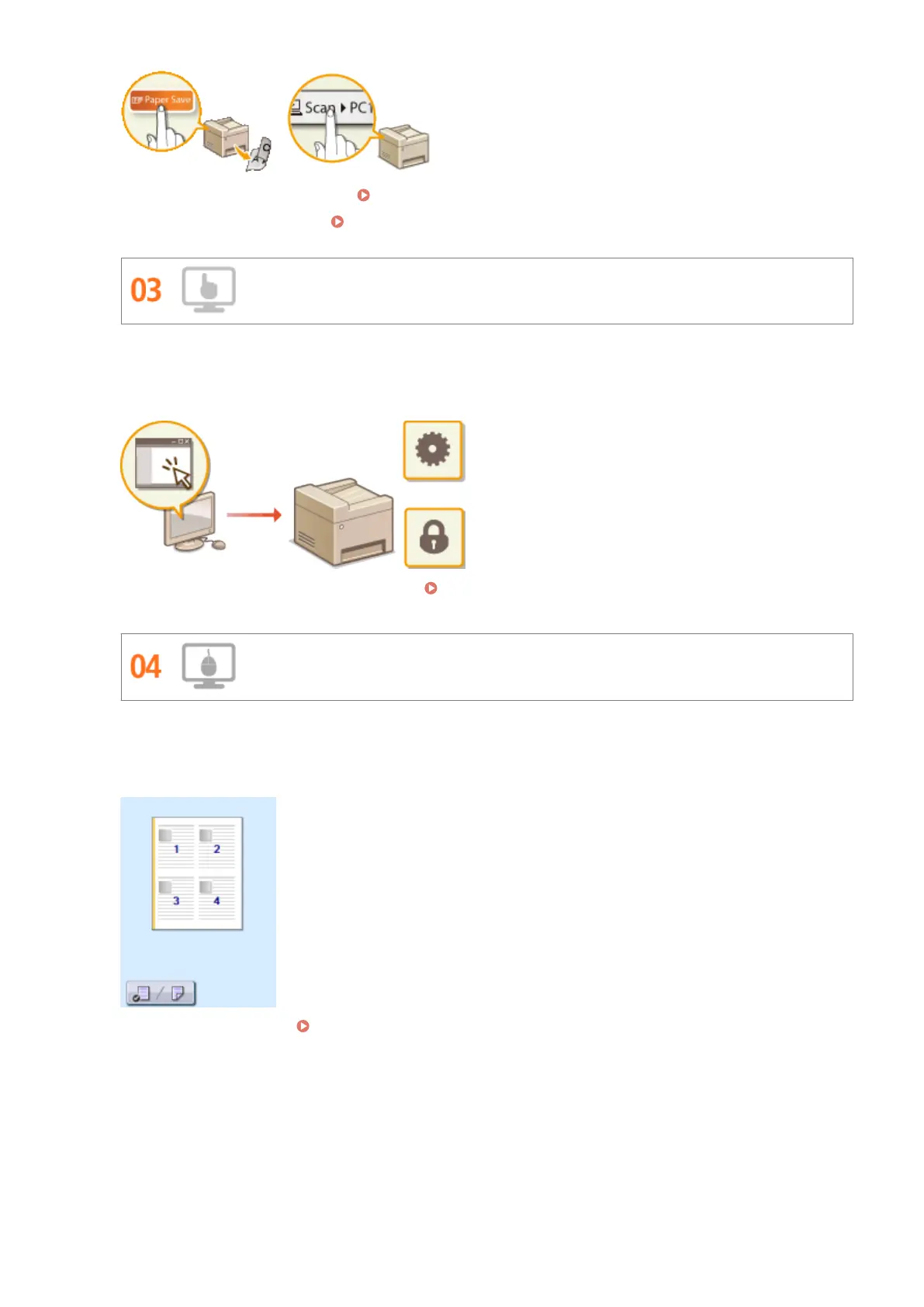
● To save paper when you copy: Using the <Paper Save> Button(P. 96)
● To easily scan documents: Scanning Using the <Scan -> PC> Button(P. 237)
Remote Management with Remote UI
Remote UI lets you manage a lot from your computer, all without having to go over to the machine. Congure
settings and keep an eye on the machine's status with an intuitive, easy-to-understand Web browser interface
that you'll master immediately. Save your time and energy for things other than taking care of the machine.
For more information about this function, see Using Remote UI (P. 449) .
Make Print Settings Quickly with Intuitive Operation
You can easily specify the page layout as well as binding position, switching between 1-sided and 2-sided
printing, etc. intuitively on the preview image in the printer driver. The simple click-operation allows you to
conveniently make settings while viewing how settings are applied.
For more information, see Printing a Document(P. 191) .
Appendix
637





 To Next Page