When a frequently used paper size is known
You can set the machine to display only frequently used paper sizes in the selection screen.
1
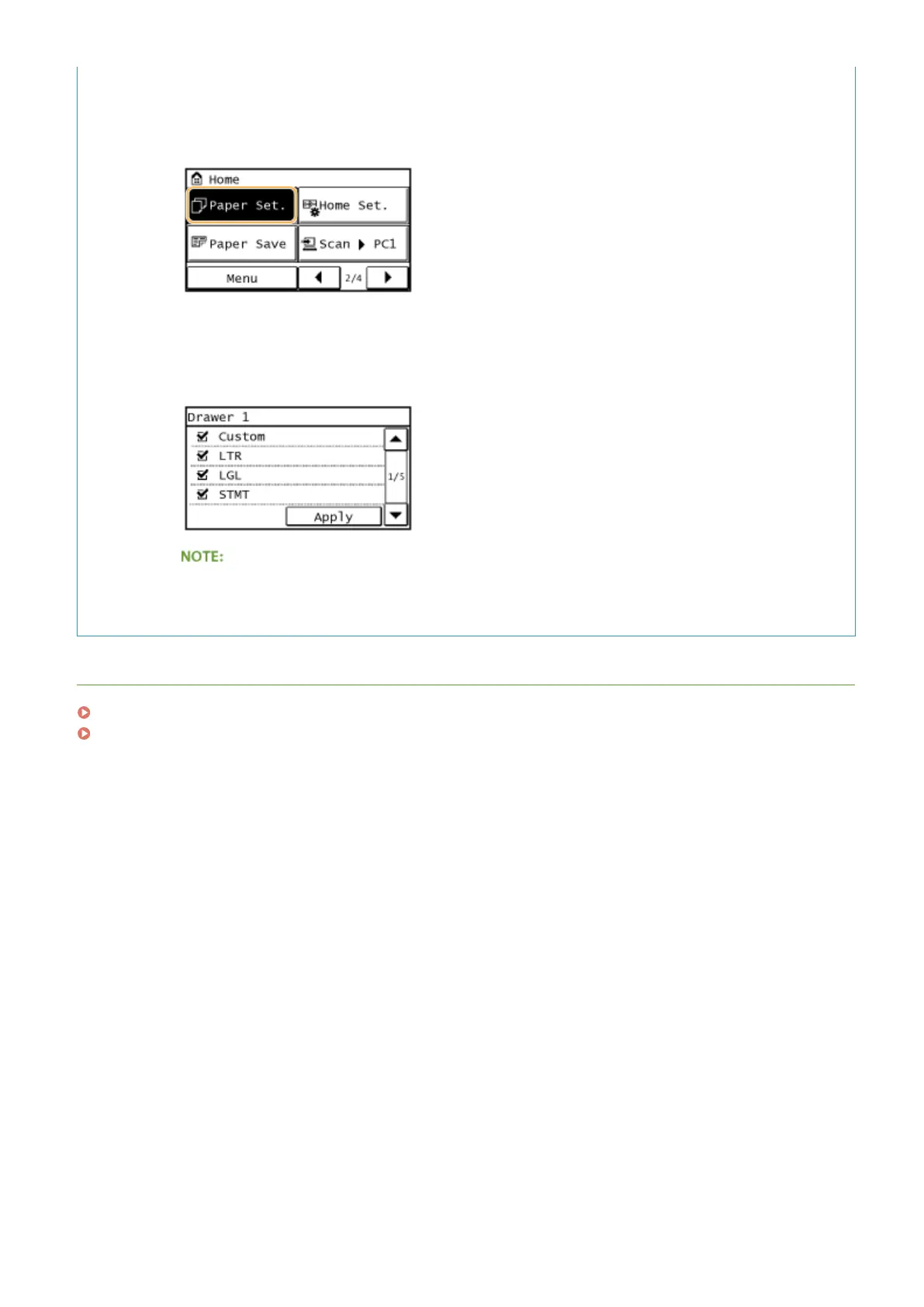
Tap <Paper Set.>.
2
Tap <Select Frequently Used Paper Sizes>.
3
Tap <Multi-Purpose Tray> or <Drawer 1>.
4
Select and checkmark a frequently used paper size.
Uncheckmarked paper sizes are displayed in the <Paper Size (Other Sz.)> screen.
5
Tap <Apply>.
LINKS
Loading Paper in the Paper Drawer(P. 47)
Paper(P. 650)
Basic Operations
57









 To Next Page