2
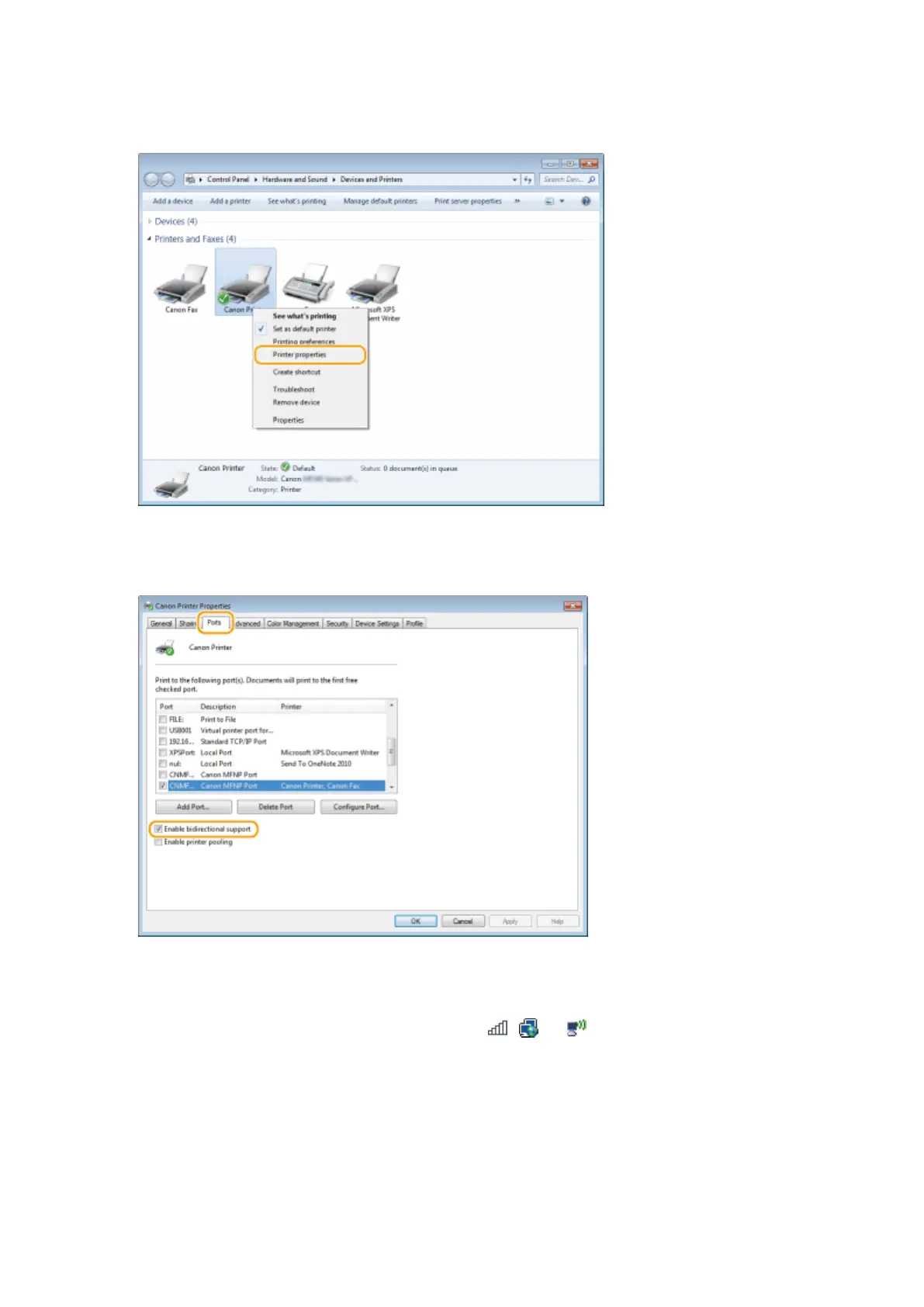
Right-click the printer driver icon for this machine and click [Printer properties] or
[Properties].
3
In the [Ports] tab, make sure that the [Enable bidirectional support] check box is
selected.
◼ Checking the SSID to Which Your Computer Is Connected
If your computer is connected to a wireless LAN network, click , , or in the system tray to display the SSID of
the connected wireless LAN router.
Appendix
676









 To Next Page