8
8
8-14
8-14
Service Mode > COPIER > FUNCTION > MISC-P
Service Mode > COPIER > FUNCTION > MISC-P
■
CLEAR
COPIER > FUNCTION > CLEAR
R-CON Initialization of Reader/ADF
Details To initialize the factory adjustment values of the Reader/ADF.
Use case When clearing RAM data of the Main Controller PCB
Adj/set/operate method Select the item, and then press OK key.
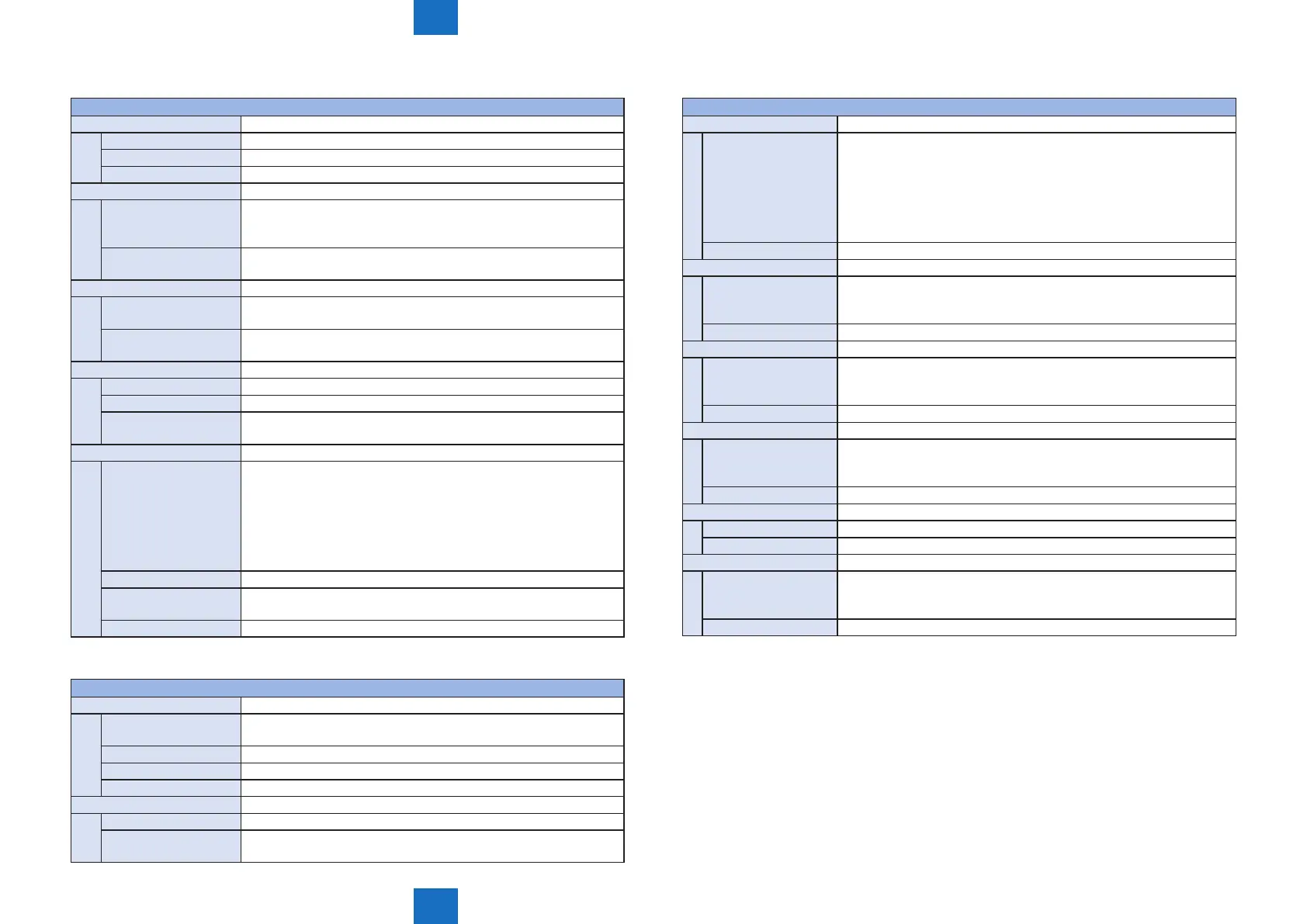
SRVC-DAT Clearing service mode setting value
Details To clear the service mode setting values.
The user mode setting values are not cleared.
The factory adjustment values of the Reader/ADF are not initialized.
Adj/set/operate method
1) Select the item, and then press OK key.
2) Turn OFF/ON the main power switch.
COUNTER Clearing service counter
Details To clear the counter by maintenance/part/mode.
The numerator printed on a system dump list becomes 0.
Adj/set/operate method
1) Select the item, and then press OK key.
2) Turn OFF/ON the main power switch.
HIST Clear of logs
Details To clear the communication management/print/jam/error log.
Use case When clearing logs
Adj/set/operate method
1) Select the item, and then press OK key.
2) Turn OFF/ON the main power switch.
ALL Clearing setting information
Details • User mode setting values
• Service mode setting values (excluding the service counter)
• ID and password of the system administrator
• Communication management/print/jam/error log
The following items are not cleared/initialized.
• Service counter
• Factory adjustment values of the Reader/ADF
Use case At installation
Adj/set/operate method
1) Select the item, and then press OK key.
2) Turn OFF/ON the main power switch.
Related service mode COPIER> OPTION> BODY> LOCALE, SIZE-LC
■
MISC-R
COPIER > FUNCTION > MISC-R
SCANLAMP Light-up check of CIS Unit LED
Details To light up CIS Unit LED for 3 seconds.
Light up in the following order: R->G->B->R->G-B.
Use case When replacing the CIS Unit LED
Adj/set/operate method Select the item, and then press OK key.
Required time 3 seconds
SCAN-ON Execution of copyboard reading
Details To execute reading of the original on the Copyboard Glass.
Adj/set/operate method
1) Set paper on the Copyboard Glass.
2) Select the item, and then press OK key.
T-8-10
T-8-11
■
MISC-P
COPIER > FUNCTION > MISC-P
SRVC-DAT Output of system data list/system dump list
Details To execute report output of the system data list and the system dump
list.
System data list: The service software switches and parameters used in
FAX function
System dump list: The number of sends/receives, the number of pages
sent/received, the number of sheets printed/read, the number of errors,
etc.
Adj/set/operate method Select the item, and then press OK key.
SYS-DAT Output of system data list
Details To execute report output of the system data list.
The service software switches and parameters used in FAX function are
output.
Adj/set/operate method Select the item, and then press OK key.
SYS-DMP Output of system dump list
Details To execute report output of the system dump list.
The number of sends/receives, the number of pages sent/received, the
number of sheets printed/read, the number of errors, etc. are output.
Adj/set/operate method Select the item, and then press OK key.
CNTR Output of counter report
Details To output the counter report.
The usage of functions (reading, recording, communication and copy) is
output.
Adj/set/operate method Select the item, and then press OK key.
ERR-LOG Output of error log report
Details To output the error log report.
Adj/set/operate method Select the item, and then press OK key.
SPEC Output of spec report
Details To output the spec report.
The current device specications such as the location, model
information, and ROM version are output.
Adj/set/operate method Select the item, and then press OK key.
T-8-12







 To Next Page