4
4
4-31
4-31
Disassembly/Assembly > Document Exposure / Delivery System > Removing the ADF Separation Roller
Disassembly/Assembly > Document Exposure / Delivery System > Removing the ADF Separation Roller
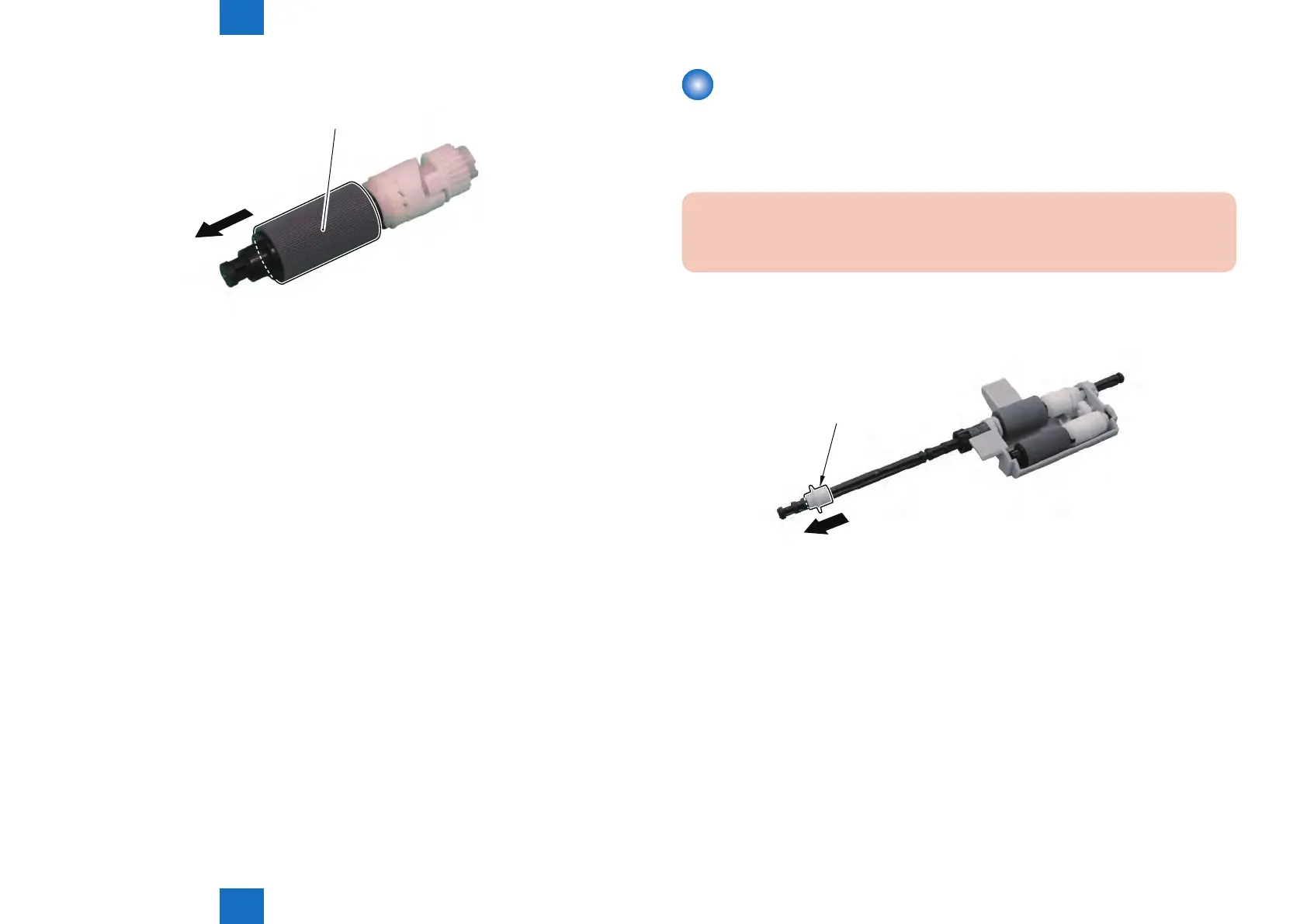
2) Remove the Pickup Roller [1].
[1]
F-4-68
Removing the ADF Separation Roller
Preparations
1) Removing the ADF Roller Unit.
Procedure
CAUTION:
Do Not Touch the Surface of the ADF Separation Rolle When Removing or Mounting it.
1) Remove the Bushing [1].
[1]
F-4-69







 To Next Page