6TFUIF1$$POOFDUJPO,JU
Install the printer diver and application in the PC in advance.
For details on how to use the PC connection kit, refer to “Application Software for Mk2500” and the printer
driver contained in the included Software CDROM.
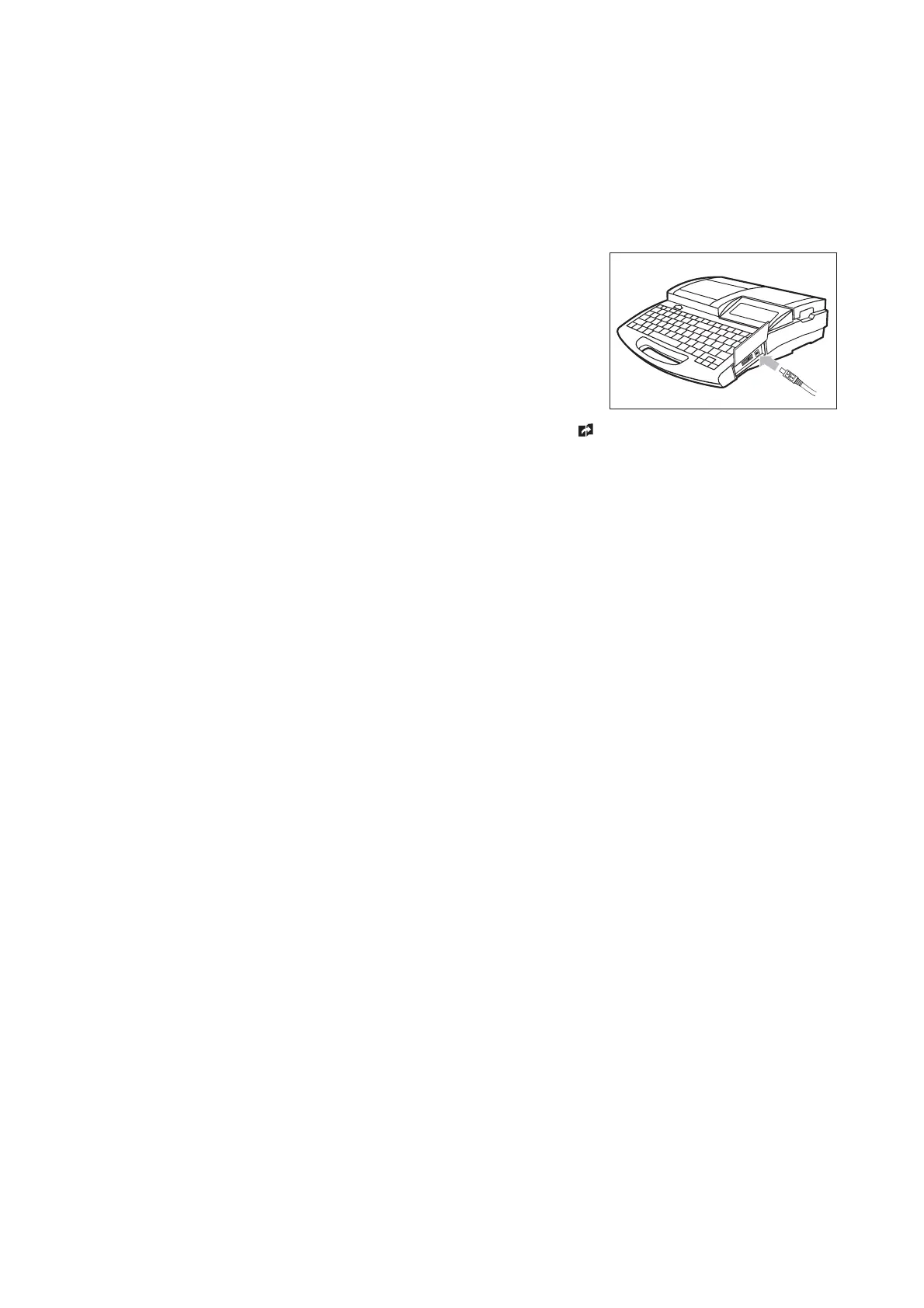
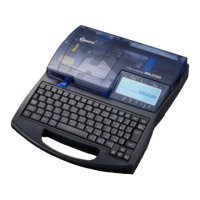
To use the PC connection kit, connect the printer to the PC as shown.
$POOFDUUIFQSJOUFSUPUIF1$VTJOHUIFJODMVEFE64#DBCMF
Insert the type-B (square) plug of the USB cable in the USB socket
on the printer, and insert the other plug of the USB cable in the
USB socket on the PC.
* You may have to adjust the segment length for each printing media.
For more details, refer to Note, “Adjusting the segment length” (
page 101).
•




 To Next Page