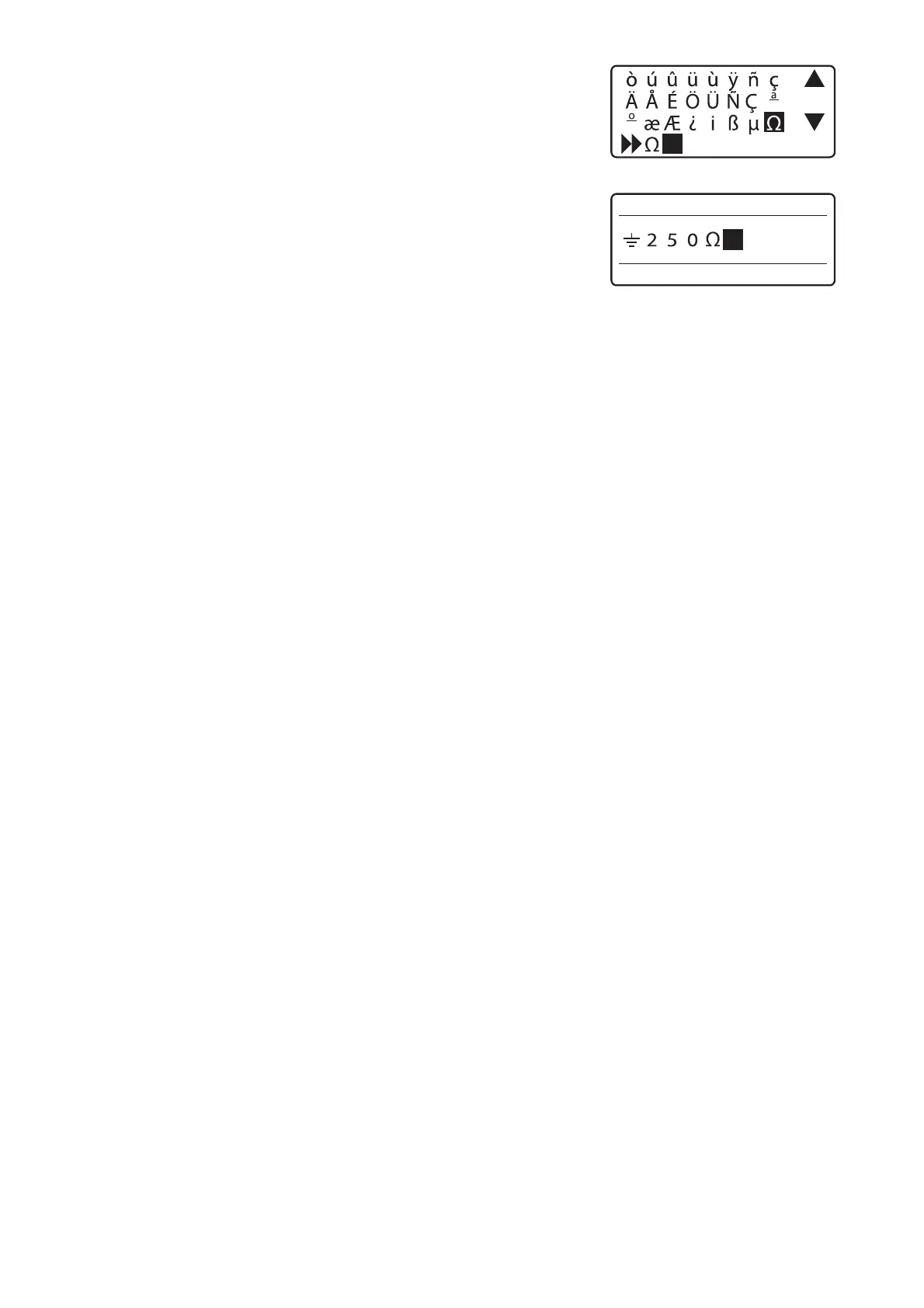
1SFTT<&OUFS>
*GZPVJOQVUBOJODPSSFDUTZNCPM
Delete the symbol by holding down the [Alt] key while pressing [Back Space] and
then input the correct one. You can also move the cursor by holding down the [Alt]
key while pressing [◄] or [►].
æJTEJTQMBZFE
)PMEEPXO<"MU>BOEQSFTT<&OUFS>
This inputs the symbol “Ω”.•








 To Next Page