2-26 Printing With the MultiPASS C3500 Chapter 2
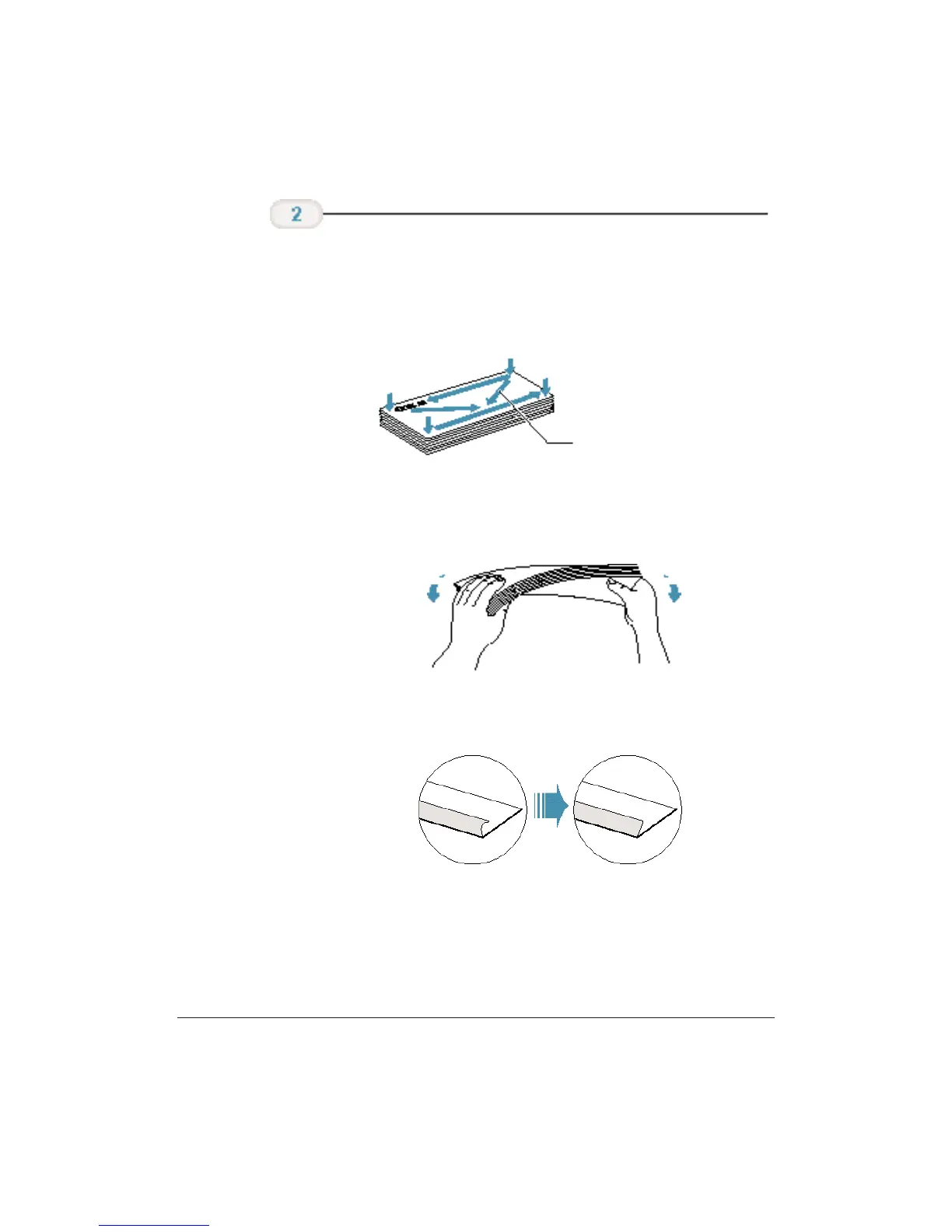
❍ Arrange the stack of envelopes on a firm surface and
press down firmly on the edges to make the folds crisp.
❍ Press all the way around the envelopes to remove any
curls and expel air from inside the envelopes.
❍ Remove any curling from the envelopes by holding the
edge of the envelopes diagonally and bending them
gently.
❍ Make sure the flaps of the envelopes are flat and not
curled.
Prepare the
envelopes.
PRESS DOWN FIRMLY ON
THE EDGES OF THE FLAP












 To Next Page