Chapter 2 Printing With the MultiPASS C3500 2-27
Printing
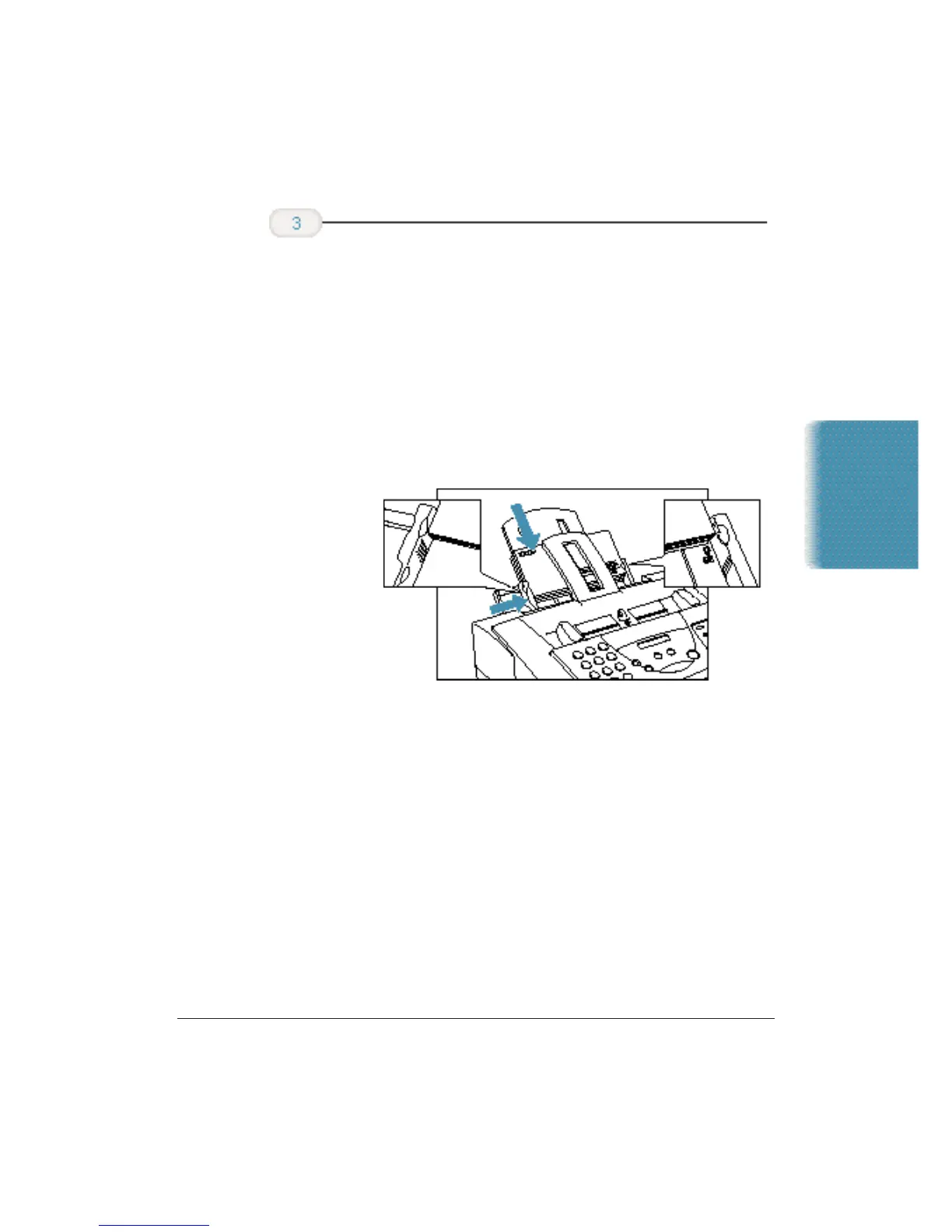
❍ Slide a stack of envelopes into the sheet feeder until it
stops.
❍ Align the edge of the paper guide with the left edge of the
stack of envelopes.
❍ Insert the envelopes with the print side up.
❍ Feed the top of the envelope (return address portion)
into the sheet feeder first.
❍ Make sure the back flap is toward the sheet feeder.
Now you can start your print operation.
Insert the
envelopes.












 To Next Page