EasyManua.ls Logo

Canon UC10 - Page 20

Canon UC10
104 pages
Print Icon
To Next Page IconTo Next Page
To Previous Page IconTo Previous Page
Loading...
18
Using
Your
Battery
Packs
Effectively
Immediately
After
Purchase
•Newly
purchased
battery
packs
have
not
been
charged,
so
charge
them
completely
before
using.
Battery’s
(+)
and
(—)
terminals
may
short
circuit
if
they
come
in
contact
with
any
metal
objects.
Take
care
when
handling
the
battery
pack,
and
keep
it
in
plastic
or
other
protective
covering
when
carrying
or
storing.
•When
charging
a
brand-new
battery
pack
or
one
that
has
not
been
used
for
approximately
three
months,
charge
it
completely
once
(until
charge
indicator
lights
up).
Then
disconnect
and
reconnect
the
battery
pack
to
CA-100
(or
CB-110)
and
charge
it
once
more.
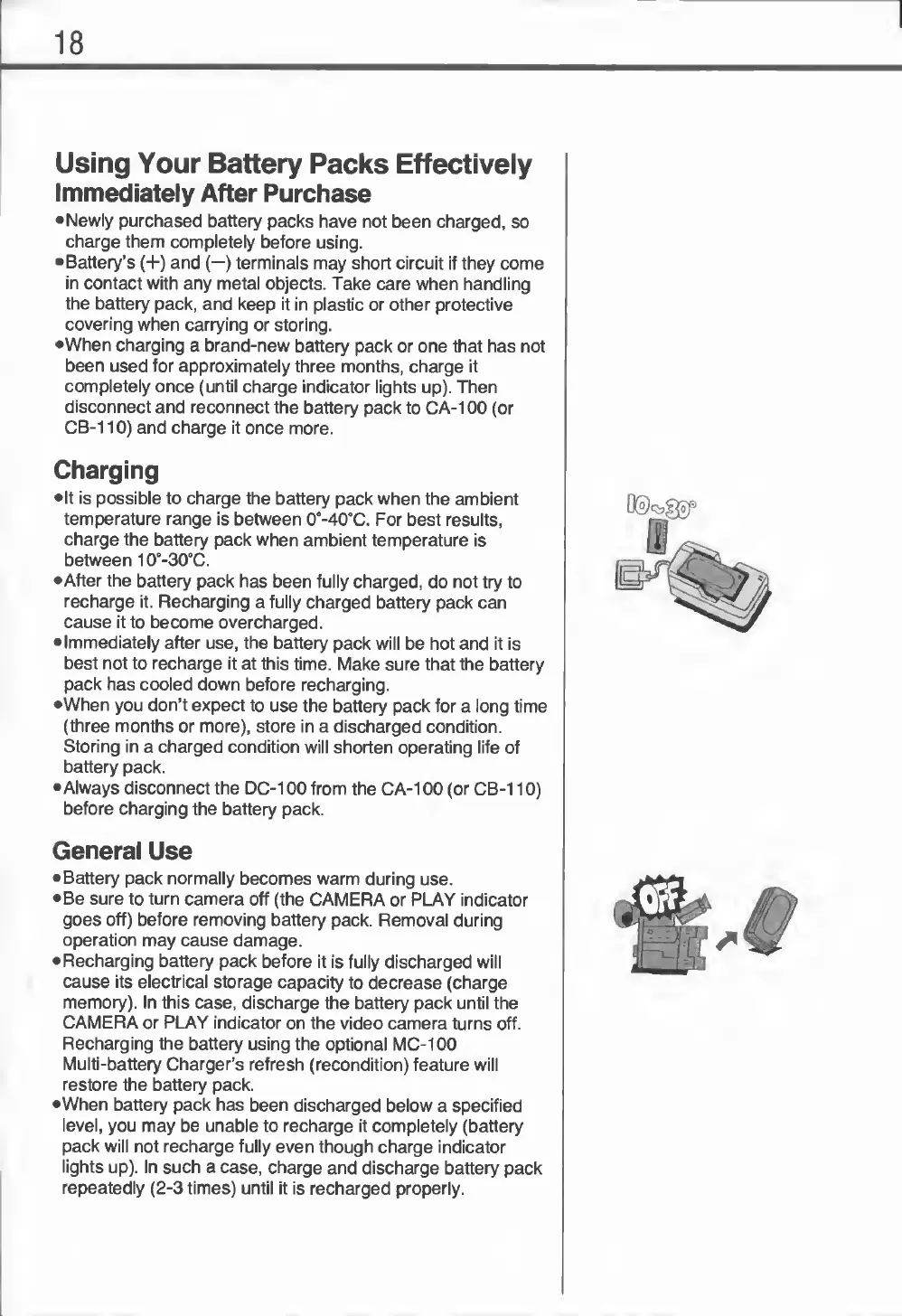
Charging
•It
is
possible
to
charge
the
battery
pack
when
the
ambient
temperature
range
is
between
0°-40°C.
For
best
results,
charge
the
battery
pack
when
ambient
temperature
is
between
10°-30°C.
•After
the
battery
pack
has
been
fully
charged,
do
not
try
to
recharge
it.
Recharging
a
fully
charged
battery
pack
can
cause
it
to
become
overcharged.
Immediately
after
use,
the
battery
pack
will
be
hot
and
it
is
best
not
to
recharge
it
at
this
time.
Make
sure
that
the
battery
pack
has
cooled
down
before
recharging.
•When
you
don’t
expect
to
use
the
battery
pack
for
a
long
time
(three
months
or
more),
store
in
a
discharged
condition.
Storing
in
a
charged
condition
will
shorten
operating
life
of
battery
pack.
•Always
disconnect
the
DC-100
from
the
CA-100
(or
CB-110)
before
charging
the
battery
pack.
General
Use
Battery
pack
normally
becomes
warm
during
use.
Be
sure
to
turn
camera
off
(the
CAMERA
or
PLAY
indicator
goes
off)
before
removing
battery
pack.
Removal
during
operation
may
cause
damage.
Recharging
battery
pack
before
it
is
fully
discharged
will
cause
its
electrical
storage
capacity
to
decrease
(charge
memory).
In
this
case,
discharge
the
battery
pack
until
the
CAMERA
or
PLAY
indicator
on
the
video
camera
turns
off.
Recharging
the
battery
using
the
optional
MC-100
Multi-battery
Charger’s
refresh
(recondition)
feature
will
restore
the
battery
pack.
•When
battery
pack
has
been
discharged
below
a
specified
level,
you
may
be
unable
to
recharge
it
completely
(battery
pack
will
not
recharge
fully
even
though
charge
indicator
lights
up).
In
such
a
case,
charge
and
discharge
battery
pack
repeatedly
(2-3
times)
until
it
is
recharged
properly.

Related product manuals