6 Chapter 2 CS 7200 Overview
Indication LEDs Statuses
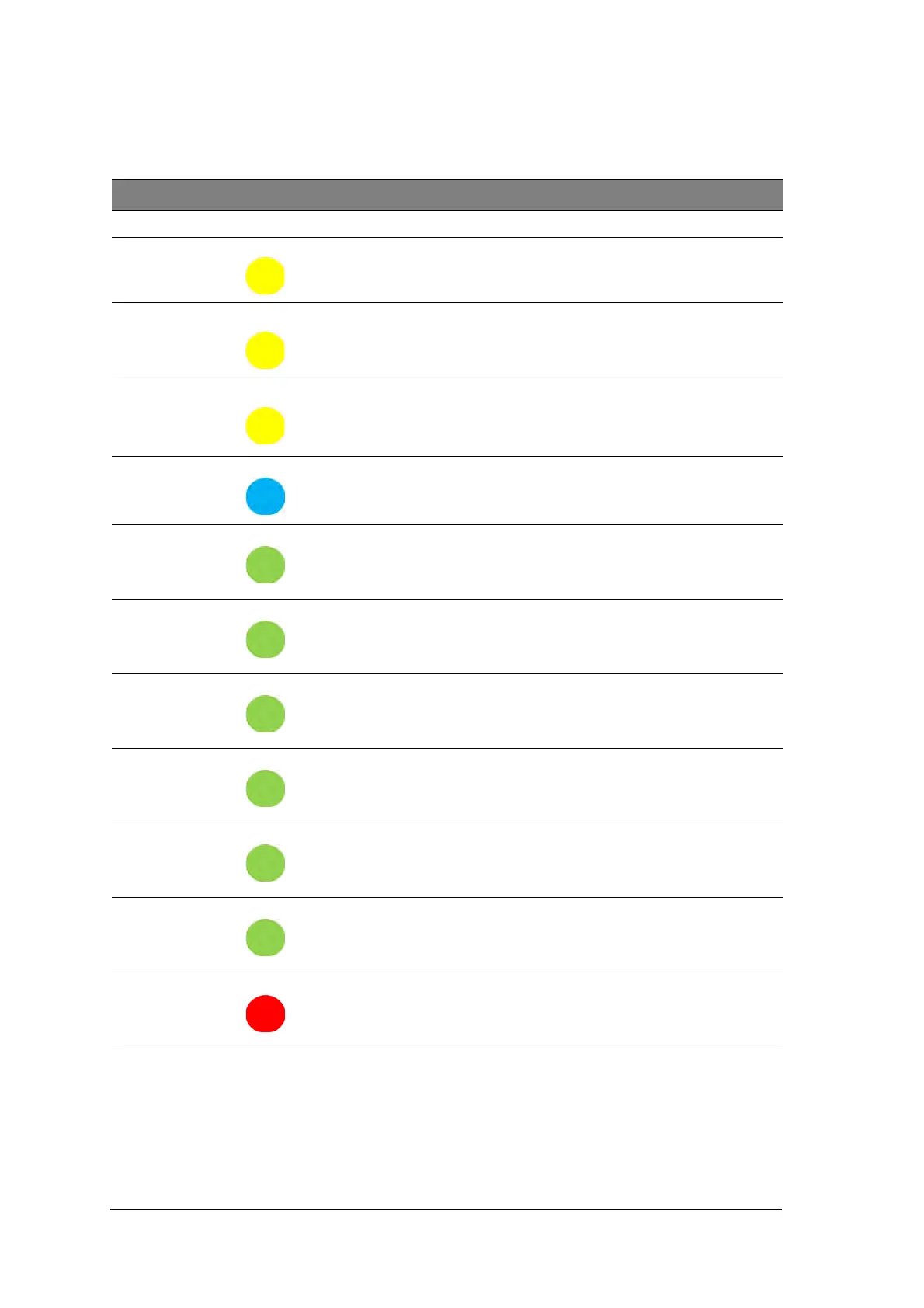
The scanner LEDs status indicator shows the following scanner states:
LED Color Scanner State Remark
Off Off
Blinking Yellow Power up Blinking yellow
Yellow Stand by (door closed) Yellow
Yellow Disconnected
Type 1: Blinking yellow 1 - cable is disconnected
Type 2: Fast Blinking yellow - no driver
Type 3: Constant yellow: no UltraLite or scanner is
not ready
Blinking Cyan
Plate is fully loaded. Take out
envelope.
Beeps twice, sync with light,
Green Insert plate (Door opened) Green
Green Load & recovery Green
Green Recovery
If plate is not fully loaded for a number of times (three
consecutive attempts), the scanner performs a reset
and returns to loading position.
Green Ready for scan Green
Blinking Green Scanning
Fast Blinking Green Erasing/Eject
Blinking Red Error



 To Next Page