CS 7200 User & Installation Guide (6M0940)_Ed04 69
8 Appendix
Offline License Activation
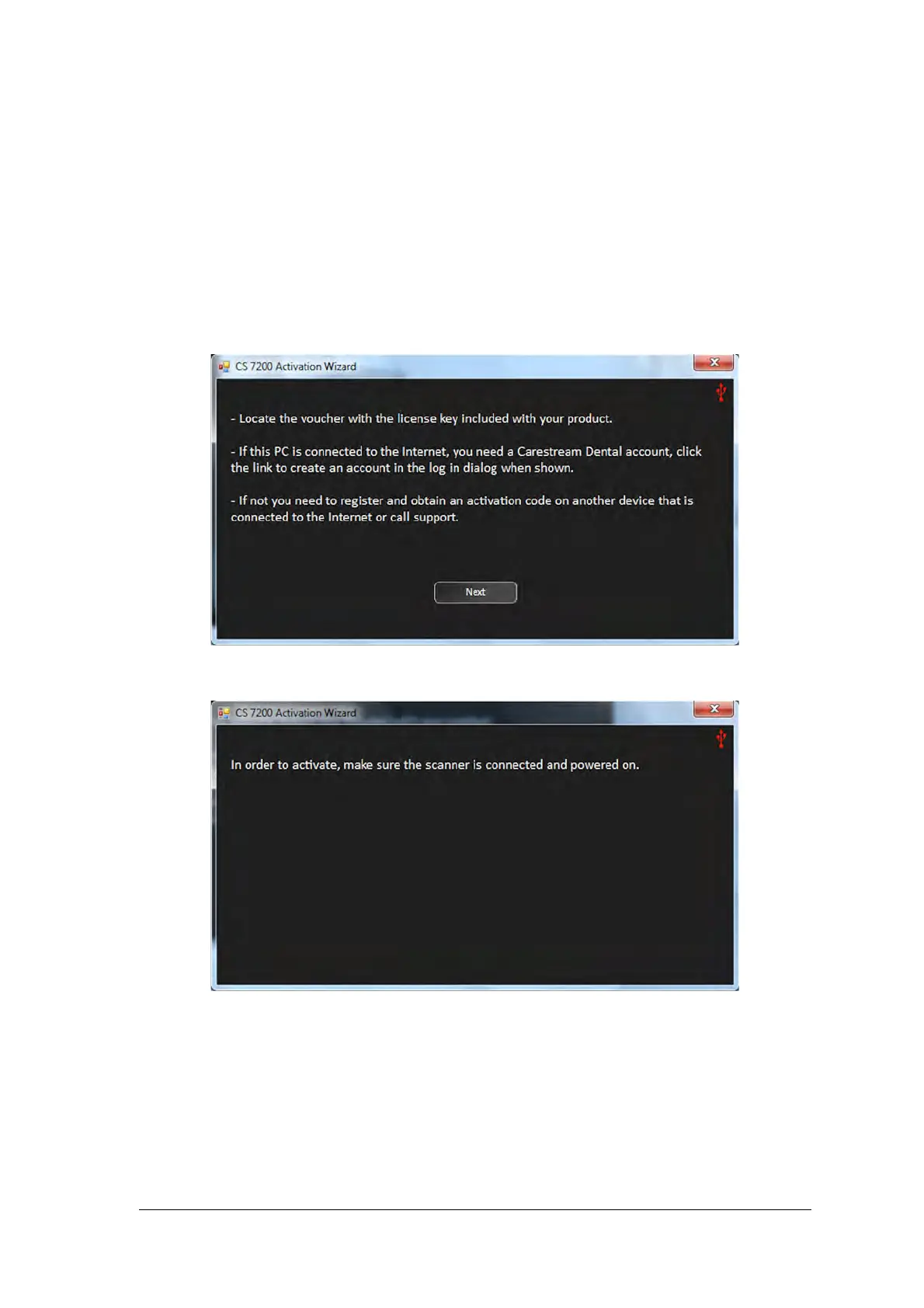
If the working station computer is not connected to the internet, you need to acquire license activation code
from another device that is connected to the internet.. The following sequence takes place, when the license
activation is performed offline:
1. After the installation is complete, the license activatuion message appears:. Click Next to continue.
2. The following message appears:
3. Turn on the scanner.



 To Next Page