CS 7200 User and Installation Guide (6M0940)_Ed04 65
7 Troubleshooting
Quick Troubleshooting
Occasionally, malfunctions can occur during use in the event of an incorrect action. An error
message is displayed.
During the CS 7200 power up, system performs a self test: ejects a plate (if left in the scanner) and reports
whether the system is ready for operation or a malfunction is detected.
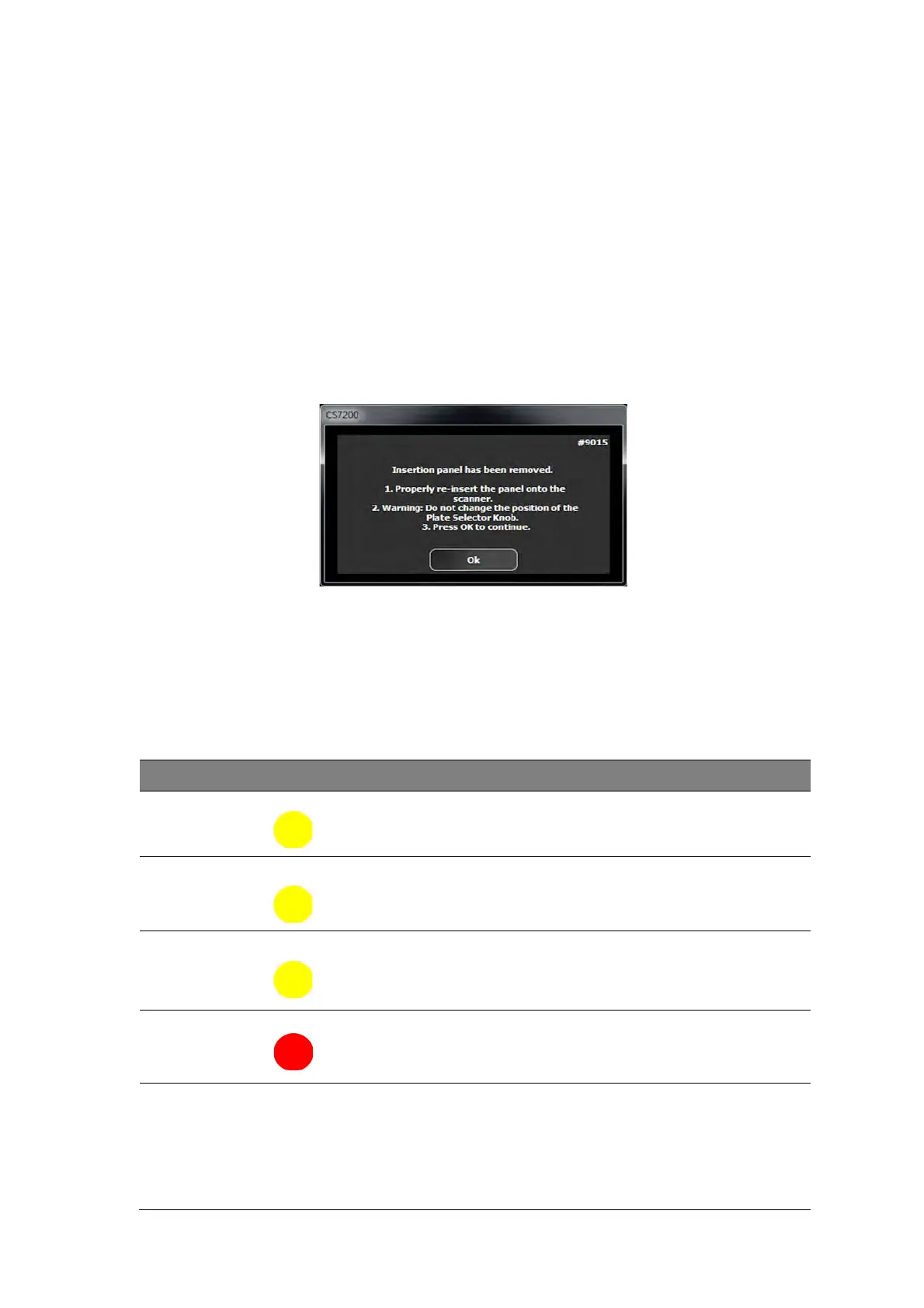
The detected malfunction is indicated by the CS 7200 LED status and sound notification and/or by an error
message that appears on screen.
When the system functions properly, the LED is green. If the LED color is yellow or red, it indicates an
existence of the malfunction.
Indication LEDs Statuses
The below table lists the scanner LEDs status indicator states that require a corrective action:
LED Color Scanner State Remark
Blinking Yellow Power up/unload
Yellow Stand by (door closed)
Yellow Disconnected
Type 1: Blinking yellow - cable is disconnected
Type 2: Fast Blinking yellow - no driver
Type 3: Constant yellow: no UltraLite or scanner is
not ready
Blinking/Steady Red Error



 To Next Page